Latest News & Resources
Filter News
Content Type
Filter Name
Filter Name
Filter Name


-
![]()
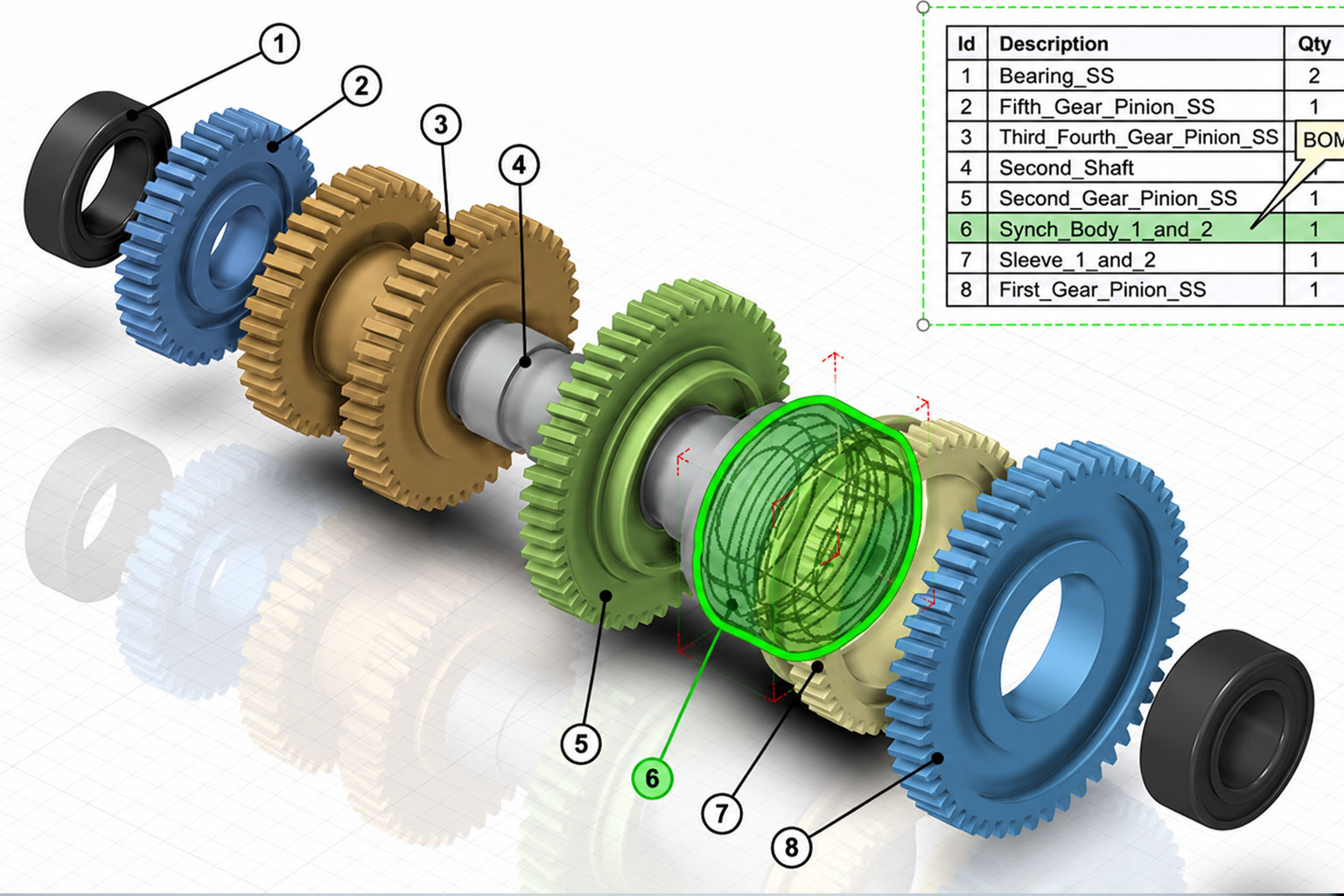
How to Set Your BOM to Cross Highlight in SOLIDWORKS Composer
Solutions
Resources & Tutorials
You may have noticed that when you export a technical illustration, hovering over an item in the bill of materials also highlights the corresponding component. This is useful functionality, as it makes it easy to find the component you are looking for. Here's how to set your bill of materials to cross-highlight in SOLIDWORKS Composer...
15 May 2026

-
![A banner image of SOLIDWORKS Composer]()
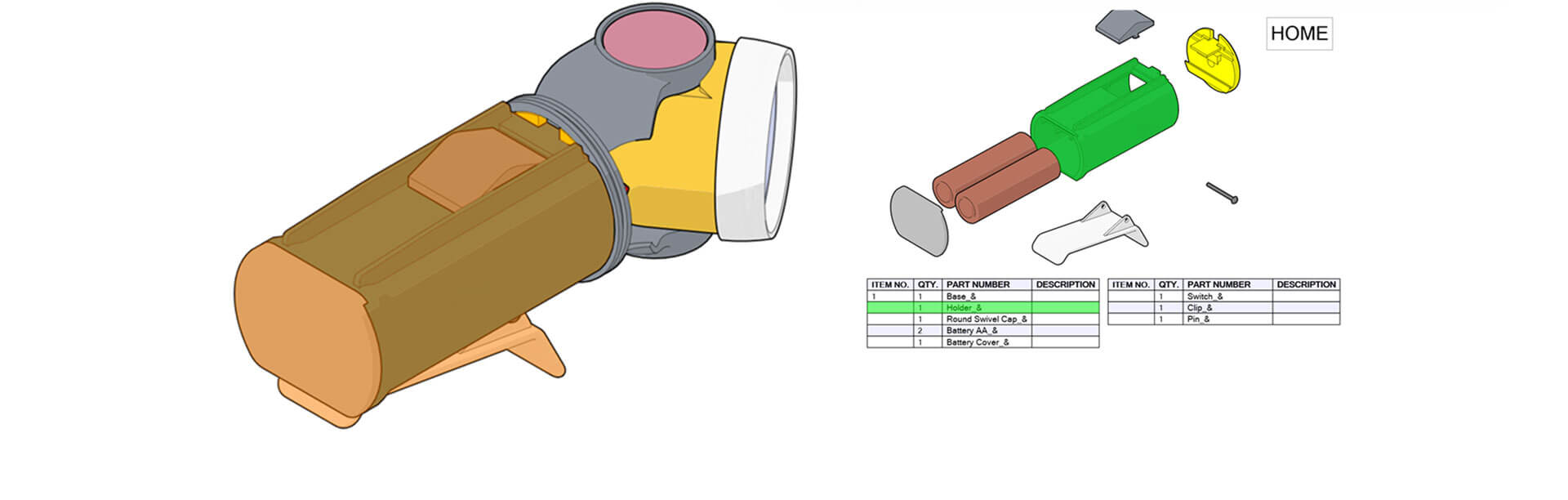
Creating an Interactive SVG in SOLIDWORKS Composer
Solutions
Resources & Tutorials
15 May 2026
This guide explains how to create interactive SVG content in SOLIDWORKS Composer using clickable hotspots and linked views. Learn how to build engaging technical documentation with exploded views, BOMs and easy navigation between assemblies.
-
![Produce more designs in less time with - DriveWorks]()
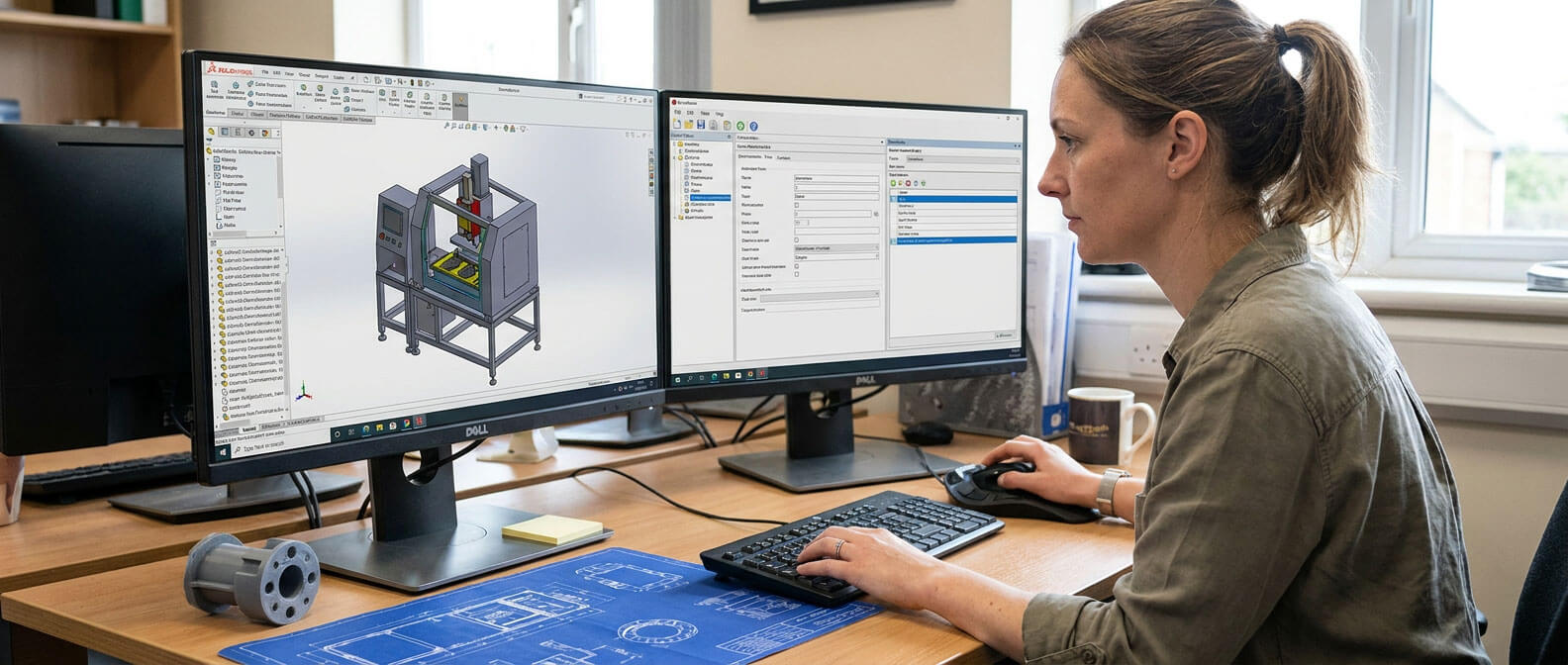
Produce More Designs in Less Time with DriveWorks Design Automation
Resources & Tutorials
14 May 2026
Learn how manufacturers are using DriveWorks design automation to speed up SOLIDWORKS design processes, reduce repetitive manual tasks and improve design accuracy. Discover how automation can remove bottlenecks, increase engineering efficiency and free up valuable time for innovation and business growth.
-
![]()
3DEXPERIENCE Change Actions for Beginners
Solutions
Resources & Tutorials
13 May 2026
In this beginner-friendly guide, we’ll walk you through what Change Actions are, why they matter and how to create and manage them within the platform...
-
![]()
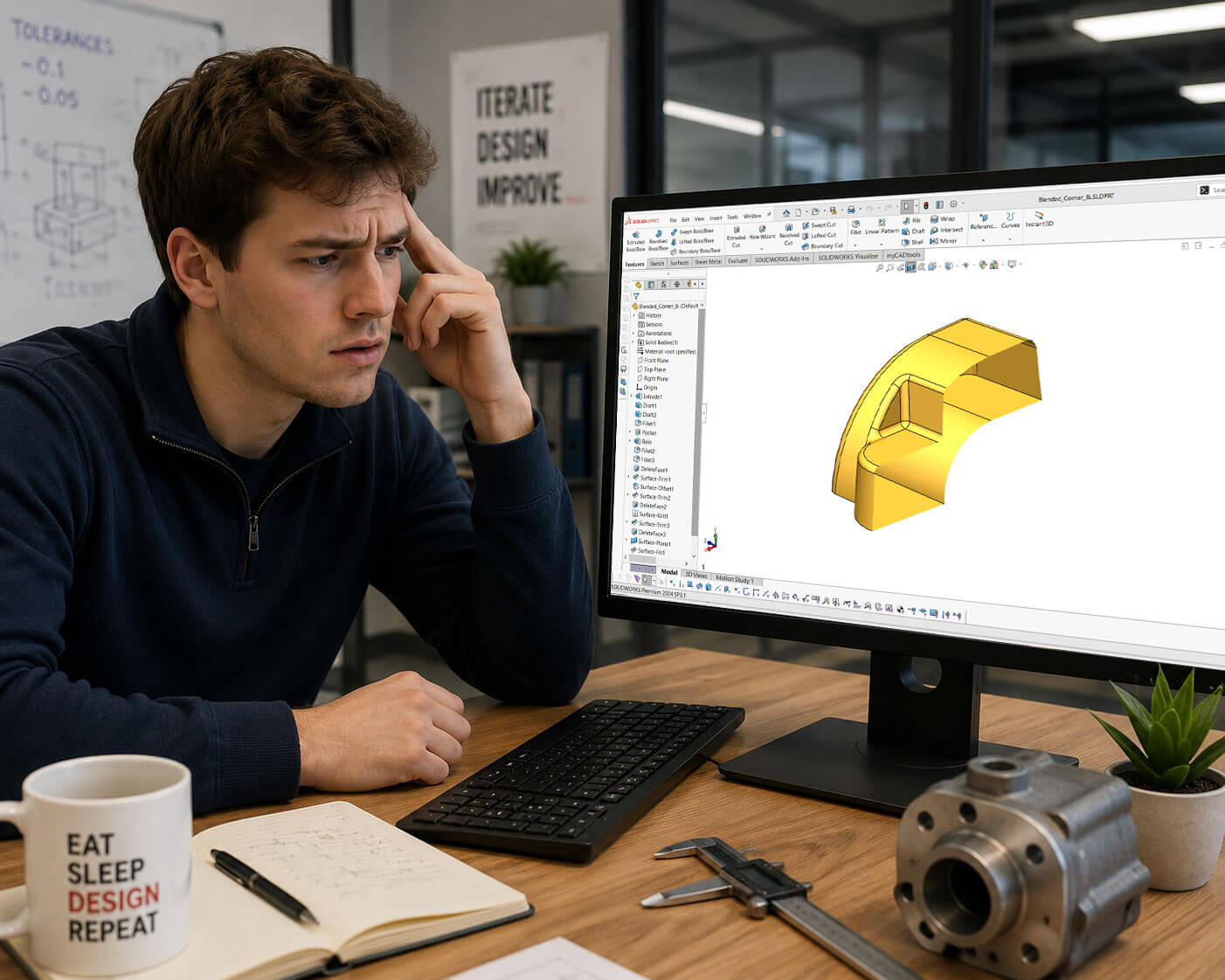
Why is my SOLIDWORKS model hollow in Section View?
Solutions
Resources & Tutorials
11 May 2026
Have you ever sat at your desk wondering “Why is my SOLIDWORKS model hollow in section view”? Jak Szura explains why and how to fix it in this quick tutorial...
-
![A banner image of the SOLIDWORKS PDM Measure Tool]()
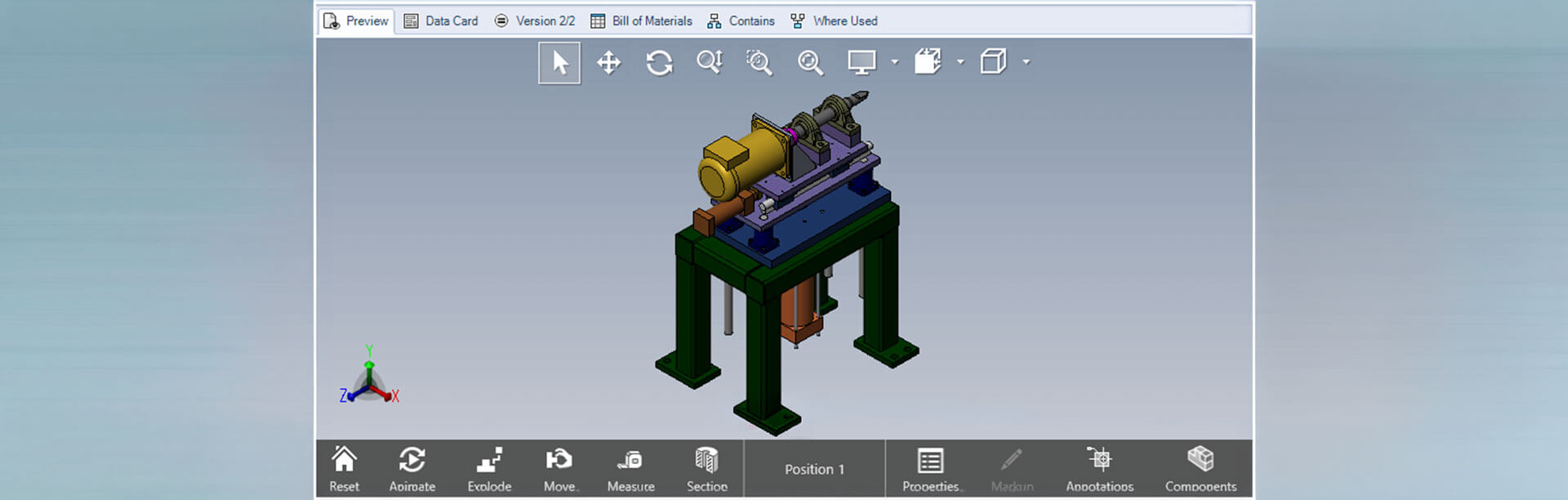
How to: Activate the measure tool in SOLIDWORKS PDM preview
Solutions
Resources & Tutorials
08 May 2026
Learn how to activate the measure tool and unlock full eDrawings functionality within the SOLIDWORKS PDM preview window. This guide shows you how to enable advanced viewing tools, helping you inspect and review CAD files more quickly without opening them in SOLIDWORKS.
-
![A banner image of a 3DTankMod model]()
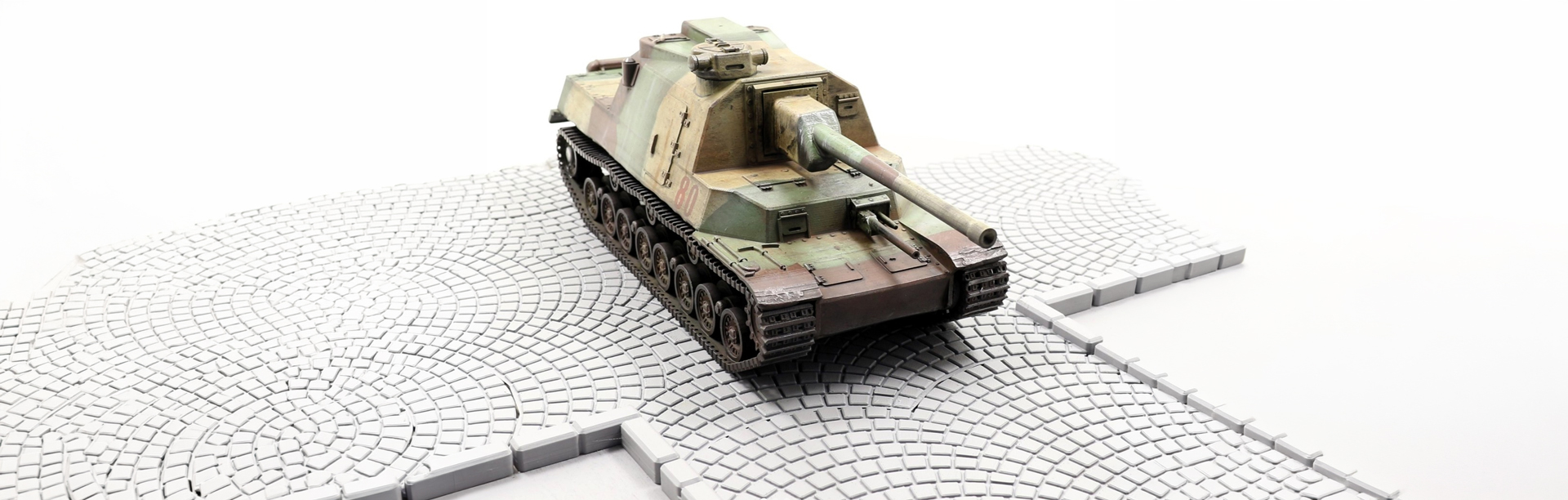
Start-Up Spotlight: 3DTankMod
Start-Up Spotlight
Case Study
07 May 2026
Discover how 3DTankMod is using SOLIDWORKS for Start-Ups to turn a passion for military vehicle modelling into a growing business. This spotlight explores his design process, experience with SOLIDWORKS and ambitions to expand 3DTankMod into a globally recognised engineering and modelling brand.