Produce More Designs in Less Time with DriveWorks Design Automation
14 May 2026
For manufacturers producing customised products, engineering teams are often tied up with repetitive design work for products that are largely similar, with only a few variations between each order. While traditional CAD processes can manage these tasks, they can also create inefficiencies that slow projects down, increase the likelihood of mistakes and place unnecessary pressure on engineering resources. That’s where design automation comes in.
As customer demand for bespoke products continues to grow, manufacturers need a faster and more reliable way to deliver accurate designs without increasing engineering workload.
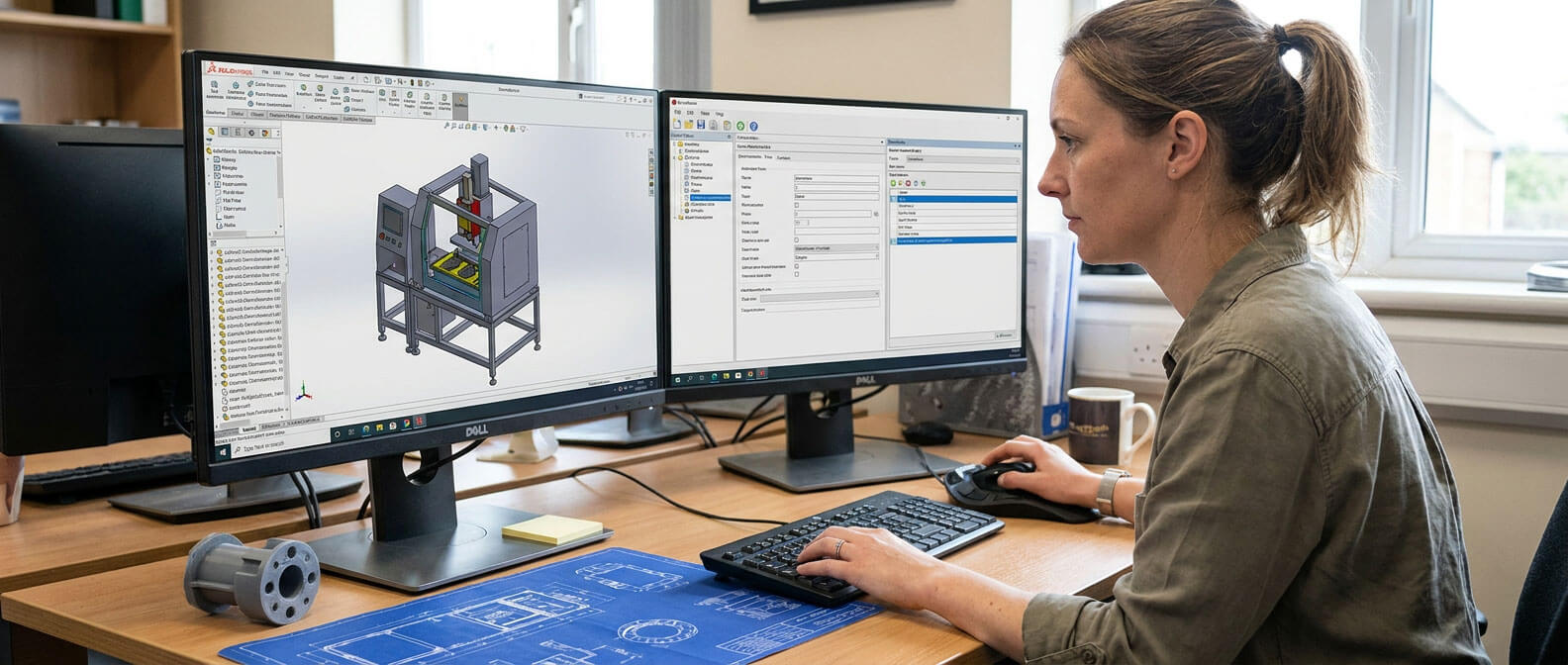
DriveWorks design automation helps manufacturers streamline repetitive SOLIDWORKS tasks, reduce manual input and improve design consistency, allowing engineering teams to focus on more valuable and strategic work.
Why manufacturers are turning to design automation
Manual design processes can quickly become a bottleneck when dealing with configurable or made-to-order products. Engineers may spend hours modifying existing CAD files, updating drawings or checking specifications for products that only differ slightly from previous projects.
By automating these repetitive activities, manufacturers can accelerate design cycles while maintaining high levels of accuracy and consistency. Instead of increasing headcount to manage growing demand, businesses can scale design output using the engineering knowledge they already have.
DriveWorks is built specifically for SOLIDWORKS users, making it an ideal solution for manufacturers looking to automate design processes directly within their existing CAD environment.
How DriveWorks helps manufacturers design faster
DriveWorks enables businesses to capture and reuse design, manufacturing and costing knowledge so that custom product designs can be generated more quickly and accurately. The software supports faster workflows in three key areas:
- Capture and reuse engineering knowledge
DriveWorks allows manufacturers to turn engineering expertise into rules-based automation. Instead of repeatedly completing the same manual CAD tasks, engineers can automate common processes and generate new designs in minutes rather than hours.
This approach not only improves productivity but also helps businesses retain valuable design knowledge across teams and locations. It can also simplify onboarding for new engineers by standardising processes and reducing reliance on individual expertise.
- Reduce errors and rework
Manual design processes naturally increase the risk of mistakes, especially when handling large volumes of similar projects. Errors in CAD models or quotations can lead to production delays, unnecessary revisions and wasted time.
DriveWorks uses intelligent rules-based automation to generate designs consistently and accurately. By removing reliance on spreadsheets, manual checks and repetitive updates, manufacturers can reduce rework and gain greater confidence in every design variation produced.
- Eliminate design bottlenecks
Custom product development often involves multiple departments, repeated revisions and ongoing communication between teams. These stages can slow projects down and create bottlenecks that impact lead times.
By automating repetitive design processes and streamlining collaboration, DriveWorks helps manufacturers improve workflow efficiency and increase throughput. Faster design generation means businesses can respond to customer enquiries more quickly and deliver projects faster.
Free up engineering time for higher-value work
One of the biggest advantages of design automation is the ability to redirect engineering effort towards more valuable activities. Rather than spending time on repetitive CAD updates, engineers can focus on innovation, product development and solving complex customer challenges.
As manufacturers continue to face pressure to deliver customised products faster, automating repetitive design tasks is becoming an increasingly important part of maintaining competitiveness and supporting long-term growth.
DriveWorks gives SOLIDWORKS users the tools to produce more designs in less time. Improving accuracy and create a more efficient engineering process from enquiry through to production.
Watch the Wozair Customer Success Story
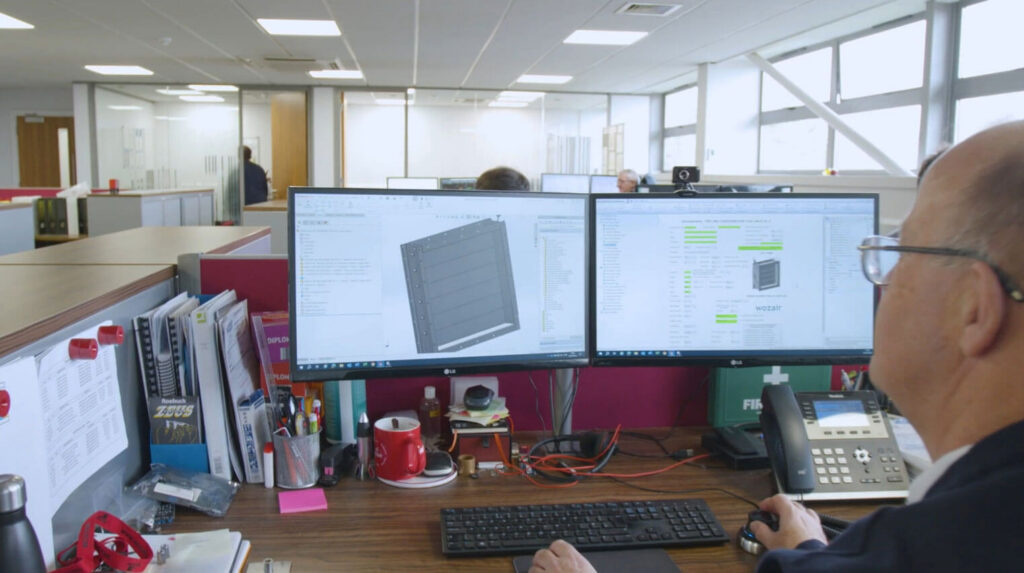
Visiativ customer Wozair designs, manufactures and installs heavy-duty HVAC systems for demanding environments.
By implementing DriveWorks, Wozair has streamlined its SOLIDWORKS design process, reduced the likelihood of manual errors and accelerated the flow of information between engineering and manufacturing teams.
Watch the video to see how Wozair is using DriveWorks to improve efficiency, save valuable engineering time and reduce operational costs.
- 2nd Tuesday of every month: Automate SOLIDWORKS
- 3rd Tuesday of every month: Simplify Complex Processes
- 4th Tuesday of every month: Configure, Price, Quote
With a free 30-day trial, you’ll benefit from:
- Immediate access to the full range of DriveWorks Solo features
- Helpful learning materials and training resources
- The opportunity to speak with a DriveWorks technical specialist about your implementation plans
- Complete flexibility with no obligation to continue and no credit card required to get started
Check it out: Start 30-day free trial and start automating SOLIDWORKS today!