Latest News & Resources
Filter News
Content Type
Filter Name
Filter Name
Filter Name


-
![A banner image showing different SOLIDWORKS creations]()
What is SOLIDWORKS? Everything you need to know...
Solutions
Resources & Tutorials
Did you know that SOLIDWORKS is used by 7.5 million engineers and designers worldwide? This means that with SOLIDWORKS you can have the confidence that you are not just buying a CAD system, you’re buying into the industry standard for Mechanical Design. Here's what you need to know...
05 October 2026

-
![A banner image for a customer spotlight for CCE London]()
Customer Spotlight: CCE London
Case Study
30 September 2026
Read how CCE London uses SOLIDWORKS & myCADtools to streamline commercial kitchen design, speed up fabrication and reduce manufacturing errors
-
![A banner image of a designer working with an AI companion representation]()
How to: Get Started with AI Virtual Companions in SOLIDWORKS
Solutions
Resources & Tutorials
24 September 2026
Discover how to access SOLIDWORKS AI Virtual Companions AURA and LEO, what you need to get started and how to bring AI-powered capabilities into your existing SOLIDWORKS environment.
-
![A banner image of a designer struggling with a PDM notification link that's not working]()
How to: Fix SOLIDWORKS PDM Notification Email Links
Solutions
Resources & Tutorials
18 September 2026
Have you found that you can't click your links within a SOLIDWORKS PDM notification Email? Read this guide to find out how to solve this issue with minimum fuss.
-
![]()
How to: Use myCADtools ColorChart for SOLIDWORKS
Resources & Tutorials
15 September 2026
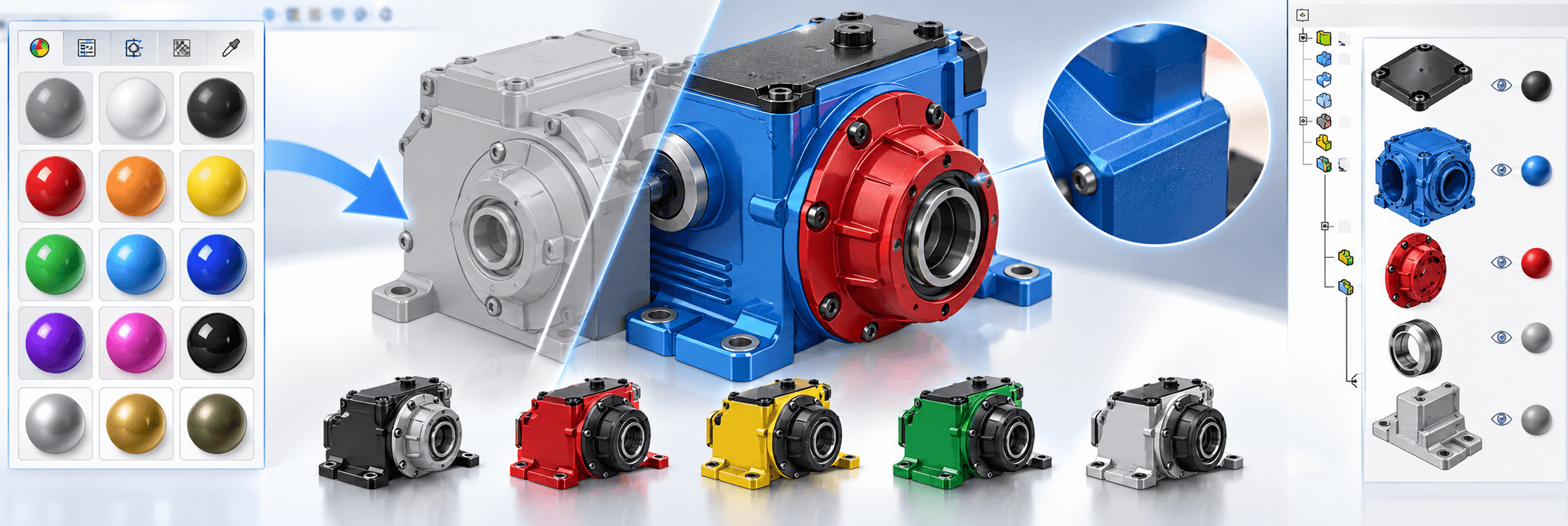
Learn how Visiativ’s exclusive myCADtools ColorChart add-in helps you apply the right colours quickly, create custom palettes and standardise colours across your business.
-
![]()
SOLIDWORKS Visualize: Choosing the Right Hardware
Resources & Tutorials
09 September 2026
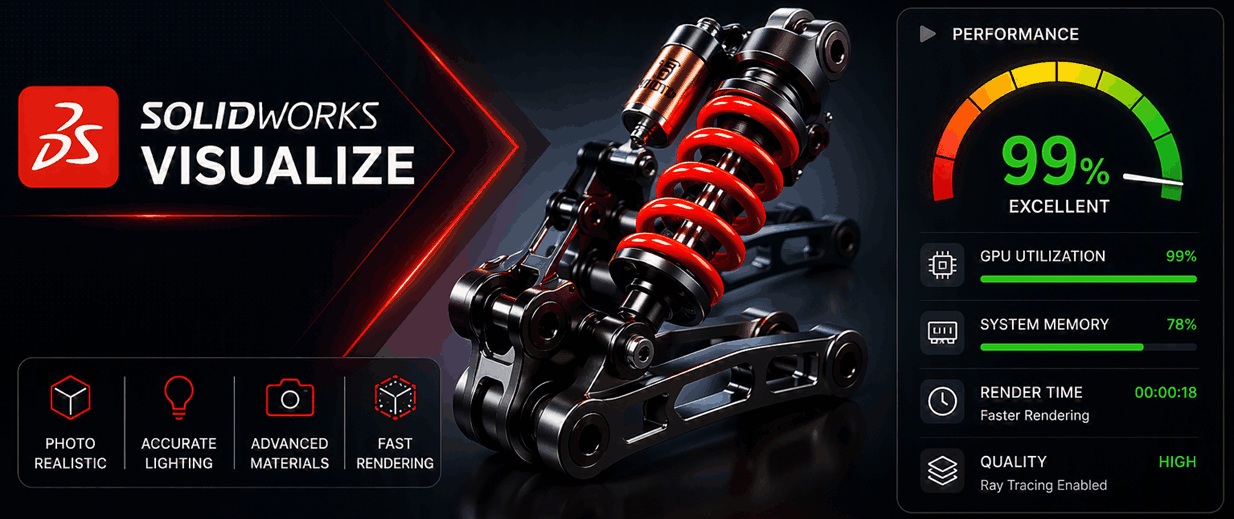
We guide you through the Visualize Hardware requirements to help you make the right decision when purchasing or upgrading your system.
-
![]()
How to: Use the SOLIDWORKS Split feature
Resources & Tutorials
01 September 2026
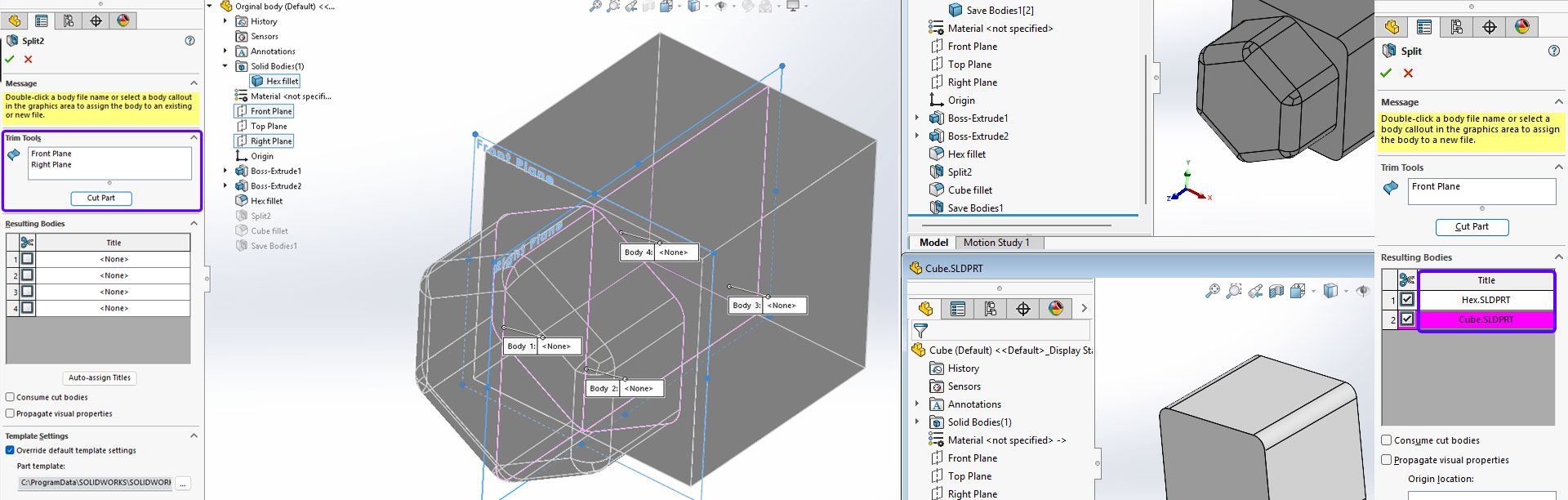
Learn how to use the SOLIDWORKS Split feature to divide a part into multiple bodies, remove sections from imported geometry and support efficient multi-body design workflows.