Latest News & Resources
Filter News
Content Type
Filter Name
Filter Name
Filter Name


-
![]()
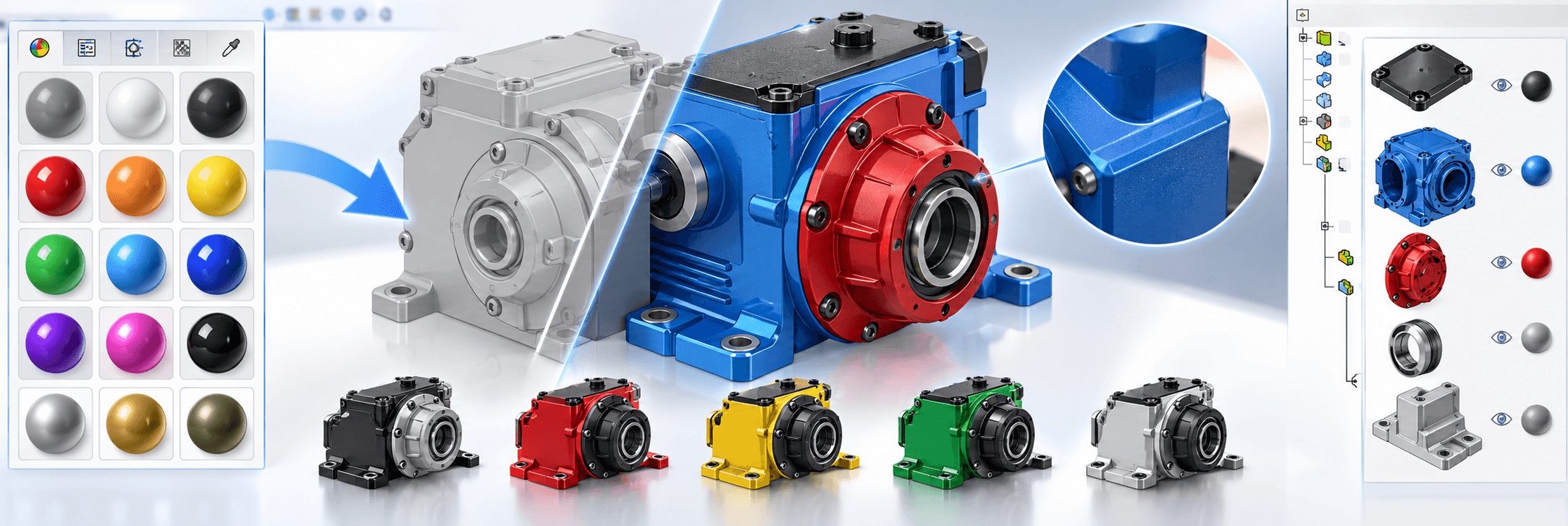
How to: Use myCADtools ColorChart for SOLIDWORKS
Resources & Tutorials
Learn how Visiativ’s exclusive myCADtools ColorChart add-in helps you apply the right colours quickly, create custom palettes and standardise colours across your business.
15 September 2026

-
![Two people looking at a computer with myCADtools running on it]()
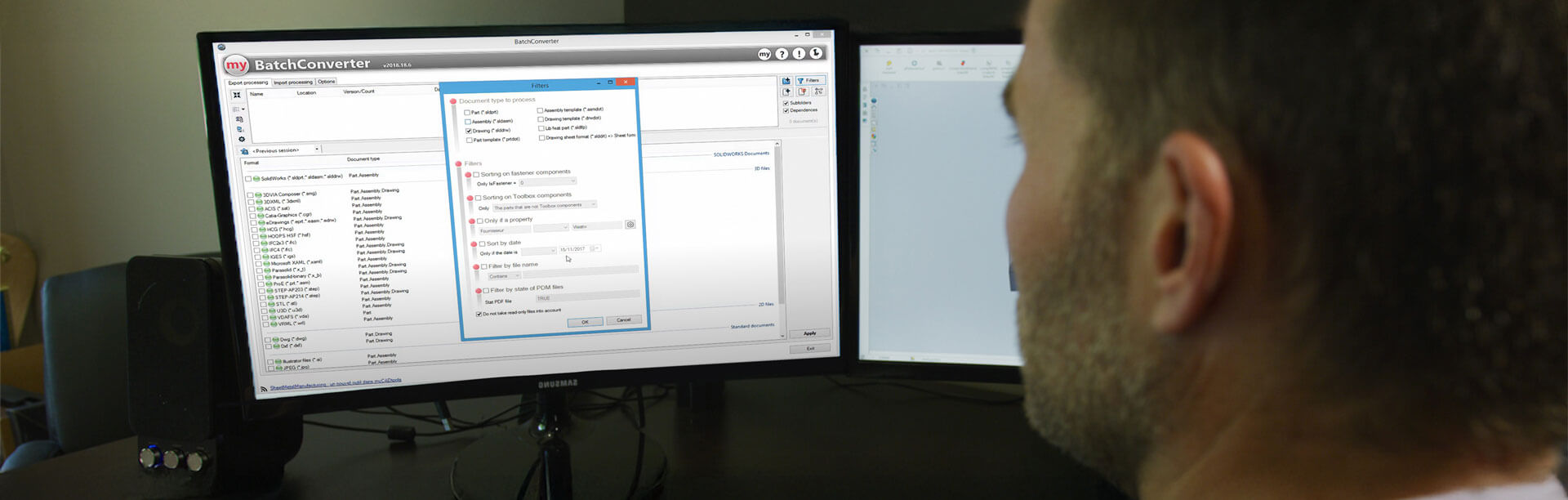
How to: Move SOLIDWORKS files without losing references
Resources & Tutorials
11 August 2026
Learn how to safely reorganise your SOLIDWORKS file structure without breaking references using the ProjectExplorer app included with myCADtools. This guide walks through the process of moving and renaming files while automatically maintaining file links, helping you save time and avoid costly errors.
-
-
![A banner image of a piece of Bulk Automation machinery]()
How SOLIDWORKS Helps Bulk Automation Design Better Packaging Solutions
Case Study
20 July 2026
Discover how Bulk Automation uses SOLIDWORKS, 3DEXPERIENCE and myCADtools to streamline the design and manufacture of end-of-line automation systems. This customer story explores how the technologies have improved collaboration, reduced manual processes and supported the company's continued growth.
-
![A shot of a Thompson Engineering warehouse]()
Frangus & SOLIDWORKS: Two Decades of Engineering Innovation
Case Study
06 November 2025
For over 23 years Frangus has partnered with Visiativ to design and manufacture rail and materials handling equipment using SOLIDWORKS. By adopting a wide range of tools, they’ve streamlined design processes, reduced development time and continued to deliver high-quality engineering solutions for their clients.
-
![A person working on a computer with BatchConverter being used with 3DEXPERIENCE]()
How to: Use myCADtools BatchConverter with 3DEXPERIENCE
Solutions
Resources & Tutorials
04 November 2025
This tutorial shows how you can utilise the myCADtools BatchConverter add-in to convert SOLIDWORKS files that are saved within a 3DEXPERIENCE Collaborative Space.
-
![A woman on a computer sharing a 3DEXPERIENCE dashboard]()
How to: Share a 3DEXPERIENCE Dashboard
Solutions
Resources & Tutorials
21 August 2025
Learn how to share a 3DEXPERIENCE dashboard with other members of your team so they can access to the same great Visiativ subscription benefits.
-
![A woman adds additional users to her 3DEXPERIENCE]()
How to: Add Additional Users to 3DEXPERIENCE
Solutions
Resources & Tutorials
21 August 2025
Learn how to add additional users to your 3DEXPERIENCE tenant and assign them the roles they need to access the Visiativ dashboard.
-
![A women uses her Visiativ Dashboard]()
How to: Use Your Visiativ Dashboard
Solutions
Resources & Tutorials
21 August 2025
Learn how to access your SOLIDWORKS desktop serial number and download SOLIDWORKS desktop installation files from your Visiativ Dashboard.
-
![A women adding the Visiativ Value Added Dashboard to their tenant.]()
How to: Add Your Visiativ Value Added Dashboard
Solutions
Resources & Tutorials
21 August 2025
Learn how to activate your 3DEXPERIENCE tenant and add your Visiativ Value Added Dashboard for access to useful SOLIDWORKS information.
-
![]()
How to: Install and Activate myCADtools
Solutions
Resources & Tutorials
14 March 2025
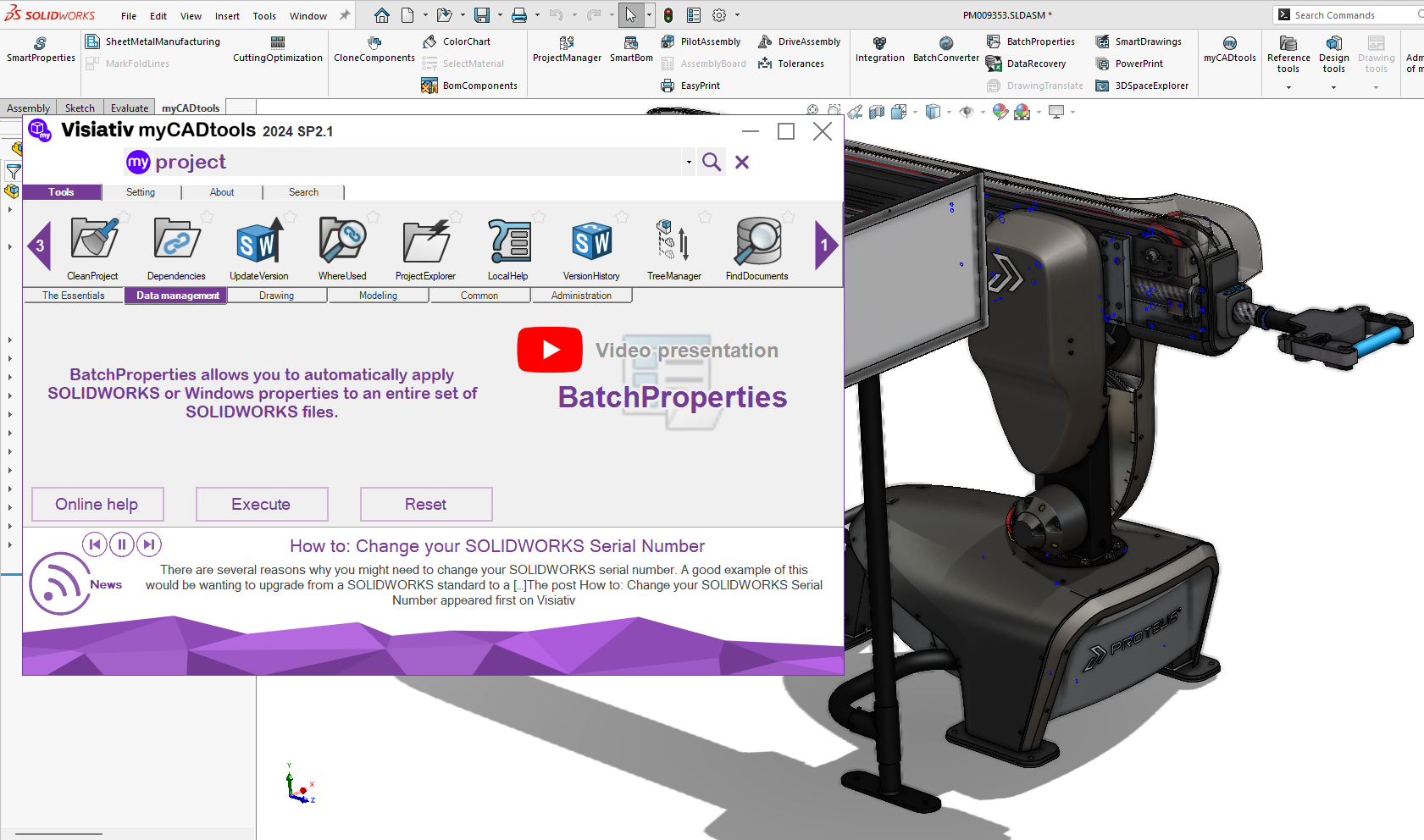
Installing & activating myCADtools is a straightforward process, once installed the application can significantly boost your productivity and efficiency in SOLIDWORKS. By following these steps, you’ll be well on your way to leveraging the full potential of this powerful suite of tools.
-
![]()
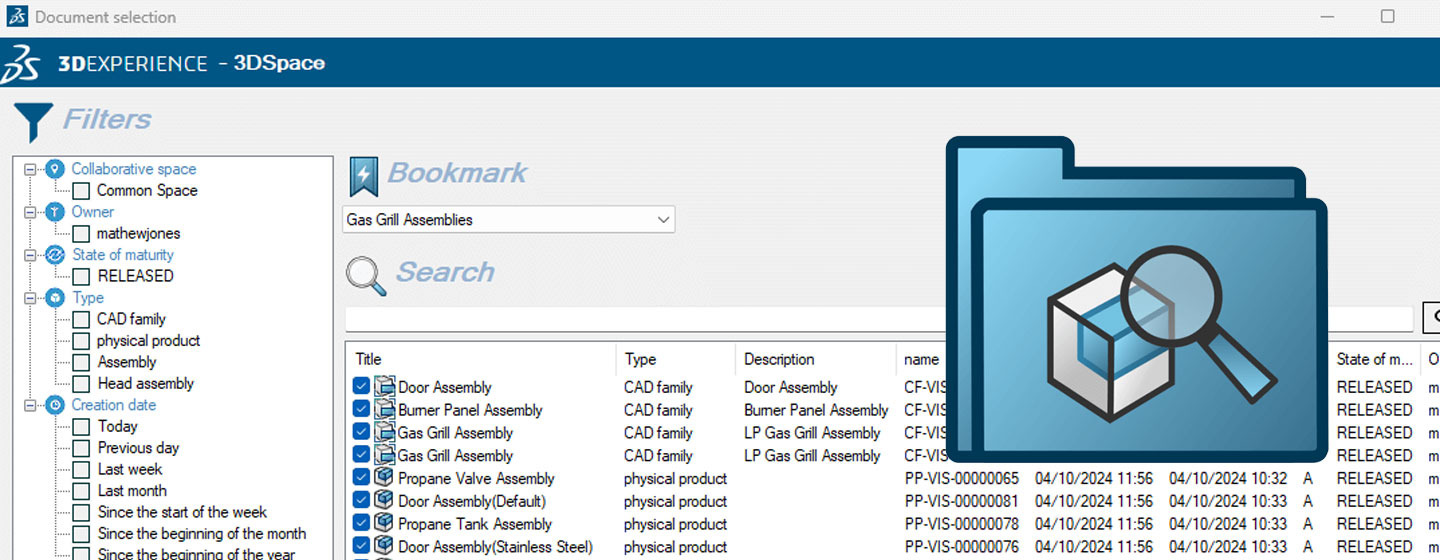
How to: Export 3DEXPERIENCE data with myCADtools 3DSpacExplorer
Solutions
Resources & Tutorials
03 March 2025
Sometimes, you may need to export projects or large datasets from 3DEXPERIENCE. This could be to create a duplicate file set or to edit the properties of the files. Here's how we can use myCADtools 3DSpacExplorer to get the job done....