

AURA helps you find information and explore SOLIDWORKS and 3DEXPERIENCE documentation. A useful starting point when you need guidance or want to understand a workflow.

Visiativ UK & Ireland · Official SOLIDWORKS reseller
Discover how AI can support your design work, reduce repetitive tasks and help you find answers faster. Meet the Virtual Companions, understand Blue Tokens and explore how to get started with SOLIDWORKS AI.
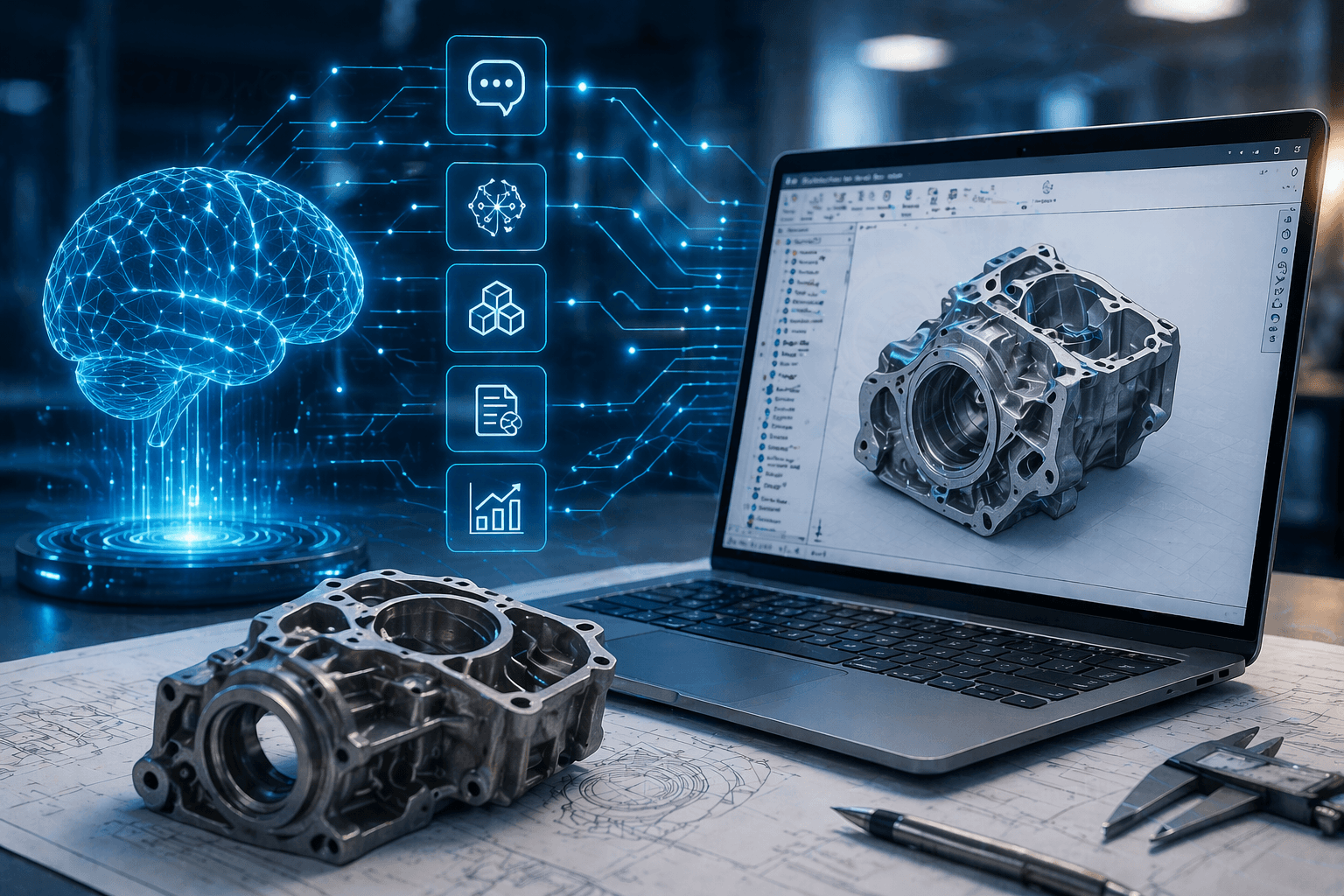
SOLIDWORKS AI combines intelligent CAD features with Virtual Companions that respond to natural language. It can help you find technical information, carry out supported design tasks and reduce manual effort in your workflow.
Explore relevant documentation and get guidance while you work, helping you understand unfamiliar tools and tackle modelling questions.
Use supported AI skills to help generate or modify geometry, work with assembly structures and investigate model problems.
Get assistance with drawings and engineering documentation, then review and refine the results to suit your project.
Capabilities vary by release and setup. Always review AI-generated results before using them.
Explore our SOLIDWORKS AI overview →Each Virtual Companion brings a different focus. You describe what you need in everyday language, and the companion helps you access knowledge or carry out a supported task.
AURA helps you find information and explore SOLIDWORKS and 3DEXPERIENCE documentation. A useful starting point when you need guidance or want to understand a workflow.

LEO works with supported design activities across parts, assemblies and documentation. Use prompts to request help with creating, modifying, analysing or documenting models.

MARIE focuses on scientific knowledge and research in the wider Dassault Systèmes offering, supporting the exploration of scientific questions and research information.

Your CAD files contain valuable intellectual property. SOLIDWORKS states that its default AI models aren’t trained on customer design data.
Before introducing AI, understand what information a skill accesses, how it’s processed and which permissions apply. Your security requirements and data governance should guide how your team uses it.
Explore AI and data security →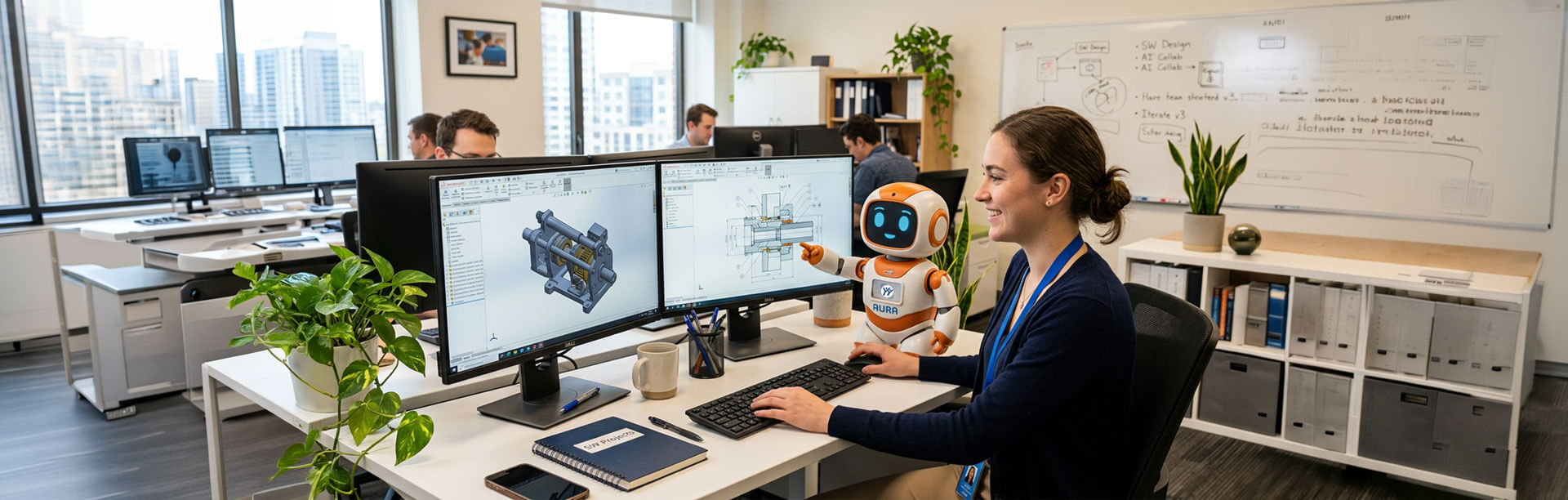
AI can take on more routine tasks, but engineers still define the problem, apply experience and decide whether a result is right for the job.
A generated model or drawing needs review. Manufacturing constraints, materials, tolerances and customer requirements still need engineering judgement.
Read Lucy Bryan’s perspective →Blue Tokens are the units used to measure and meter AI activity across the Virtual Companions. When a companion runs a metered skill and delivers a result, tokens are consumed.
Simply interacting with the companion doesn’t itself consume Blue Tokens. Usage depends on the skills you run and the work they perform.

When a skill performs work, such as generating, analysing or modifying a model. Receiving guidance can also be a metered task.
No. Usage varies by the skill and the work performed. A quick insight can use fewer tokens than a more complex generative or analytical task.
Your platform administrator can monitor consumption through Platform Management. Visiativ can help you understand your balance and options for additional tokens.
Access depends on your SOLIDWORKS licence, software version and connected services. Our setup guide takes you through the requirements and where to find the Virtual Companions.
Start with a small, familiar task so you can explore the tools and assess the results within your own design workflow.
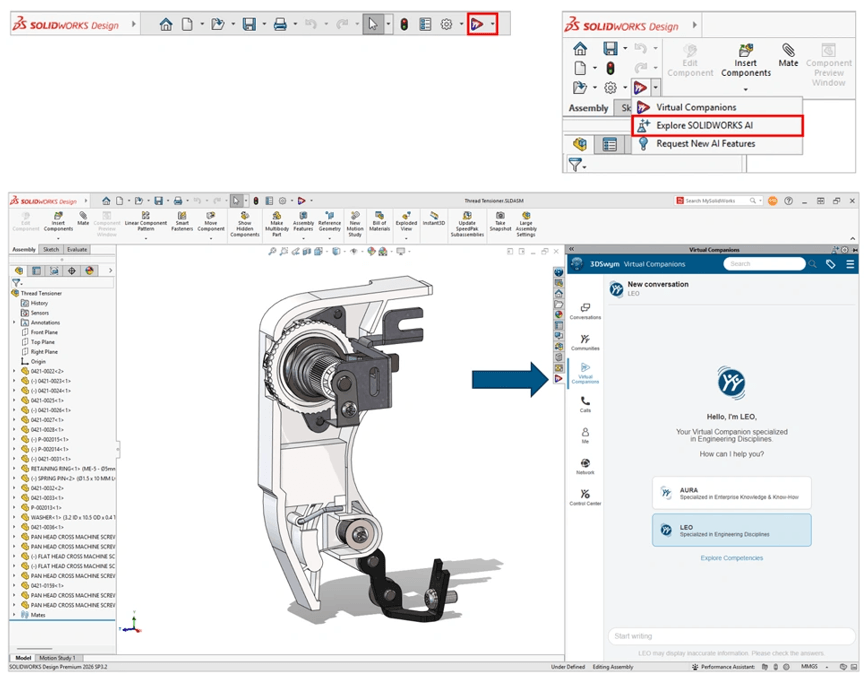
Confirm your SOLIDWORKS version, licence entitlement and platform roles. The setup guide explains what you need before you begin.
Follow the guide to connect SOLIDWORKS to the 3DEXPERIENCE platform, then open the Virtual Companions within your session.
Ask a focused question or try a supported design task. Review the result and refine your request as you become familiar with the tools.
Want to explore SOLIDWORKS AI for your team? Talk to us about accessing the Virtual Companions, choosing your first tasks and understanding Blue Tokens.
Close

"*" indicates required fields
Visiativ UK & Ireland head office
1 Pioneer Court
Chivers Way
Histon
Cambridge
CB24 9PT