Frangus & SOLIDWORKS: Two Decades of Engineering Innovation
06 November 2025
Based in Gloucestershire, England, Frangus Ltd specialises in the design and manufacture of bespoke rail and materials handling equipment. We’ve partnered with Frangus since they first started using SOLIDWORKS back in 2002, and it’s been truly impressive to see how far they’ve come in that time.
We caught up with David Thomson, Managing Director of Frangus, during a visit to one of his clients, Thomson Engineering Design Ltd, to see how the team are putting SOLIDWORKS to work today.
Over the past two decades, David has consistently sought to expand his expertise in 3D design, automation and data management with SOLIDWORKS. This dedication to innovation has enabled Frangus to build an outstanding reputation for delivering expertly engineered machinery to major clients, including Balfour Beatty and Network Rail, among others.
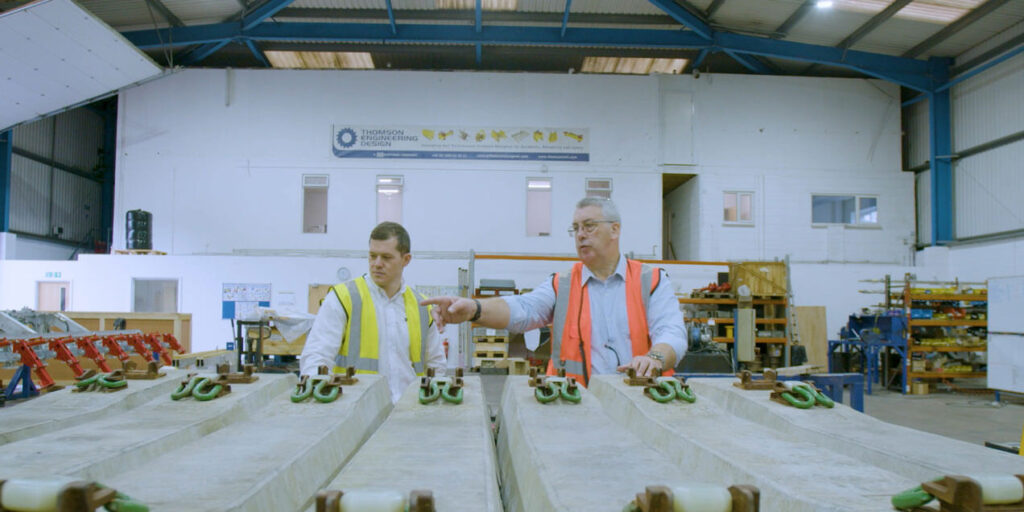
“Over the 23 years we’ve been using SOLIDWORKS it’s been the mainstay of our business without doubt. Key to the success of SOLIDWORKS is not only the quality of the product, but it’s the backup we get from Visiativ”.
David Thomson, Managing Director, Frangus
Designing Smarter with SOLIDWORKS
Frangus uses various SOLIDWORKS products to design and document products ranging from simple lifting tools to highly complex mechanical systems. By using the SOLIDWORKS portfolio, the team can design, test, and communicate efficiently while keeping documentation tightly controlled.
SOLIDWORKS Software used:
-
- SOLIDWORKS Design Premium (for 2D drawings & 3D modelling)
- Composer (for technical documentation)
- PDM (for data management)
- Simulation (for virtual testing)
- Visualize (for technical documentation)
- Electrical (for electrical component design)
- Electromagnetics (for virtual testing of electrical component designs)
Some of their standout projects include:
-
- Railway Rail Lifter: A grab system designed to lift bundles of up to 12 rails at a time. Using SOLIDWORKS Design Premium and Finite Element Analysis, Frangus validated the design before creating all supporting documentation in SOLIDWORKS Composer.
- Steelwork Manipulator: A unique handling system for box and I-section steelwork used in electrification projects across the UK.
- Clip Removal Machine (below): A mechanised solution for safely removing spring clips from rail sleepers, capable of removing two miles of clips per hour and significantly improving operator safety.
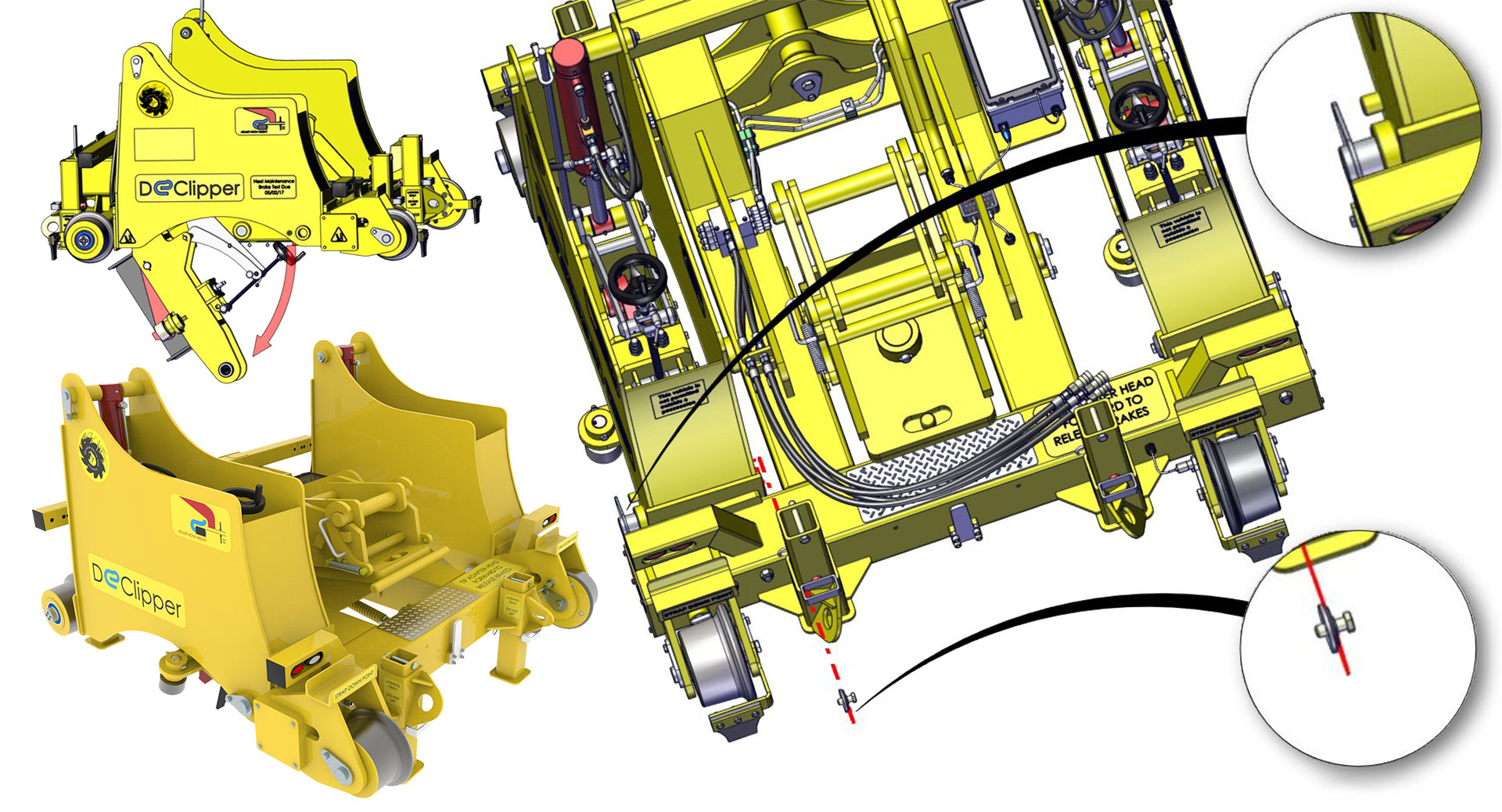
“…the best part about the process is this is all going on concurrently while you design,” said David, “and everything’s locked away in our PDM vault for safekeeping and for future use.”
The Design Process
David walked us through the design process for producing a new product: “Our typical design process starts with SOLIDWORKS, we produce concept models and animations to show what we think that the client requires. There’s an iterative process then, when we go back to the client and refine that.
“Then we start with another iterative process which is design and simulation. We’ll do a prototype design for a part, run it through simulation, then refine it until we get that right. And gradually build up sub-assemblies, weldments, fabrications and so on.
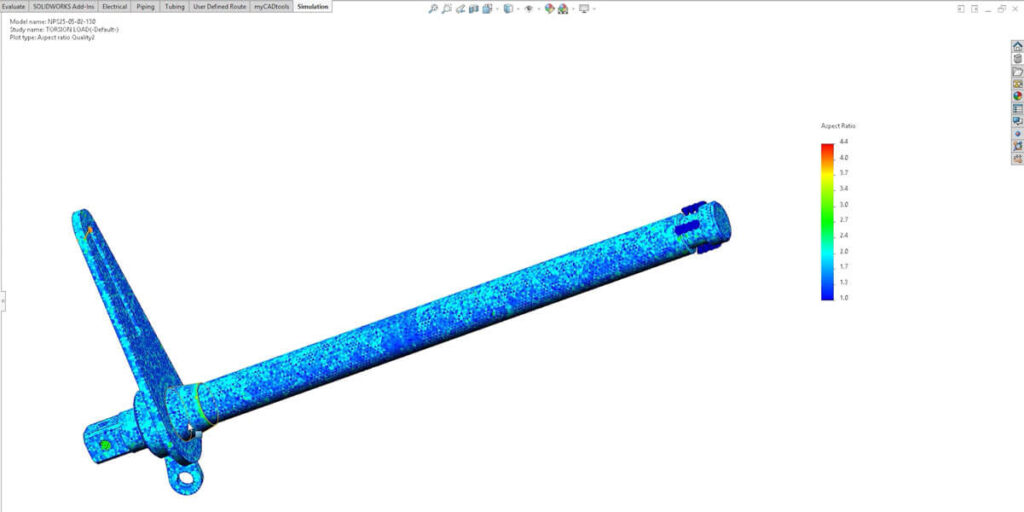
Finally, we end up with the working drawings – now at that point we’ve got a complete model of the finished product. That then goes into Composer and we split that down in Composer to provide parts documentation, assembly documentation.”
David went on to say that customers “use our edrawings output of products – that allows the machining team, and particularly the assembly team, to examine the model about what they’re supposed to be producing in fine detail.
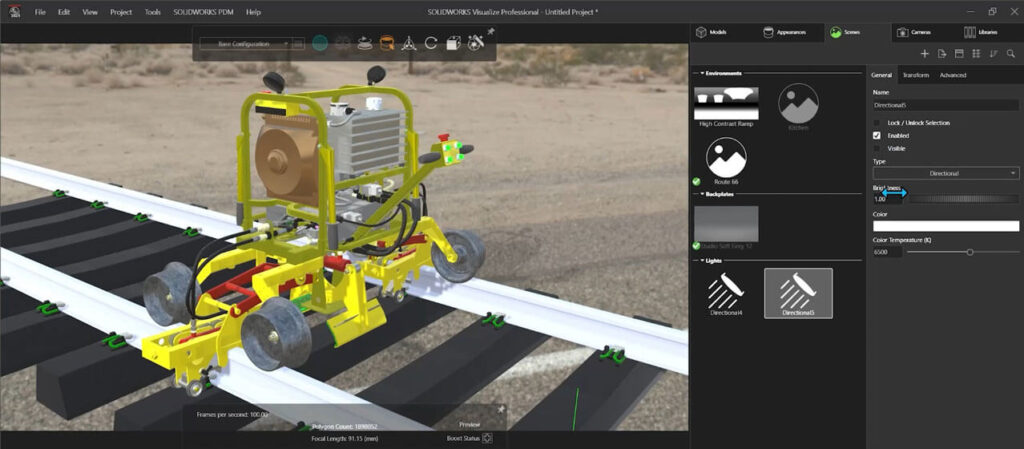
“Finally, we use rendering software within SOLIDWORKS, called SOLIDWORKS Visualize, to produce rendered images of the finished product which can be used for the marketing material.”
Using myCADtools to Hone Production
myCADtools is a suite of tools available exclusively for Visiativ customers, included free with every new SOLIDWORKS licence, it provides over 50 ways to automate and optimise daily tasks. Frangus has used myCADtools to ensure their workflows are optimised and their time is spent designing and innovating instead of repetitive administrative tasks.
Automating Design with DriveWorks Solo
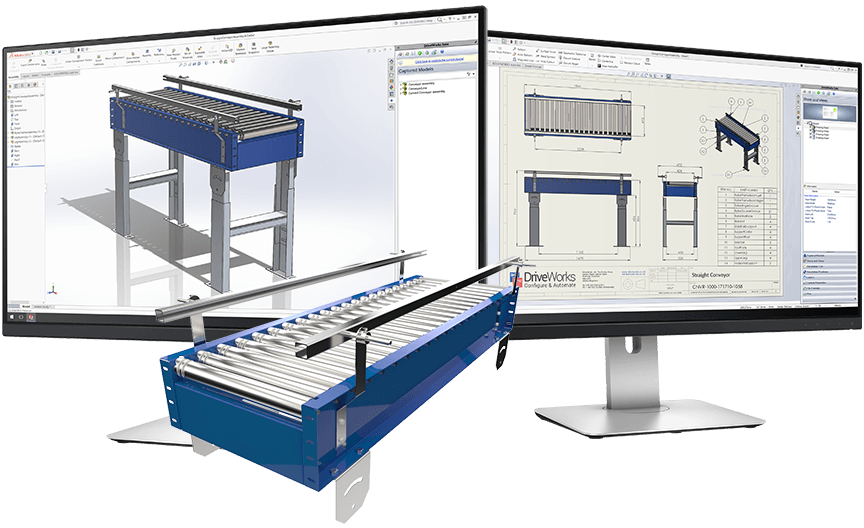
To further improve efficiency, Frangus also implemented DriveWorks Solo, a SOLIDWORKS Certified Gold Partner product that automates design configuration. Working with the Visiativ team, they created configurators for standard parts and full assemblies like adaptor heads and tracking devices.
Before DriveWorks, creating a new product variant involved duplicating and renumbering assemblies manually – a time-consuming process. Now, with automation in place, the team can generate new configurations in minutes rather than hours.
David noticed “a colossal time saving once the configurator is set up, which translates to more work done in less time. This directly impacts the bottom line”, said David. “The most important thing is that DriveWorks Solo takes away a lot of the manual work within a new design, allowing us to concentrate on what we’re really selling, which is innovation.”
Long-Term Support and Collaboration
Throughout their 23-year partnership with Visiativ, Frangus has found the support they receive to be a key benefit.
David explained that: “with every new package that we’ve bought, we’ve had an amount of training from Visiativ. Most recently, I’ve had five days of training on the full SOLIDWORKS Electrical package.”
He added: “We regard Visiativ as a partner in our business, and that is because of the efficiency and effectiveness of the help and the support that we get. That is an immense boost to our business – we get telephone support in all business hours with full backup and the ability [for Visiativ Support Engineers] to drop onto our systems in real time, solve problems or show us solutions. It’s fantastic!
Watch: Frangus Case Study Video
“I’d recommend SOLIDWORKS without hesitation. Especially if it comes from a reputable reseller, like Visiativ, where you get the proper backup.”
David Thomson, Managing Director, Frangus
To find out more about Frangus, visit their website.
Interested in SOLIDWORKS?
We’re on hand, ready to answer your questions. Call: 📞 UK: 01223 200690 📞 Ireland: +353 56771 9960