SOLIDWORKS Training FAQ: Courses, Costs & Options Explained (UK & Ireland)
14 April 2026
Visiativ are an official certified SOLIDWORKS training UK & Ireland provider, delivering flexible, expert-led training designed around your business, your workflows, and your goals.
If you’re researching SOLIDWORKS training options, comparing providers, or deciding which course format is right for your team, this FAQ will help you make the right choice.
👉 If you’re ready to explore available courses, visit our SOLIDWORKS training page.
🎥 Watch: How to Choose the Right SOLIDWORKS Training
Adam Rose, Training Manager at Visiativ, explains the key differences between SOLIDWORKS training options and how to choose the best fit for your business.
What SOLIDWORKS Training Formats Are Available?
Visiativ UK & Ireland offers three primary delivery formats to suit different learning styles and business requirements; Classroom-based, online/remote and onsite at your business premises.
📊 Quick Comparison of SOLIDWORKS Training Options
Here’s a quick comparison to help you choose the right SOLIDWORKS training format:
| Training Type | Best For | Key Benefits | Considerations |
|---|---|---|---|
| Classroom | Individual learners | Face-to-face support, focused environment | Requires travel |
| Online | Remote users & flexibility | No travel, same curriculum, virtual machines available | Requires stable internet |
| Onsite | Teams & businesses | Tailored to your workflows, team consistency | Needs coordination |
Classroom SOLIDWORKS Training
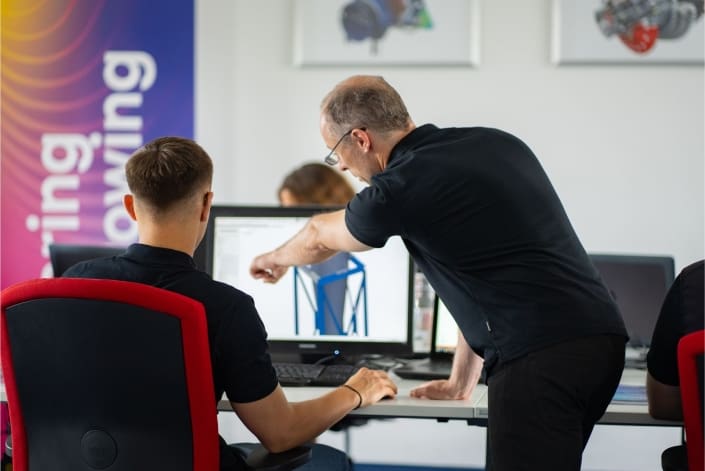
Delivered at dedicated Visiativ training centres, classroom training provides a focused, hands-on learning environment.
Best for:
- Learners who prefer face-to-face interaction
- Users building strong foundational skills
- Minimising workplace distractions
Benefits:
- Direct access to certified SOLIDWORKS trainers
- Immediate feedback and support
- Structured, immersive learning experience
Online SOLIDWORKS Training (Instructor-Led)
Our online courses are live and instructor-led, delivering the same curriculum as classroom sessions with added flexibility.
Best for:
- Remote teams across the UK & Ireland
- Individuals looking to avoid travel time and costs
Benefits:
- Join from anywhere
- Fully interactive sessions
- Same high-quality curriculum as in-person training
We can also provide virtual machines, giving every attendee access to a fully configured SOLIDWORKS environment – no local installation required.

Onsite SOLIDWORKS Training (At Your Business)
Onsite training brings a Visiativ trainer directly to your premises.
Best for:
- Teams training together
- Businesses needing company-specific guidance
- Applying training to real projects
Benefits:
- Tailored to your workflows, data, and processes
- Consistent learning across your team
- Minimal disruption to operations
We can also supply loan laptops preconfigured with SOLIDWORKS, ensuring a hassle-free setup.
Should You Choose Standard or Custom SOLIDWORKS Training?
Standard SOLIDWORKS Courses
Our standard SOLIDWORKS training courses follow the official SOLIDWORKS curriculum and are the most cost-effective way to build skills.
Ideal for:
- Beginners through to advanced users
- Structured learning pathways
- Certification preparation
Custom (Bespoke) SOLIDWORKS Training
Custom training is designed specifically around your business.
This can include:
- Your own parts and assemblies
- Industry/company-specific challenges
- Internal processes and best practices
When to choose bespoke training:
- You want to improve efficiency or workflows
- Your team works on complex or unique projects
- You need targeted, high-impact training
While it requires more preparation and investment, bespoke training delivers measurable improvements that standard courses cannot match.
What Is a SOLIDWORKS Training Passport?
A SOLIDWORKS Training Passport is a subscription-style option that gives access to multiple courses over 12 months.
Ideal for:
- Businesses with ongoing training needs
- Teams with mixed experience levels
- Structured staff development programmes
Key benefits:
- Predictable annual training costs
- Flexibility to attend multiple courses
- Continuous upskilling across your team
When Should You Buy Individual SOLIDWORKS Courses?
Individual courses are the right choice when:
- You only need a specific course (e.g. SOLIDWORKS Essentials)
- Training is required for a single user
- Your needs are short-term or highly focused
This approach keeps your investment targeted and efficient.
Why Choose Visiativ for SOLIDWORKS Training?

Official SOLIDWORKS Training Provider
Visiativ is an authorised SOLIDWORKS reseller and training provider, recognised by SOLIDWORKS globally.
Experienced Training Leadership
Our Training is delivered and led by experienced professionals. I’ve been with Visiativ since 2010 and there are many that have been here even longer – you’ll get to tap into the extensive real-world SOLIDWORKS expertise only our team can provide.
Trusted by UK & Ireland Businesses
Customer feedback consistently highlights the quality and relevance of our training:
“Clear, practical training that we could apply straight away.”
“Knowledgeable trainers who understand real-world engineering challenges.”
“Flexible delivery that worked around our business needs.”
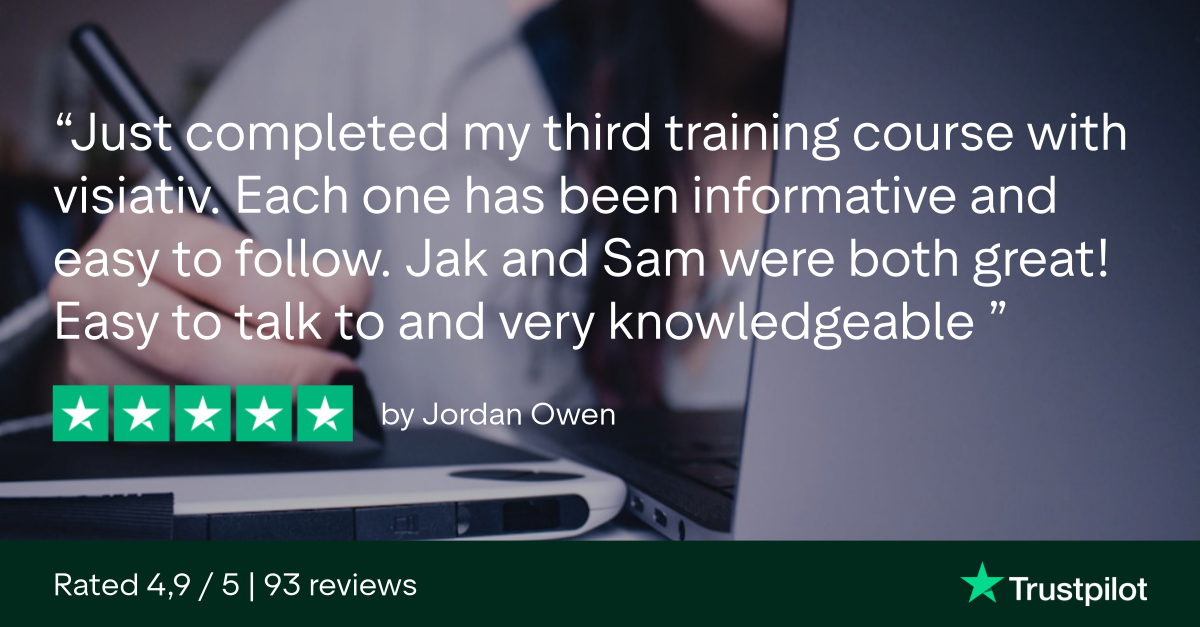
Don’t just take our word for it. Take a look at our public trustpilot page to read what our customers have to say.
Flexible, Business-Focused Delivery
We offer:
- Classroom, online, and onsite training
- Virtual machines for remote learners
- Loan laptops for onsite sessions
- Standard and bespoke training programmes
Our focus is on delivering real-world results, not just theory.
Get a Tailored SOLIDWORKS Training Recommendation Now!
Not sure which SOLIDWORKS training is right for you?
Tell us a bit about your requirements and our team will recommend the best option for your business.
Why enquire with Visiativ:
- ✔ No obligation
- ✔ Advice from certified SOLIDWORKS experts
- ✔ Fast response from the SOLIDWORKS Training UK & Ireland team
Which SOLIDWORKS Training Option Is Right for You?
- New users → Start with SOLIDWORKS Essentials (classroom or online)
- Teams → Consider onsite training or a Training Passport
- Advanced users → Explore bespoke training for process improvement
If you’re unsure, our team can recommend the best route based on your goals.
Ready to Book SOLIDWORKS Training?
Whether you’re exploring options or ready to get started, Visiativ UK & Ireland can help you choose the right course.
👉 Visit our SOLIDWORKS training page
👉 Or to book training or request a quote contact us now!
|
|
About the author: This guide was written by Elite SOLIDWORKS Applications Engineer and Technical Services Manager, Adam Rose. Adam has been with the Visiativ Technical Support Team since 2010. |
|||
|
|
View Adam Rose’s LinkedIn Profile here.
|
|||