Will AI Companions Replace SOLIDWORKS Engineers?
23 October 2026
By 3DEXPERIENCE Product Manager, Lucy Bryan.
If you’re a SOLIDWORKS engineer or designer you’ve probably noticed that AI is becoming harder to ignore. There are tools to generate text, images and code. It’s being used to analyse data, automate business processes and support decision-making across almost every industry. And now, it’s coming to your engineering environment within SOLIDWORKS.
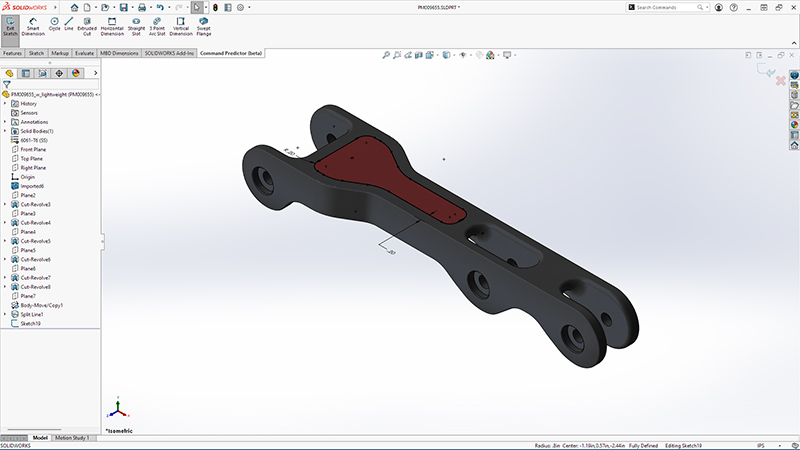
SOLIDWORKS 2026 introduced new AI-powered capabilities and Virtual Companions designed to help engineers with everything from modelling and drawings to troubleshooting and accessing technical knowledge.
For some, this raises an uncomfortable question: if AI can do more and more of the work, what happens to the SOLIDWORKS engineer?
I’ve been using SOLIDWORKS in industry for over 11 years. I started my career as a CAD engineer using SOLIDWORKS to create layout and fabrication drawings. Much of my work involved creating new assemblies from existing parts and producing drawings using standard layouts and dimensioning patterns. So, for someone who is starting out today, as I did, seeing AI functionality that can do exactly that could be worrying.
It’s exciting to see how far the technology has come, but it inevitably gets you asking: if AI can automate some of the tasks that formed the foundation of my early career, what does that mean for the next generation of CAD engineers? Will AI replace the need for CAD engineers to do that work altogether?
We here at Visiativ don’t think so.
Should SOLIDWORKS engineers be worried about AI?
At this point, it’s understandable if they are. After all, some of the tasks that engineers have traditionally spent hours doing are exactly the kinds of tasks AI is becoming good at: converting geometry, troubleshooting modelling issues, generating design variations, building assembly structures, creating drawings, finding information and even producing documentation.
If my SOLIDWORKS AI companion can do these things in seconds or minutes, it’s reasonable to wonder whether design departments will eventually need fewer people to carry out these tasks – people like me and you.
But there’s an important distinction between doing engineering work and being an engineer. AI Companions may become extremely good at the first but that doesn’t necessarily mean they can replace the second.
The engineer of the future will not work like the engineer of today
Think about how CAD changed engineering. A designer working today can create and modify a complex 3D model far faster than an engineer working with traditional 2D drafting could have done decades ago. And before that, how 2D drafting transformed the process of creating technical drawings.
Yet we didn’t stop needing engineers. We simply became capable of doing more.
The same thing has happened throughout the evolution of SOLIDWORKS, even within our own careers. Think about how the software used today compares with the pencil, paper and rulers of earlier designers. Features that once seemed advanced have become standard, and tasks that previously took significant amounts of time can now be completed in a fraction of it.
The technology has changed. Our roles as engineers have changed with it. But the need for engineering expertise hasn’t disappeared.
We believe AI is likely to follow the same pattern. Instead of removing engineering from the workflow, it could dramatically increase what an individual engineer can accomplish.
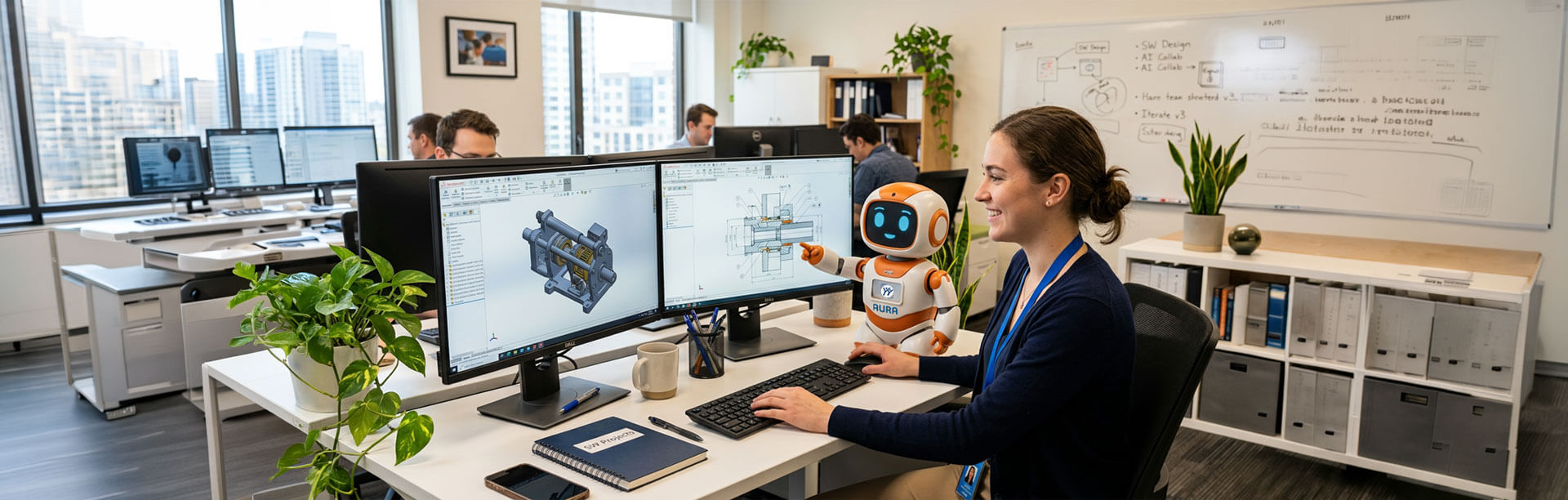
An engineer who once spent half a day creating and updating a drawing will be able to ask LEO, the Engineering AI Companion, to generate a first version automatically. That doesn’t make the engineer redundant. It gives them half a day to work on something else. They could investigate alternative concepts, work on a difficult design problem, speak to a new supplier or simply explore ideas that previously wouldn’t have been practical because there wasn’t enough time.
The question isn’t “Can AI do my job?”
If there’s one thing that’s true of every CAD engineer I speak to on our helpdesk, it’s that there simply isn’t enough time in the day. So why wouldn’t we take advantage of something that could help us?
Perhaps this is where we need to change the way we think about AI in SOLIDWORKS. When a new technology can perform one of our tasks faster than we can, our first instinct is often to ask: Is this going to replace me? But perhaps the more useful question is: What could I do if I didn’t have to spend so much time doing that task?
If LEO can produce the first version of a drawing, I still need to check it. If LEO can generate an assembly structure, I still need to understand whether that structure makes sense. And if LEO suggests a solution to a modelling problem, I still need to decide whether it’s the right solution.
That’s because CAD isn’t engineering.
A CAD model is a representation of a design. It isn’t the engineering decision itself. An experienced engineer brings context that’s difficult to automate. They understand customers, manufacturing constraints, cost, materials, tolerances and potential failure points. They know when something doesn’t look right, even if they can’t immediately explain why.
The AI Companions can help produce an answer. We still need to decide whether it’s right.
What does this mean for the next generation?
This is perhaps the most interesting part of the introduction of the SOLIDWORKS AI Companions.
When I started out, learning CAD was a significant part of becoming a CAD engineer. You needed to learn the software, understand modelling techniques and develop the skills to produce drawings and assemblies efficiently over time. A new engineer entering the industry today will still need those fundamentals. But their relationship with the software could be very different.
The companions could help new engineers become productive much faster, providing guidance when they encounter problems and helping them navigate workflows that might previously have taken years to master.
But AI shouldn’t become a crutch. The best engineers will still need to understand why something works, not simply know how to ask AI to do it. In fact, as AI becomes better at producing technically plausible answers, engineering judgement could become even more important.
The ability to question a result, spot a potential problem and understand the wider implications of a design is something that’s built through knowledge and experience.
So, will AI replace SOLIDWORKS engineers?
I don’t think so. And we here at Visiativ want to make sure that the SOLIDWORKS AI Companions work for you, not against you and your team.
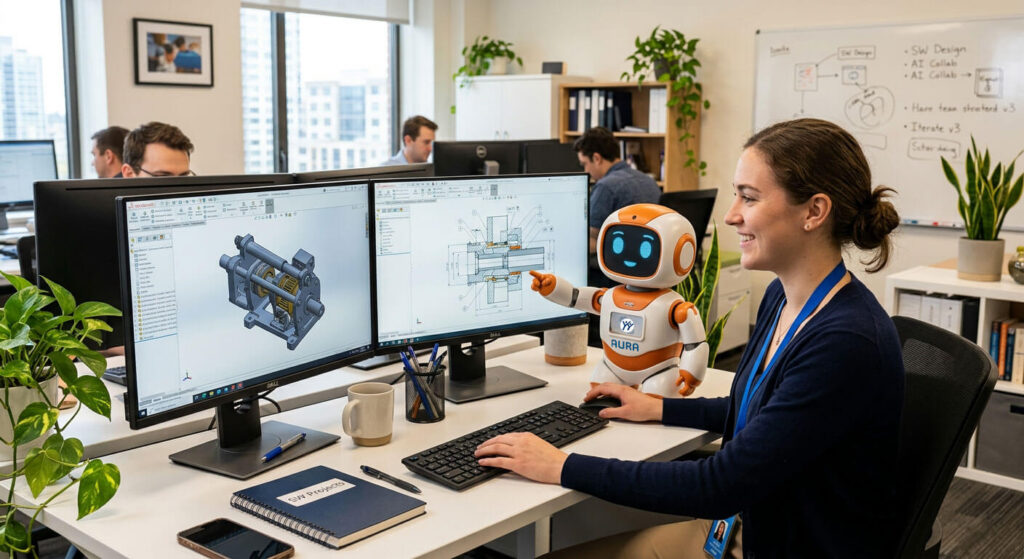
LEO, AURO and MARIE are likely to replace some of the tasks that SOLIDWORKS engineers currently do but not the engineers themselves. And that’s an important distinction.
The engineer of the future may spend less time creating routine drawings, troubleshooting simple modelling issues and carrying out repetitive CAD tasks. Instead, they could spend more time defining problems, exploring ideas, validating results and making engineering decisions.
After more than 11 years of using SOLIDWORKS, I’ve seen the software change dramatically. Tasks that once took hours can now be completed in a fraction of the time, and engineers have continually adapted to those changes. The introduction of the AI Companions feels like another major step in that evolution.
So perhaps we shouldn’t be asking whether LEO is coming for our jobs.
Perhaps we should be asking: What could we achieve if we stopped spending so much of our time on the things AI can do for us?
To me, that’s a much more exciting question.
Want to understand what AI could mean for you? Talk to our technical team via our Support page about how the SOLIDWORKS AI Companions could impact your engineering workflow.
Watch: SOLIDWORKS Discuss LEO & AURA
Further Reading:
Want to learn more about how artificial intelligence is shaping the future of product design? Explore our related guides to discover how SOLIDWORKS AI works and the latest AI-powered tools available to engineers and designers:
- SOLIDWORKS AI: What It is, How It Works and Why It Matters in 2026
- SOLIDWORKS AI Companions Explained: Aura, LEO and Marie
- How to: Get Started with AI Virtual Companions in SOLIDWORKS
If you have any questions and are covered by our support service, our technical team is here to help. Contact the Visiativ technical support team on 01223 200699 and we’ll be happy to help.
Looking for more SOLIDWORKS tips and expert advice? Browse our full collection of guides, tutorials and technical resources in our News & Resources hub.
 |
About the author: This guide was written by 3DEXPERIENCE Product Manager, Lucy Bryan. Lucy is an Elite SOLIDWORKS Applications Engineer and has been with the Visiativ Technical Support Team since 2019. |
|||
|
|
||||