Cadasio: Bringing Technical Communication to Life
10 October 2025
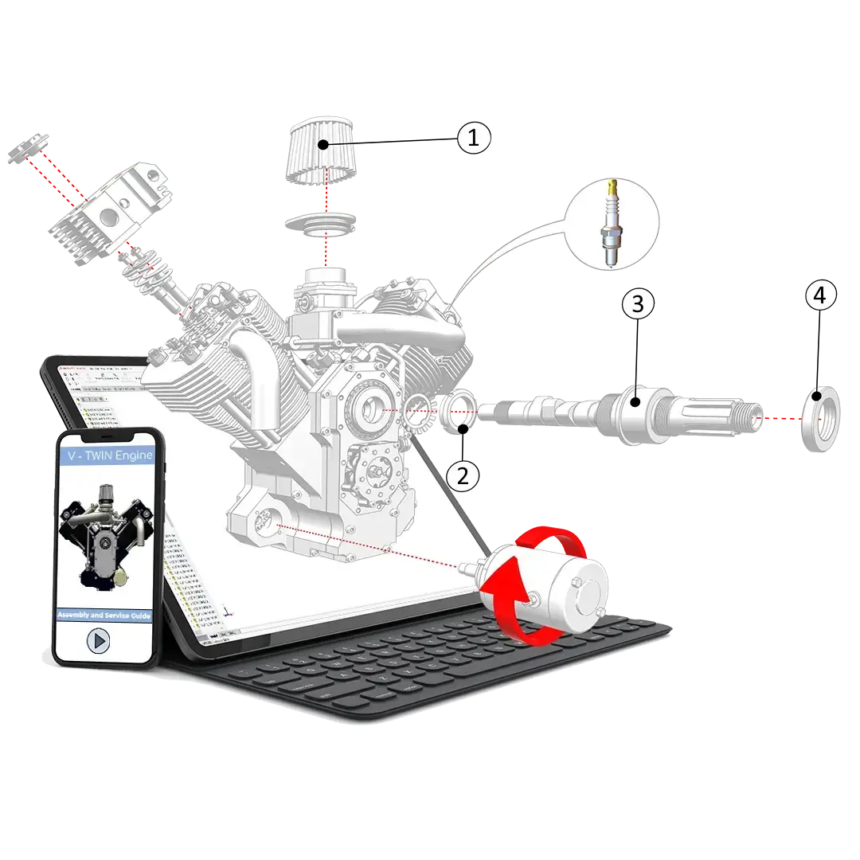
In a world where product design is increasingly digital, the way we communicate complex assemblies, service steps or user instructions must evolve too. The video, ‘Cadasio ‒ From Paper to Pixel’ (below), shows how static 2D documentation can be transformed into interactive and engaging 3D technical communications. It’s not simply about creating attractive visuals. The focus is on clarity, efficiency and future-proofing your technical communications.
Here’s what you’ll learn from the video and why it matters for anyone producing CAD, manuals or product instructions:
Traditional 2D Instruction Limitations
Conventional user manuals, printed guides and sheets often struggle to convey three-dimensional assemblies in a way that is intuitive and clear. Users can find it difficult to understand how components fit together, which leads to errors, frustration or unnecessary support calls. The video highlights that static images, even when annotated, do not always provide enough guidance.
Why “Pixel” Beats “Paper”
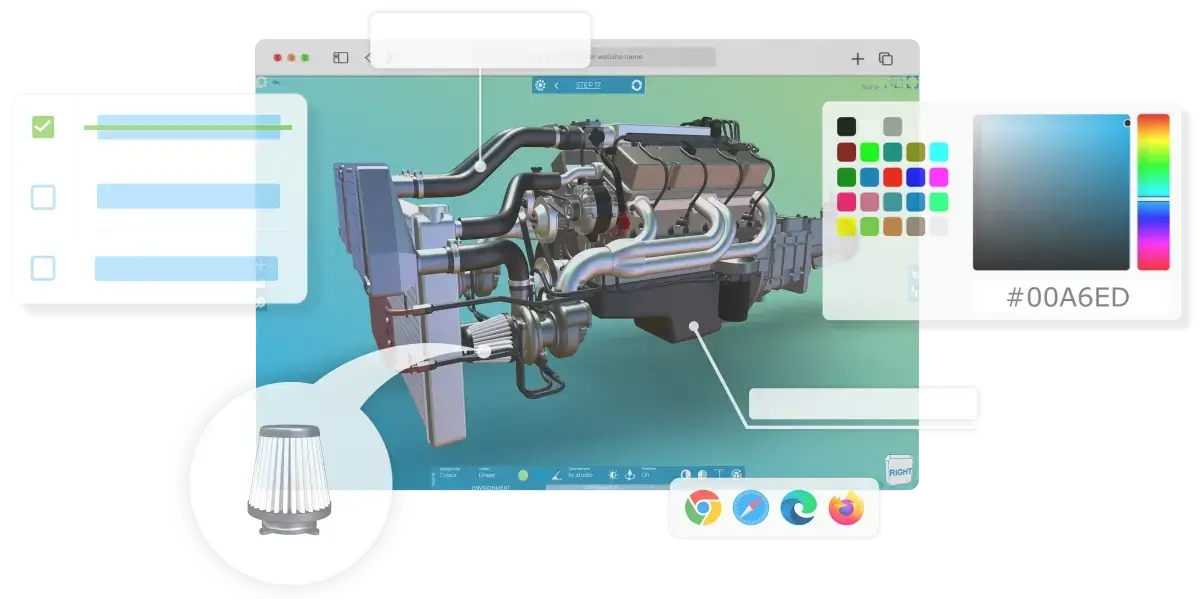
Cadasio brings your CAD data into an interactive environment. Users can rotate, zoom, follow animations step by step and view assemblies from any angle. This level of interaction improves comprehension, reduces the need for lengthy text and gives you the flexibility to deliver instructions digitally or embed them directly on your website.
Reusing and Updating CAD
A major advantage is the ability to repurpose the CAD models you already use in your designs. You can link your instructions to design updates, which means that when your product changes, you do not need to rebuild your documentation from scratch. This saves time and reduces the risk of inconsistencies.
Multiple Output Formats
Although the core focus is interactive 3D output, Cadasio also supports alternative formats such as video exports, 2D images and PDFs. These options are valuable when traditional documentation is still required, for example printed manuals. This versatility allows you to improve your existing workflows instead of replacing them.
Practical Guidance
The video also outlines sensible steps for getting started:
-
CAD model preparation; removing unnecessary parts and simplifying geometry
-
Building in a logical order
-
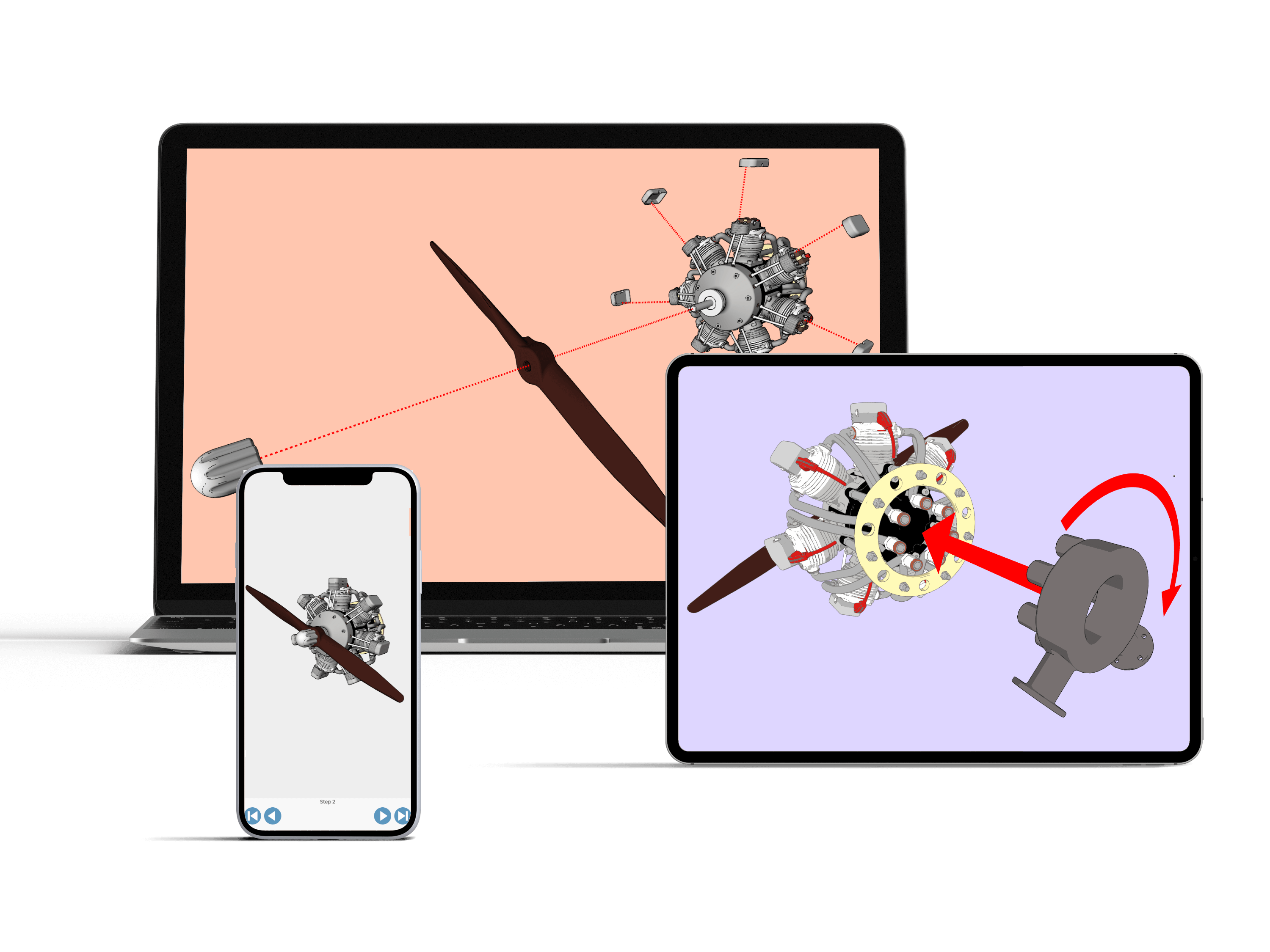
Taking advantage of transitions, markup tools and thoughtful camera positioning
-
How to optimise for mobile and tablet displays
-
Choosing the right export formats
Watch The Video To See Cadasio in Action!
Don’t just take our word for it. Watch ‘Cadasio ‒ From Paper to Pixel’ and see the possibilities for yourself…
Improve Your Technical Communications With Cadasio from Visiativ
At Visiativ, we help organisations with digital transformation using a range of CAD, productivity and technical documentation tools. The approach shown in the video reflects the shift already taking place among many of our customers. They’re moving away from static deliverables and towards dynamic, interactive product communications that improve usability, reduce costs and strengthen their digital presence.
By using tools like Cadasio, you can enhance post-sales support, reduce the burden of translation and ensure that your documentation evolves alongside your product design.
If you’d like help exploring how this approach could integrate with your existing workflow, get in touch.
Call us on 01223 200690 to arrange a free licence and to find out more.
 |
About our guest creator This video guide was created by Cadasio CEO, Stephen Draper. An expert in Technical Communication, Stephen has been using SOLIDWORKS since his time at Coventry University in the early 2000s. |
|||
|
|
||||