Latest News & Resources
Filter News
Content Type
Filter Name
Filter Name
Filter Name


-
![]()
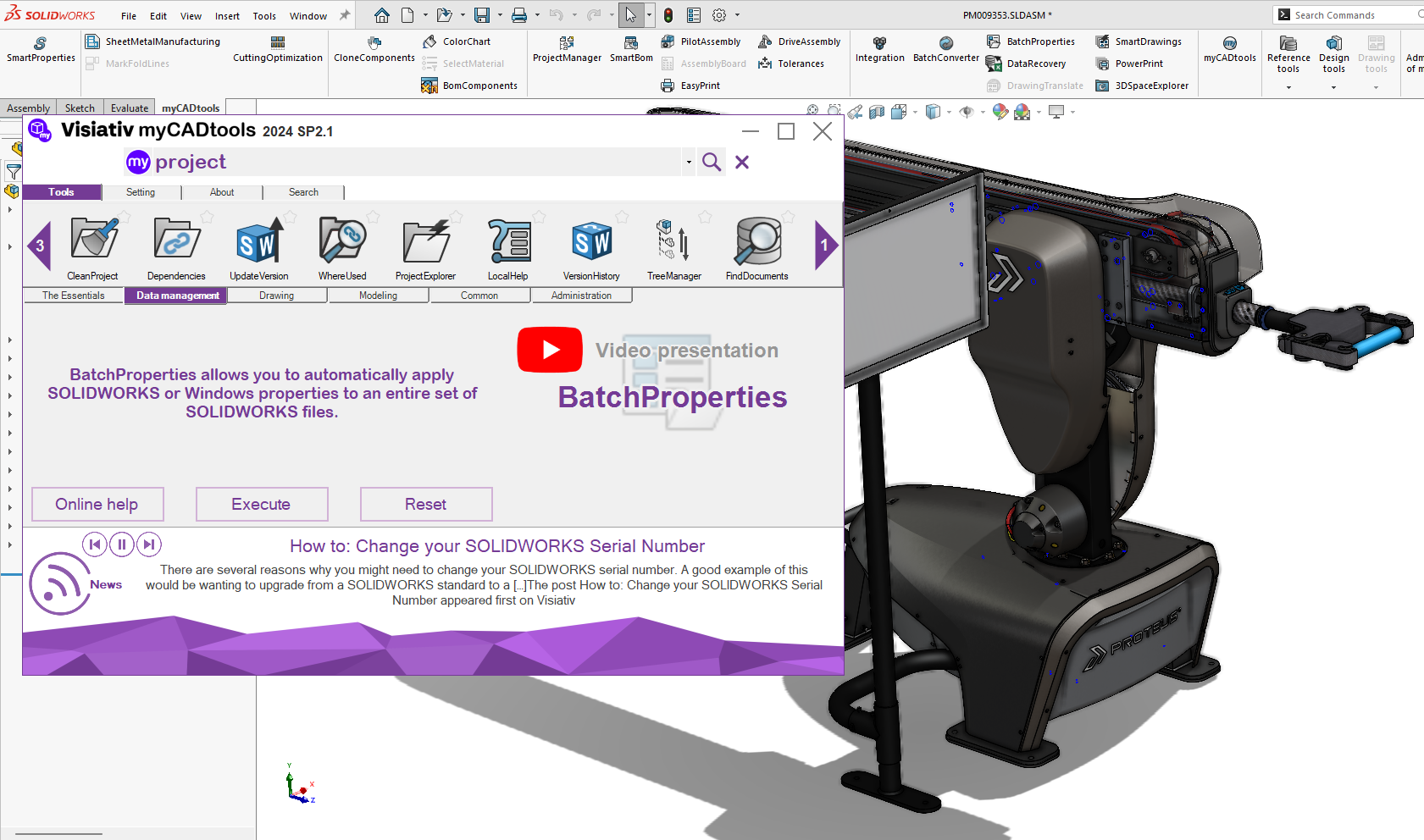
How to: Install and Activate myCADtools
Solutions
Resources & Tutorials
Installing & activating myCADtools is a straightforward process, once installed the application can significantly boost your productivity and efficiency in SOLIDWORKS. By following these steps, you’ll be well on your way to leveraging the full potential of this powerful suite of tools.
14 March 2025

-
![Platform Management Members Management]()
How to: Float 3DEXPERIENCE SOLIDWORKS Licences
Solutions
Resources & Tutorials
13 March 2025
Have you ever wondered if it's possible to float 3DEXPERIENCE SOLIDWORKS roles across users who aren't using it full time? Learn about the lock period of 3DEXPERIENCE SOLIDWORKS roles and how to re-assign them in this quick tutorial...
-
![]()
SOLIDWORKS: Cornelius Creative’s Secret To Design Success
Solutions
Start-Up Spotlight
Case Study
11 March 2025
We sat down with Simon Cornelius, Managing Director and founder of Cornelius Creative, to find out how they’ve integrated SOLIDWORKS into their design process, how it helps them overcome complex challenges, and why it’s been a genuine game-changer for their business.
-
![]()
How DriveWorks CPQ Enhances Manufacturing Accuracy
Solutions
Resources & Tutorials
10 March 2025
Discover how DriveWorks CPQ enhances efficiency and accuracy in manufacturing processes. Learn how this powerful tool can streamline operations and boost productivity
-
![]()
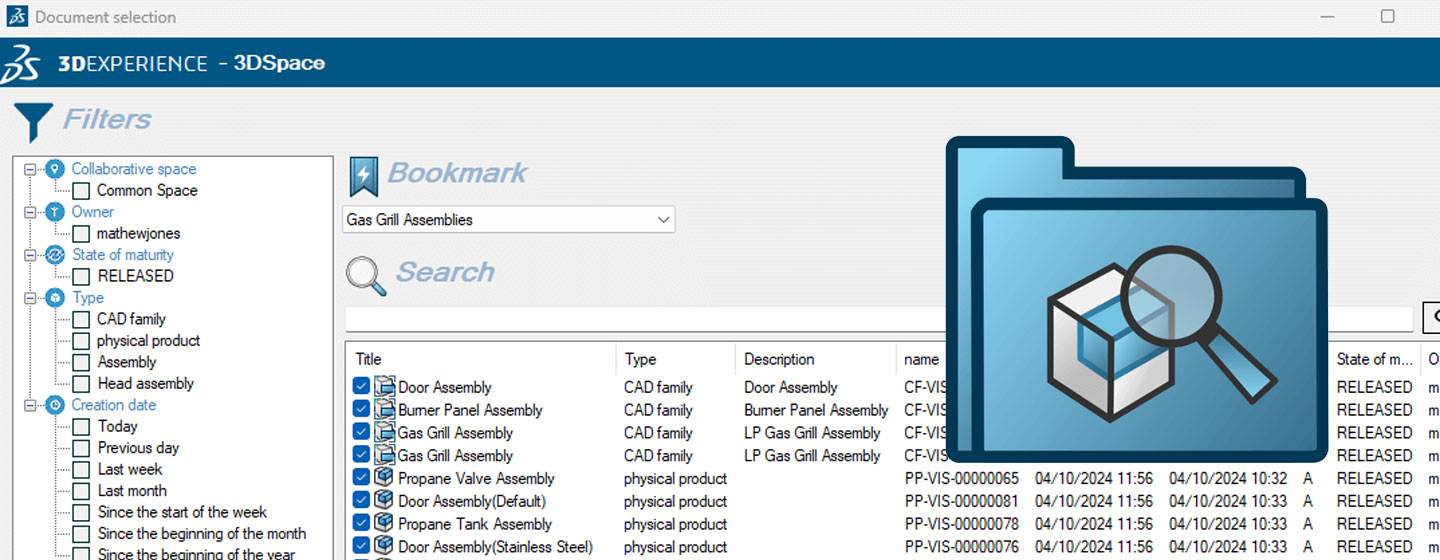
How to: Export 3DEXPERIENCE data with myCADtools 3DSpacExplorer
Solutions
Resources & Tutorials
03 March 2025
Sometimes, you may need to export projects or large datasets from 3DEXPERIENCE. This could be to create a duplicate file set or to edit the properties of the files. Here's how we can use myCADtools 3DSpacExplorer to get the job done....
-
![]()
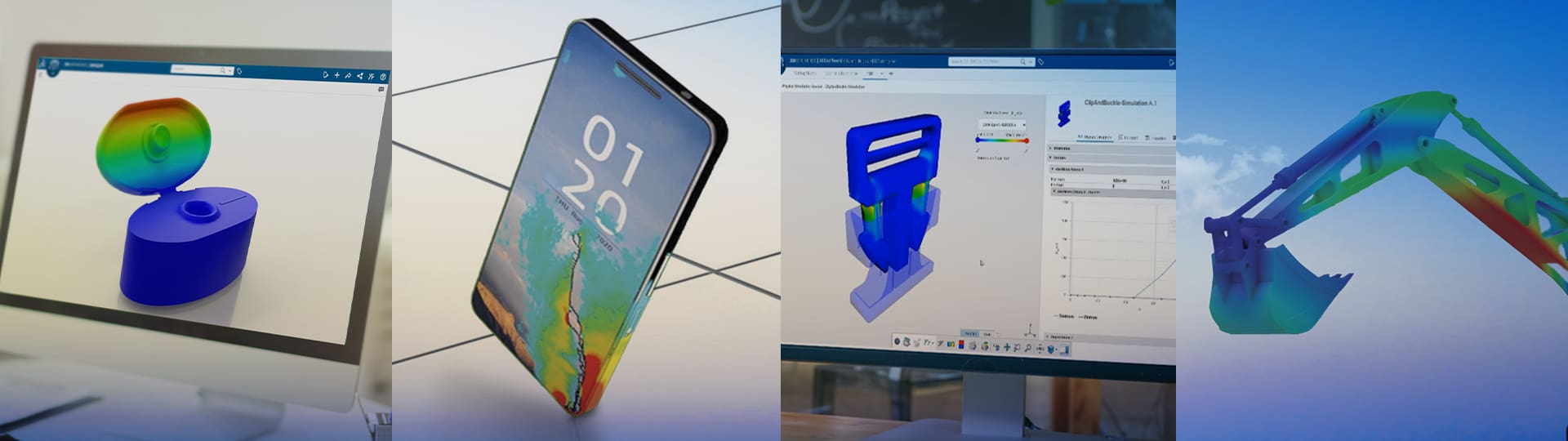
How Advanced Simulation Can Improve Your Design Process
Solutions
Innovation & New Technology
25 February 2025
Incorporating advanced simulation into your design process can revolutionise the way you develop products. The advantages are extensive, from cutting costs and reducing development time to improving product quality and driving innovation. Here's what you need to know...
-
![]()
How to: Change Your SOLIDWORKS Serial Number
Solutions
Resources & Tutorials
24 February 2025
There are several reasons why you might need to change your SOLIDWORKS serial number. A good example of this would be wanting to upgrade from a SOLIDWORKS standard to a SOLIDWORKS Professional or Premium license. Here's how it's done...