DriveWorks Live: The Future of Product Configuration
29 August 2025
Move Over Desktop! Cloud Configuration Is Here
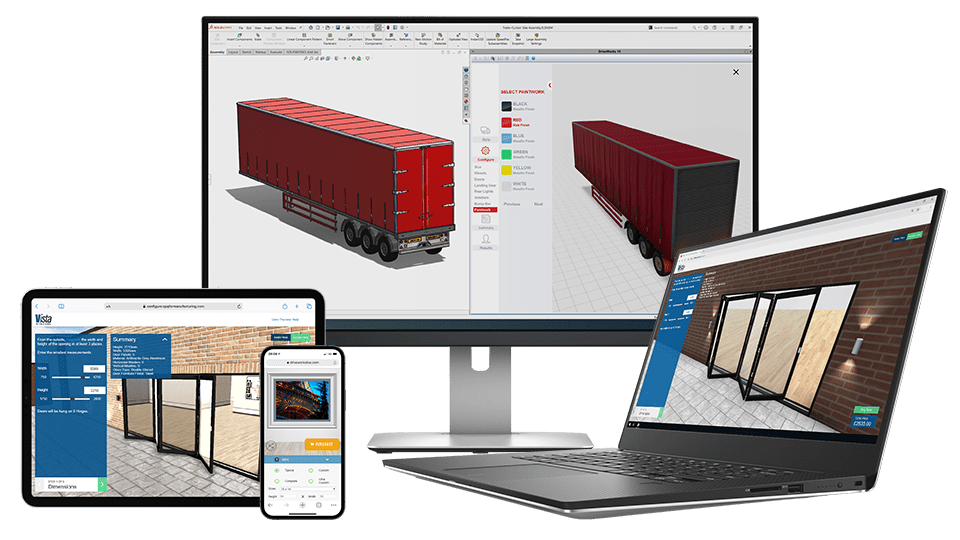
It’s a familiar story. A customer calls while you’re at the motorway services, asking for a last-minute change before signing off. Before, you’d have to wait until you were back in the office with your laptop, VPN and a solid internet connection. With DriveWorks Live’s cloud-based product configurator, you simply open a link on your phone, make the change in your browser, and send a fresh quote before you’ve finished your coffee.
Cloud configuration turns configuring to order on SOLIDWORKS from an office ritual into an anywhere, anytime service!
Same power, more places to use it
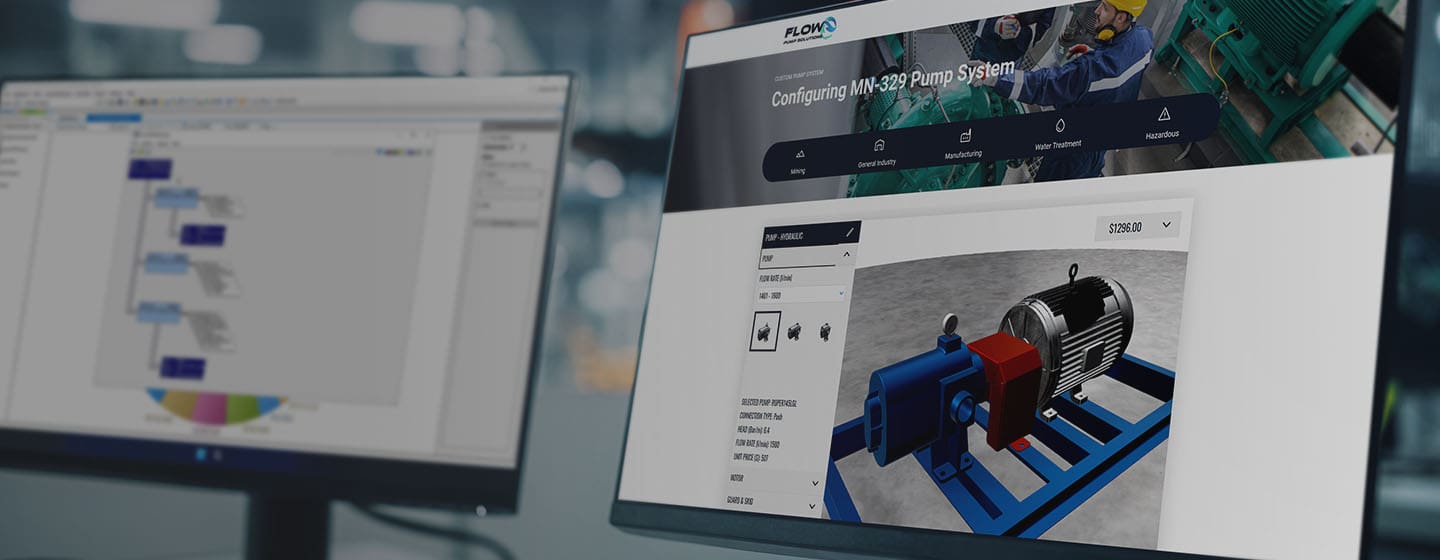
DriveWorks Live’s cloud-based product configurator uses the same intelligent rules and calculations as the full desktop software. That means every design check, pricing calculation and form behaviour is exactly as you’ve set it, just available online and simply delivered through a web page. The design rules, calculations and intelligent form behaviour already built remain intact. You still capture knowledge in DriveWorks Administrator at your workstation, and DriveWorks Live dutifully applies every line of that logic just as a trained engineer would – regardless of whether the request arrives from a desktop or a customer using their smartphone during a factory visit.
How the work gets done behind the scenes
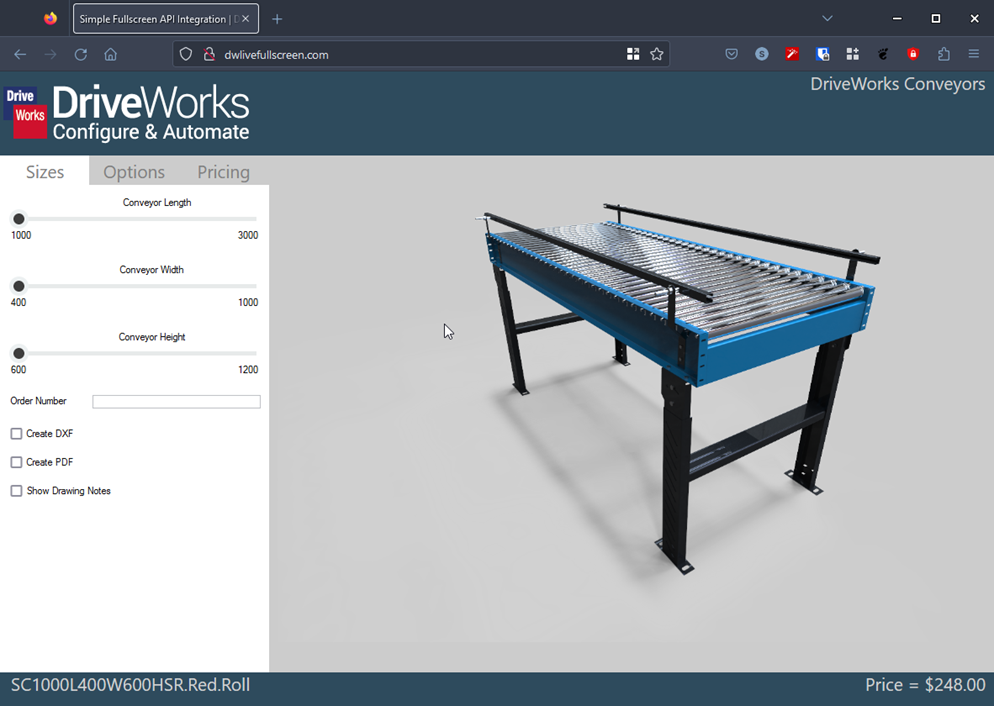
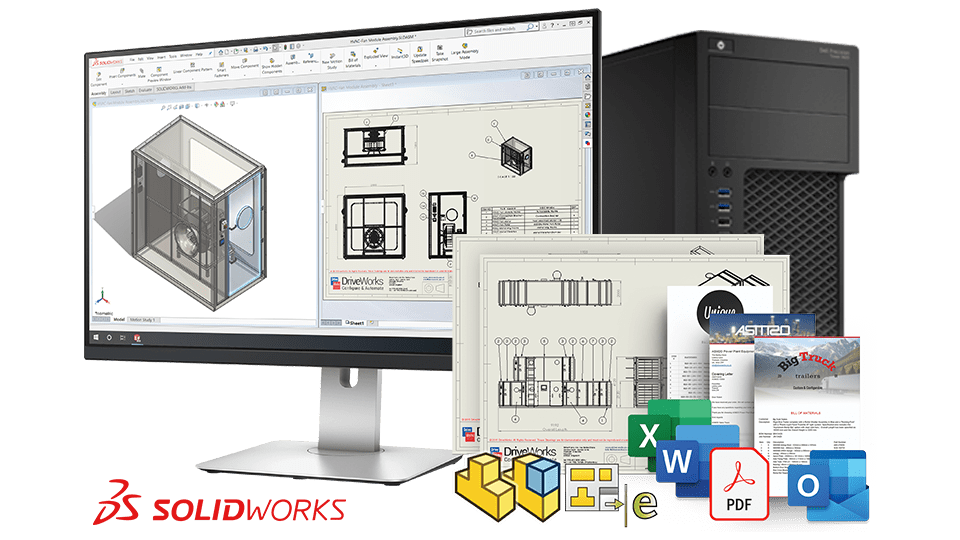
Make a change in the browser and it’s sent straight to your secure server. The server runs the rules, checks the constraints, and updates your design automatically. In the background DriveWorks Autopilot runs SOLIDWORKS to build the 3D model, creates drawings, updates the bill of materials, and prepares manufacturing data. No downloads, no delays, just an instant price update, refreshed 3D preview, and, if you choose, a neatly packaged PDF moments later.
Use it wherever you are
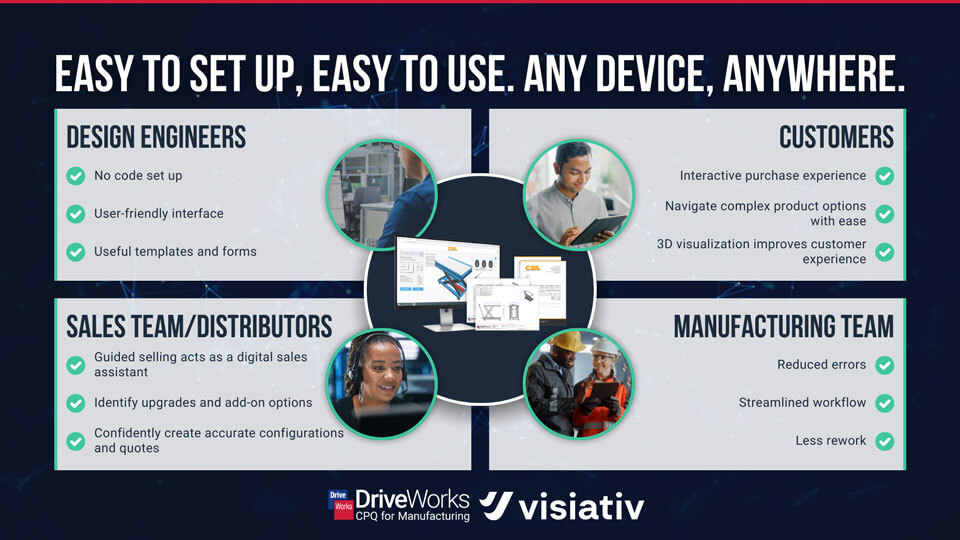
Because only lightweight web traffic travels to the device, even modest tablets feel snappy. Sales teams can configure products in a client’s reception. Installers can double-check dimensions on site, and distributors abroad can create quotes while your office sleeps. All they need is a modern browser on any device desktop, laptop, tablet, or phone. DriveWorks’ lightweight 3D technology means you can view all the changes, live and dynamically in any browser.
Flexible licences that work around the clock
DriveWorks Live’s cloud-based product configurator uses floating licences, so you’re never tied to a single machine. If one user logs out, another can log in immediately. Start with ten concurrent sessions and scale up during busy periods with extra or on-demand licences. No dongles, no per-device fees, just flexible access that grows and shrinks with your needs.
Easy to setup and share
for setup, you can open DriveWorks Administrator, capture the variables and build the rules. Once the project behaves on the desktop, you publish it to the DriveWorks Live server, tick a box to expose it on the web and add a splash of brand colour to the forms. Drop the resulting link into your website’s navigation and you’re done. From that moment, the design office, the sales rep and the curious prospect all use the same single source of engineering truth no version drift, no duplicated effort.
Ready to go when you are
If your design intelligence is still bolted to a handful of office PCs, you’re effectively shutting down access once the office closes. DriveWorks Live enables open access wherever it’s required, letting anyone configure, cost and order at the moment inspiration strikes whether that moment happens in Croydon, Copenhagen or a service station on the M6!
We’re here to help
Would you like to see how cloud configuration could work for your business? Contact us to book a free demo today!
Learn More with DriveWorks’ Monthly Webinars:
DriveWorks hosts free monthly webinars to help you get the most out of the software, covering everything from the basics to building advanced CPQ solutions. Whether you’re just starting out or ready to deepen your knowledge, join a live session on the 2nd, 3rd and 4th Tuesday of every month for practical tips and expert advice.
- 2nd Tuesday of the month: Introduction to DriveWorks
- 3rd Tuesday of the month: Using DriveWorks as a 3D Sales Configurator
- 4th Tuesday of the month: Creating a CPQ Solution Using DriveWorks
|
|
About the author: This blog post was written by Elite SOLIDWORKS Applications Engineer, Myles Bryning. Myles has been with the Visiativ Technical Support Team since 2011 and is a Certified DriveWorks Professional. |
|||
|
|
View Myles Bryning’s LinkedIn Profile here.
|
|||