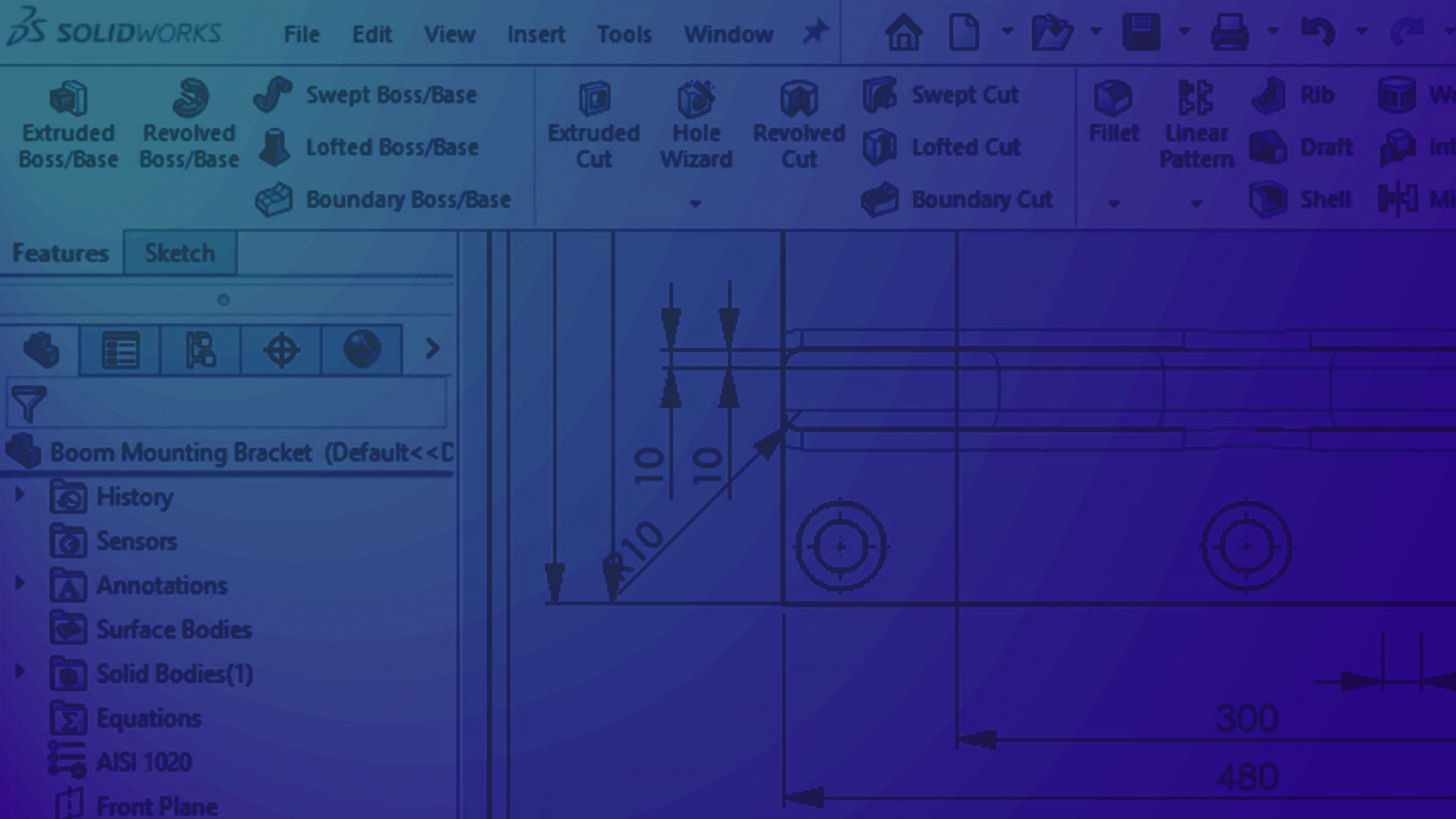
SOLIDWORKS Essentials & Drawings Training
Gain real-world SOLIDWORKS skills with expert-led training from Visiativ, delivered online or in person. These hands-on courses cover 3D modelling, assemblies, and production drawings through practical, task-based exercises. Perfect for beginners or those looking to refresh their knowledge with certified guidance.
Available: Online | Onsite | Classroom


Learn The SOLIDWORKS Essentials & Drawing Techniques from Our Experts
Often taken together, but available separately depending on your needs, the SOLIDWORKS Essentials and SOLIDWORKS Drawings training courses will build the key skills and understanding needed for confident, effective use of SOLIDWORKS. Rather than focusing solely on individual tools, both courses take a task-based approach, guiding you through real design workflows.
Over five days, the SOLIDWORKS Essentials course covers the creation of 3D parts and assemblies, while the three-day Drawings course teaches you how to produce clear, accurate manufacturing drawings from your models.
Topics include: 2D sketching, parametric part and assembly modelling, bottom-up design, dynamic motion, detailed drawing creation, and managing design updates with full associativity.

Save on Your SOLIDWORKS Training
-
Bundle Deal:
Introducing The SOLIDWORKS Trainee Bundle from Visiativ: A cost-effective option for individuals looking to get the most out of their training budget. By the end of this course you’ll be armed with all the knowledge you need to design confidently in SOLIDWORKS.
What’s included?
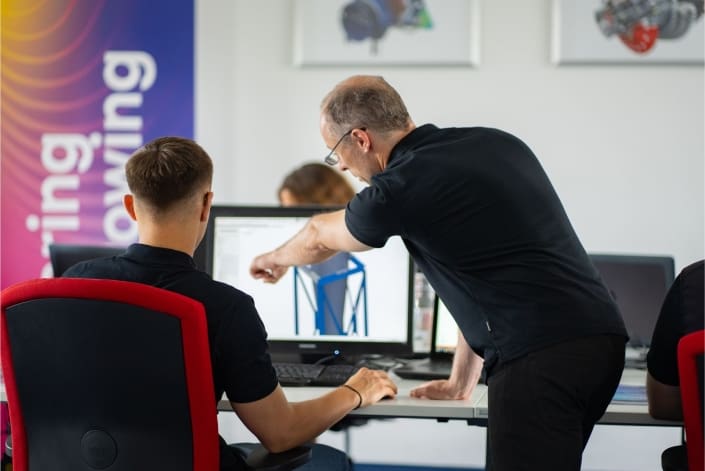

Are SOLIDWORKS Essentials & Drawings the right training courses for you?
The SOLIDWORKS Essentials and Drawings courses are ideal for beginners, as well as existing users looking to refresh their knowledge, improve efficiency and adopt up-to-date modelling techniques. These hands-on courses provide a strong foundation in the core tools and workflows needed to use SOLIDWORKS effectively in a professional setting.
By the end of the SOLIDWORKS Essentials training course, you’ll be able to model parts with confidence, create static or moving assemblies, and carry out basic stress analysis on individual components using SimulationXpress.
After you’ve completed the Drawings Course, you’ll have the practical skills required to produce detailed, production-ready drawings complete with dimensions and annotations, helping you communicate your designs clearly and accurately.
Don’t get left behind – Reserve your seat now!
Get Started – Contact Us
"*" indicates required fields
👉Official UK & Ireland SOLIDWORKS Reseller since 2002
👉Trusted partner to over 25,000 businesses worldwide
👉Award winning support team
👉Telephone & remote assistance
👉Official SOLIDWORKS training courses
👉Unparalleled industry knowledge
👉Software price match promise
👉Exclusive FREE software