


SOLIDWORKS 2026: What’s New
From parts to assemblies, drawings to simulation and everything in between, our team have put together the following videos detailing our favourite updates and enhancements. Here’s why SOLIDWORKS 2026 is the best release ever…

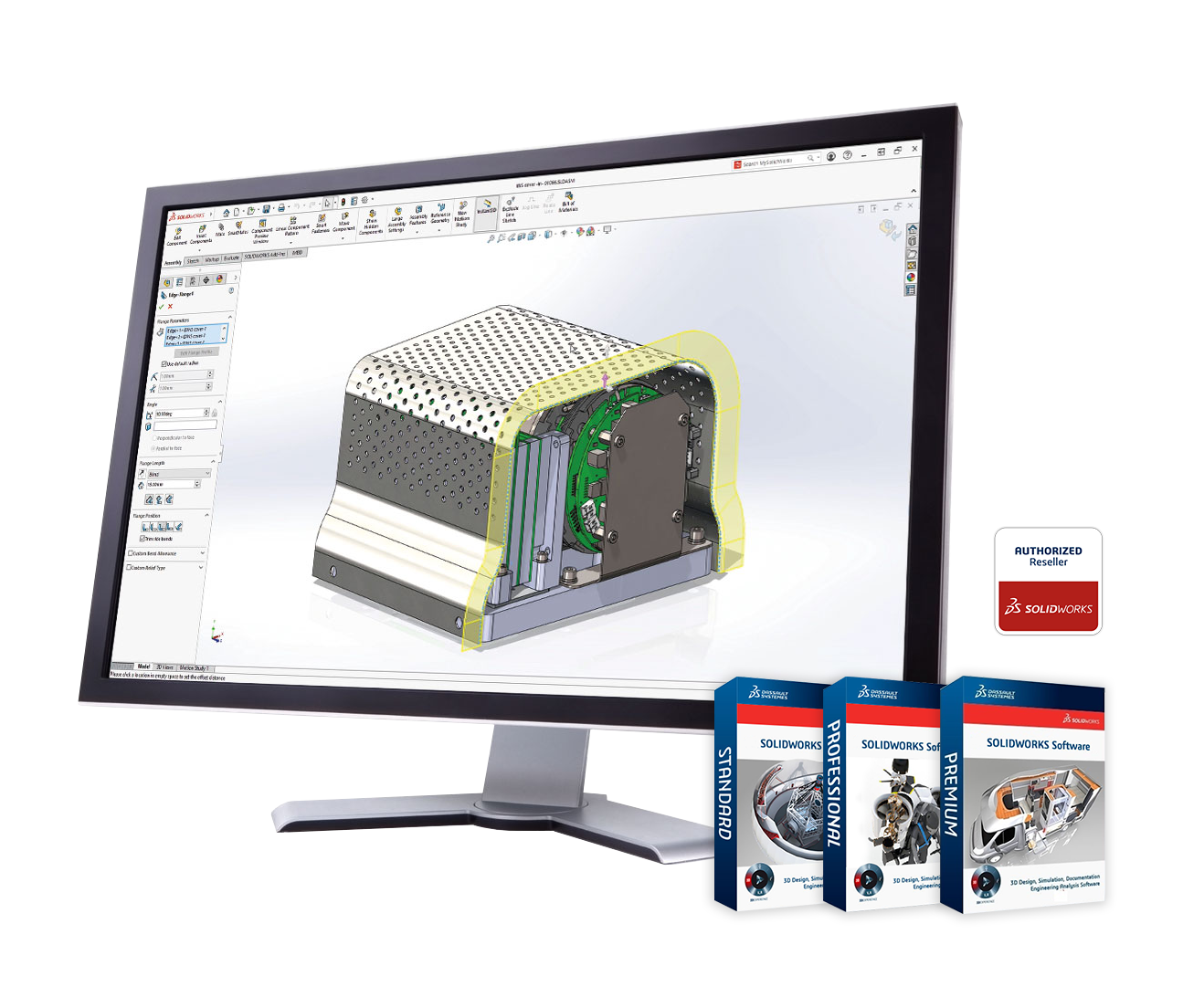
What’s New in SOLIDWORKS 2026?
-
Parts
SOLIDWORKS Design 2026 delivers smarter tools for sheet metal, structure systems, equations, and reference geometry giving you more flexibility and control.
- Sheet Metal: Offset base flanges from the sketch plane and break both external and internal corners with ease.
- Equation Cleanup: Automatically delete dangling equations when removing associated sketches or features.
- Structure Systems: Improved corner treatment previews and intuitive selection pane for complex joints.
- Cut List Properties: Reference cut list data in configuration properties for seamless PLM/ERP integration.
- Reference Points: Define points using numeric X, Y, Z values for precise layouts and advanced mating.
- Bounding Box Control: Lock bounding box directions to a coordinate system for consistent labeling – even after geometry changes.
Result: More flexibility. Cleaner workflows. Greater precision.
-
Assemblies
SOLIDWORKS Design 2026 makes working with assemblies faster and smarter -reducing saves, improving configuration management, and automating hardware placement.
- Reduced Saves: Cosmetic changes like reference geometry edits, decals, and appearance tweaks no longer trigger unnecessary top-level assembly saves.
- Config & Display State Tables: Faster rendering, adjustable columns, text wrapping, and simplified column management for cleaner workflows.
- AI Fastener Recognition: Automatically detect and mate fasteners – even without mate references – saving time on common assembly tasks.
Result: Work smarter. Save time. Automate those tedious tasks!
-
Drawings & MBD
SOLIDWORKS Design 2026 introduces AI-driven automation and smarter tools to streamline documentation workflows. From automatic drawing generation to enhanced annotation control, these updates save time and improve clarity for manufacturing.
- Auto-generate Drawings: AI creates drawings from parts or assemblies, complete with scaled views and annotations, while you keep working.
- Magnetic Lines: Align notes, weld symbols, and tolerances instantly for a clean, organised layout.
- Dimension Breaks: Dynamic breaks around text improve readability and reduce errors.
- Advanced Tolerances: Custom text in geometric frames and ISO 21920-1 surface finish symbols for compliance and flexibility.
- MBD Enhancements: Hide/show multiple annotations and use filter bars for quick searches in DimXpert.
Result: Faster drawings. Smarter documentation. More time for design.
-
Simulation
SOLIDWORKS Simulation 2026 introduces smarter load application, improved diagnostics, and advanced analysis options, making structural validation faster and more intuitive.
- Remote Loads on Shell Edges: Apply remote loads and masses directly to shell edges for accurate sheet metal and plate analysis.
- Setup Diagnostics: Error dialogs now pinpoint missing materials or mesh issues for quick fixes in large studies.
- Rotational Displacement Plots: Define rotation about X, Y, Z axes in degrees or radians for deeper insight into structural behavior.
- Shell Control: Set thick shells as default for better shear stress accuracy in thin plate studies.
- Dynamic Studies: Calculate connector reaction forces in random vibration analysis for pinned joints.
- Beam Enhancements: Apply total force across multiple beams or distributed mass per item for realistic load distribution.
- Response Spectrum Analysis: Assign remote masses without modeling full geometry ideal for seismic and heavy equipment scenarios.
- Buckling Analysis: Filter out negative eigen values for cleaner, more interpretable results.
Result: Smarter setup. Faster solves. Confident decisions.
-
PDM
SOLIDWORKS PDM Professional 2026 introduces smarter search, improved ownership control, and enhanced Web2 functionality, making collaboration and data management faster and more secure.
- Enhanced Search: Split-button interface for quick access to last searches, favorites, and tools. Wildcard matching now supported across search cards.
- Ownership Transfer: Managers can reassign checked-out files even if changes aren’t checked in thanks to background cache synchronisation.
- Web2 Upgrades: Collapsible info panels, progress indicators, and direct access to Named BOMs for streamlined workflows.
- Preview Expansion: View Parasolid (v37.1) and STEP files directly in eDrawings without opening SOLIDWORKS.
- Admin Enhancements: Advanced conversion controls for SAT, Parasolid, IGS, and eDrawings; dynamic PDF output paths; workflow archive/unarchive options.
Result: Smarter searches. Flexible permissions. Faster reviews.
-
Performance & User Experience
SOLIDWORKS Design 2026 introduces powerful tools to speed up selection, simplify editing, and optimise performance for large assemblies and complex parts.
- Selection Filters: Quickly select entire subassemblies or originating features with new filter options (F5/F6 shortcuts).
- Feature Highlighting: Instantly identify faces and dimensions tied to a feature for faster edits in complex parts.
- Performance Evaluation: Use Select Bodies by Size and Select Bodies by Volume to remove unnecessary detail and reduce graphics load by up to 75%.
Result: Faster selection. Smarter editing. Optimised performance.
-
Rendering
SOLIDWORKS Design 2026 introduces a major upgrade to rendering workflows with DSPBR support and one-click rendering, bringing realism and speed to your designs.
- DSPBR Appearances: Updated library with advanced lighting, normal maps, and roughness control for ultra-realistic visuals.
- Visualize Compatibility: DSPBR appearances transfer seamlessly for consistent rendering results.
- Render in SOLIDWORKS: Create stunning images directly in SOLIDWORKS with one-click rendering with no extra steps required.
- Stellar Fast Mode on AMD: Near real-time rendering now supported on AMD GPUs for faster scene setup and edits.
Result: Realistic materials. Seamless workflows. Faster rendering.
-
Collaboration
SOLIDWORKS Design 2026 brings smarter collaboration tools, AI assistance, and seamless integration with the 3DEXPERIENCE platform, making teamwork and data management easier than ever.
- Smarter Collaboration & Communication: Aura AI summarisation and chat, direct forum access, 3DSwym integration, conversation groups, iteration comments, and seamless sharing of designs with secure controls.
- Improved Design & Product Data Management: Save configurations as standalone products, automatic drawing stamping, enhanced bookmarks, and Office document routing for reviews and approvals.
- Advanced Modeling & Component Intelligence: Support for deformable components, smart components on the platform, and external design table support.
- Manufacturing-Ready Data & Accuracy: Publish weldment and sheet-metal cutlists to 3DEXPERIENCE and ensure accurate BOMs, references, and traceability across the design lifecycle.
Result: Smarter collaboration. AI-driven insights. Connected workflows.
-
Selective Loading
Efficiency is everything – and SOLIDWORKS 2026 delivers with Selective Loading on 3DEXPERIENCE, a new and smarter way to work with large assemblies.
- Selective Loading: Open only the parts and subassemblies you need to reduce open times and start designing faster.
- Custom Filters: Filter by properties, maturity states, or volumes; save and reuse curated views for precision workflows.
- Connected Documentation: Filters can be referenced in drawings for accurate, consistent representation.
Result: Leaner assemblies. Faster workflows. Smarter design.
-
Routing
SOLIDWORKS Design 2026 introduces powerful enhancements for tubing, piping, and electrical routing, bringing real-world manufacturing detail and faster workflows to your fingertips.
- Multi-Layer Coverings: Apply insulation, jackets, and protective layers directly to routes. Save layer groups as favorites for easy reuse across projects.
- Sketch-Guided Auto Route: Use 3D sketches as guidelines for electrical routes, creating clean, organised paths in one click without manual spline edits.
- Flexible Drawing Sheets: Switch sheet formats while maintaining view scales, annotations, and tables for consistent, professional documentation.
Result: Smarter routing. Faster setup. Real-world accuracy.
-
Electrical
SOLIDWORKS Electrical 2026 delivers smarter tools for schematic design, 3D routing, and harness detailing, streamlining workflows and improving accuracy.
- Manufacturer Part Import: Simplified Excel import with repeated values applied automatically across terminals and circuits.
- Dynamic Connector Insertion: Expanded UI with selection filters for quick pin management on high-pin-count connectors.
- Accessory Assignment: Easily associate accessory parts to circuits and terminals via drag-and-drop or context menu.
- PDF Export Enhancements: Auto-rotate drawings and flexible naming options for structured outputs.
- Connection Point Management: Edit stub lengths for multiple points in a single table, reducing setup time and errors.
- Route Selected Wires: Control individual wire routing for fit checks and design-specific paths.
- Harness Tooltips: Instantly view wire properties, bundle diameter, and connector details, even without routing active.
- Flattened Harness Drawings: Add route properties to connector tables for complete manufacturing documentation.
Result: Smarter schematics. Faster routing. Complete harness documentation.

