How to: Nest Flat Patterns in NC Shop Floor Programmer
15 July 2025
Are you a SOLIDWORKS user who needs to nest flat patterns for use with their CNC machine? Look no further!
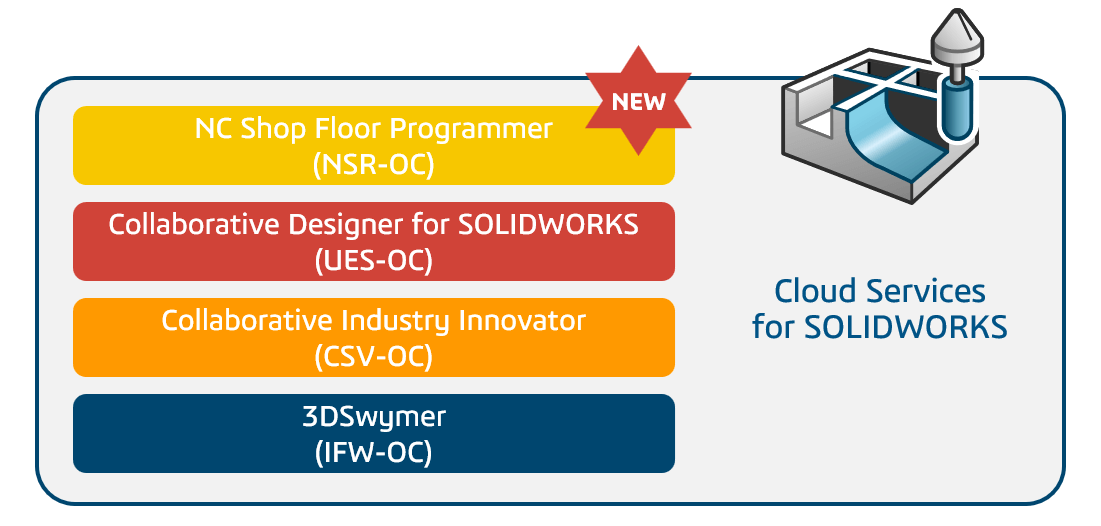
NC Shop Floor Programmer is a powerful role in the 3DEXPERIENCE Works portfolio, and as a part of this role, the Shop Floor Machining app lets you program CNC mills up to 3+2 axis. It also has nesting functionality that we can integrate into our SOLIDWORKS workflow.
From the 2025 release, NC Shop Floor Programmer has been included with all 3DEXPERIENCE SOLIDWORKS and SOLIDWORKS with Cloud Services subscriptions. It enables users to quickly create and validate NC programs with included part nesting capabilities. Something that wasn’t previously available with SOLIDWORKS alone.
The Shop Floor Machining app is a 3DEXPERIENCE native application that’s installed locally but still connected to the cloud data management vault. So it’s easy to access the data created and saved in SOLIDWORKS, our preferred environment. After parts are saved directly into 3DEXPERIENCE from within SOLIDWORKS, they are quickly available to use in any app. Meaning they can be added to machining cells with a simple drag-and-drop. If the model changes, an easy save to 3DEXPERIENCE updates the model wherever it’s being used.
How can nesting benefit me?
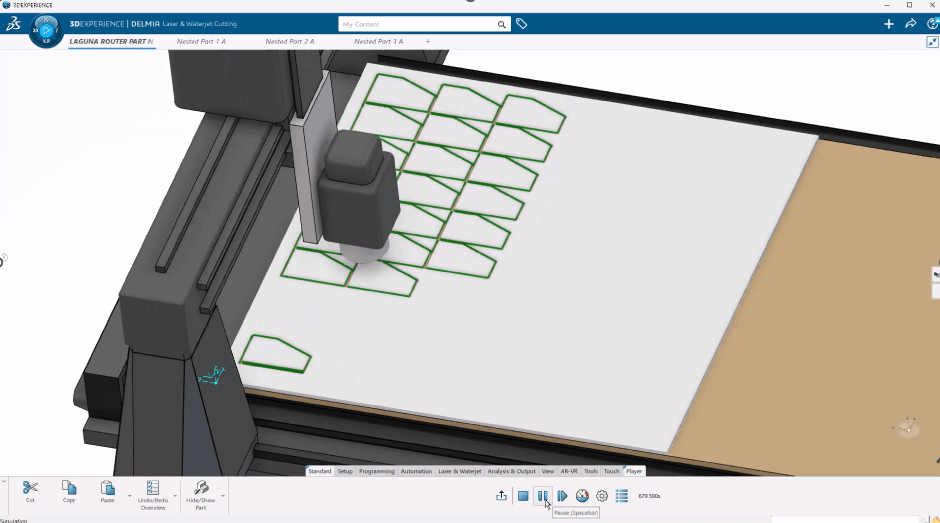
Reducing the amount of scrap created by a cutting program is essential for making machine shops more profitable and increasing their efficiency. A simple way to achieve this is a good quality nested program. Traditionally for SOLIDWORKS users, this would have needed to be done manually or with assistance from a 3rd party program. But no more!
Now users are still able to utilise the comprehensive Sheet Metal features within SOLIDWORKS, and Shop Floor Programmer simply closes the loop. Multiple flat pattern features can be quickly nested within the specified stock size. Users can also control the options of the nest to optimise the feature.
So what would nesting flat patterns in NC Shop Floor Programmer look like for SOLIDWORKS users?
Another added benefit of Shop Floor Programmer is the inclusion of the Manufacturability Checker app. Every seat of NSR comes with access included. This app checks the geometry of the part to be machined against the actual kinematics of your CNC machine. Meaning we can take our nested toolpaths that one step further before exporting out the NC code.
If you have any questions about how to use NC Shop Floor Programmer, or would like to learn more about the 3DEXPERIENCE platform, give us a call on 01223 200690 or send us a message using the link below.
 |
About the author: This guide was written by 3DEXPERIENCE Product Manager, Lucy Bryan. Lucy is an Elite SOLIDWORKS Applications Engineer and has been with the Visiativ Technical Support Team since 2019. |
|||
|
|
||||