
The Benefits of Design Automation for Your Business
25 June 2025
Have you ever wondered about the benefits of design automation for your business? The most competitive companies today often require their designers to produce proposal documents and concept drawings on the tightest of timeframes. Engineers frequently waste time on repetitive tasks that could be automated, leaving less time to redesign existing projects, update drawings and thoroughly check design details. This exposes projects to mistakes, errors, reworks, backlogs and delays.
Design automation tackles these challenges by streamlining manual tasks. By automating time-intensive and repetitive engineering activities, manufacturers increase productivity, improve quality and enhance their chances of winning new business. In this guide we’re going to take a look at the benefits of design automation for your business using DriveWorks, while taking a look at the steps needed to automate.
What is Design Automation?
Design automation streamlines the design process for “same but different” products by applying predefined rules and logic throughout CAD designs.
Design automation solutions automate various engineering tasks, including:
- Creating drawings using predefined templates from the master project. The product level of DriveWorks you choose determines the level of control you have over these drawings.
- Adjusting product design parameters such as custom properties, sketches, feature dimensions, component properties and mates.
- Applying specific design rules to automatically adapt components when a product changes in size – adjusting spacing, adding or replacing components and maintaining design integrity.
What is DriveWorks?
DriveWorks is purpose-built for seamless integration with SOLIDWORKS, making it the go-to solution for companies looking to automate variations of existing designs. As a SOLIDWORKS Gold Partner since 2002, DriveWorks continues to lead in delivering cutting-edge design automation tools.
DriveWorks design automation technology allows manufacturers to capture and apply their knowledge of design, production and cost estimation into design rules. This enables the streamlining and creation of custom products with repeatable speed and precision each time, all without the need for complex macros, design tables or configurations.
How Does DriveWorks Design Automation for SOLIDWORKS Work?
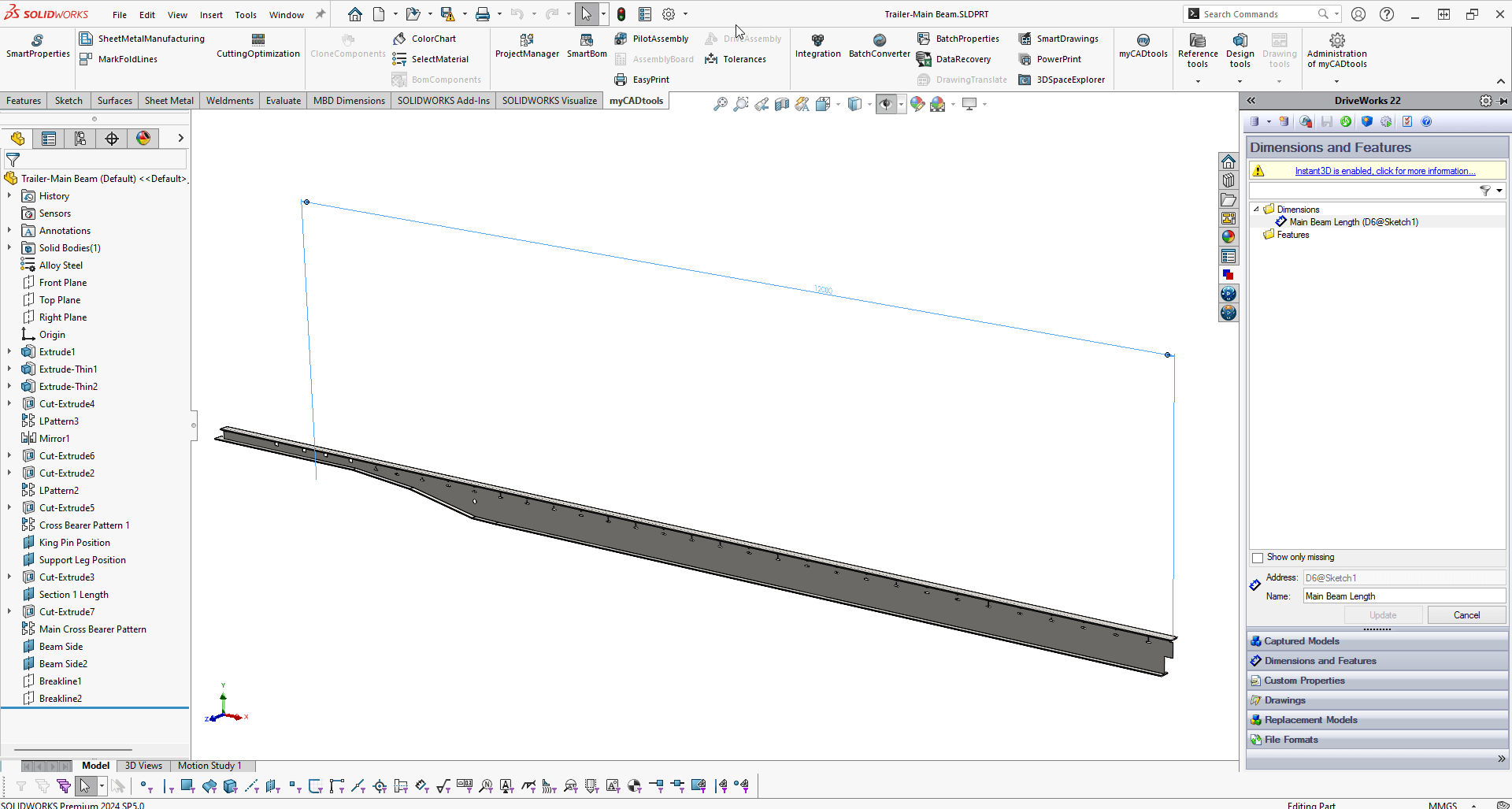
Step One: Capture the Parameters
Identify and capture the parameters you modify manually in SOLIDWORKS documents using the DriveWorks Add-in.
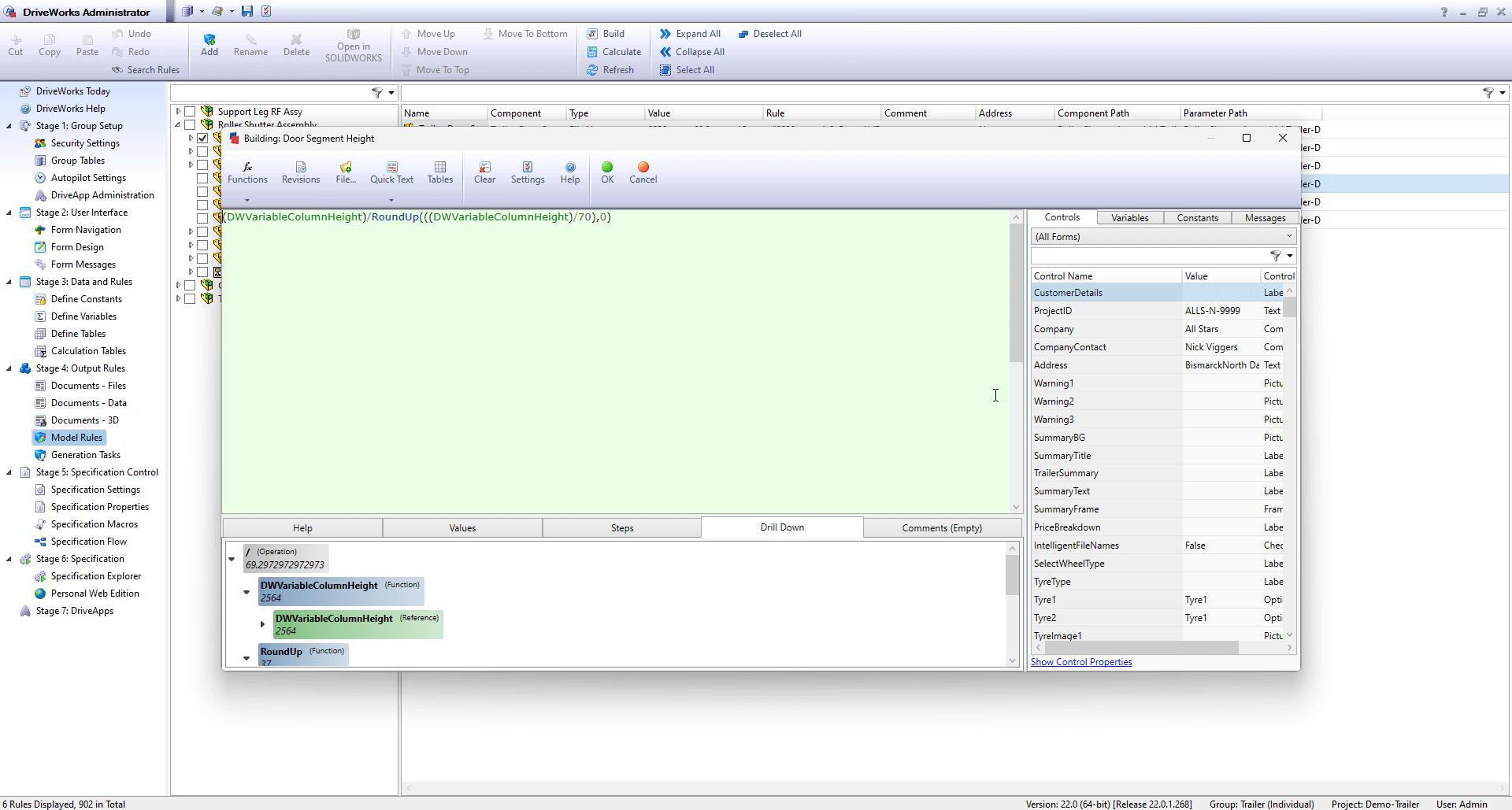
Step Two: Build Rules and Logic
Use the intelligent DriveWorks Rules Builder to encode your engineering expertise, dynamically updating and controlling key parameters.
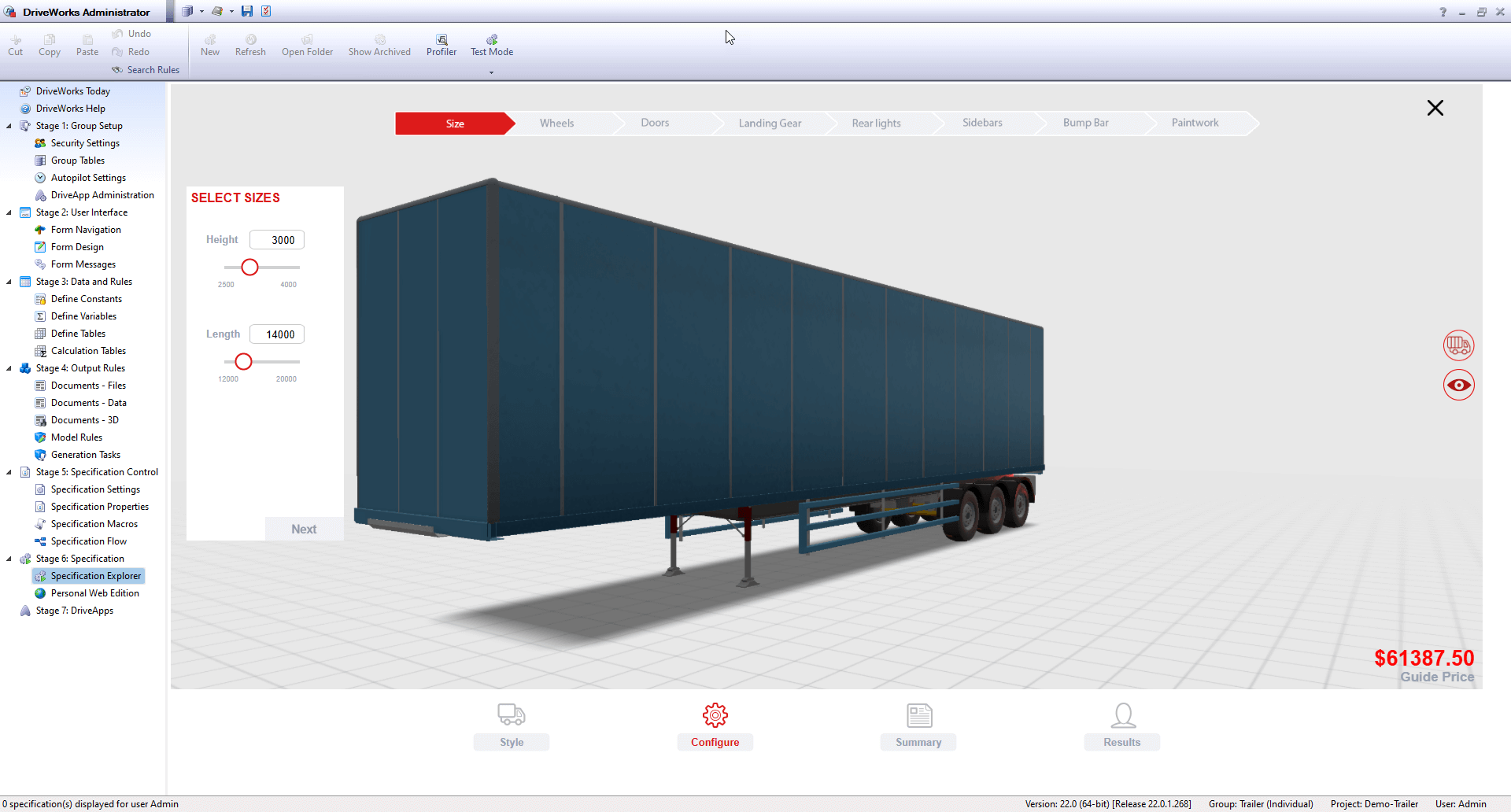
Step Three: Run Your Automated Design Project
Execute your automated design projects to quickly generate SOLIDWORKS files tailored to specific customer requirements. Create accurate models, assemblies, drawings, BOMs and quotes based on predefined rules.
Benefits of DriveWorks Design Automation for Your Business
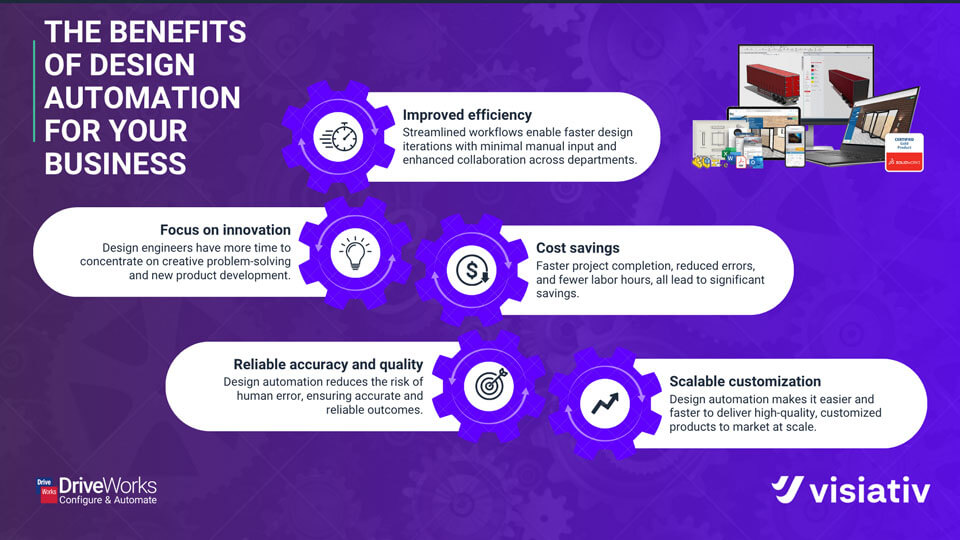
⏱️ Improved Efficiency
DriveWorks design automation streamlines workflows, enabling faster design iterations with minimal manual input. By automating repetitive tasks, project timelines are shortened, allowing engineers to take on more projects or focus on solving complex challenges. Improved workflows also enhance collaboration across departments, optimising processes in sales and production.
💡 Focus on Innovation
By automating mundane tasks, design engineers can concentrate on creative problem-solving and new product development, fostering a culture of innovation and accelerating time-to-manufacture. Engineers also experience greater job satisfaction as they engage in higher-value tasks.
💰 Cost Savings
Using DriveWorks design automation, businesses achieve faster project completion, reduced errors and fewer labour hours – leading to significant cost savings. Enhanced accuracy and efficiency improves customer satisfaction, boosting repeat business.
🎯 Reliable Accuracy and Quality
DriveWorks design automation minimises the risk of human error, ensuring consistent and reliable results. This is crucial in manufacturing, where precision is essential for seamless operations across design, sales and production teams. Predefined design rules help prevent reworks while automated systems generate quick and accurate outputs.
📈 Scalable Customisation
The demand for customisable products is growing across industries. However, manual CAD design for product variations can be slow and error-prone. Design automation resolves this challenge by automatically generating 3D models, manufacturing data and drawings, making it easier to deliver high-quality products to market.
How Visiativ Can Help
We understand that design automation software may have a learning curve. That’s why we offer training to enhance your workforce’s skills, or we offer a service to create DriveWorks projects tailored to your business needs. The companies we work with often find it more cost-effective to leverage our extensive expertise to develop and support their project.
Get Started with Design Automation Today
DriveWorksXpress, an entry-level design automation tool, is included free with every SOLIDWORKS licence. If you already have SOLIDWORKS and would like to try it, you can follow our guide to activating your licence.
If you’ve already explored DriveWorksXpress or require a more comprehensive automation tool, you can obtain a 30-day free trial of DriveWorks Solo (have a read of our guide on maximising your DriveWorks Solo free trial), or request further information and pricing here.
For additional guidance, why not join one of DriveWorks’ monthly webinars:
- 2nd Tuesday of the month: Introduction to DriveWorks
- 3rd Tuesday of the month: Using DriveWorks as a 3D Sales Configurator
- 4th Tuesday of the month: Creating a CPQ Solution Using DriveWorks

|
About the author: This tutorial was written by Elite SOLIDWORKS Applications Engineer, James Giddings. James has been with the Visiativ Technical Support Team since 2007. |
|||