How to view SOLIDWORKS Files on your phone
17 March 2026
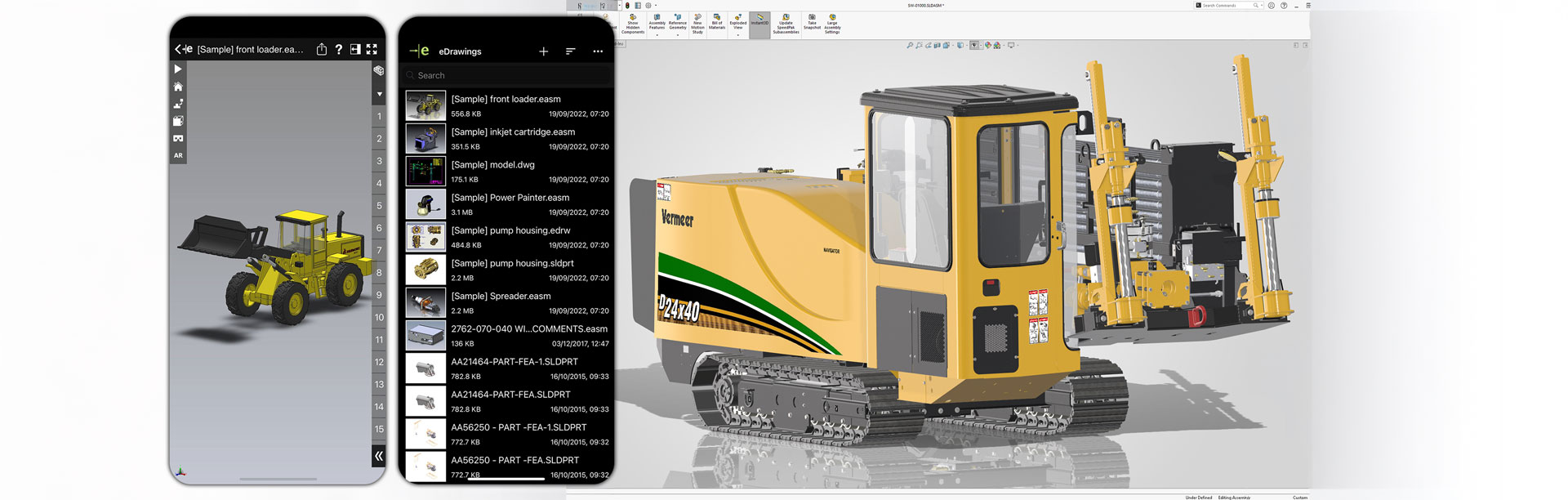
If you wish to view SOLIDWORKS files on your phone, one of the best ways to do this is with eDrawings Mobile. Let’s take a look at the features of this great app, and how to install it.
eDrawings Mobile, on Android and iPhone / iOS has two software levels, eDrawings Viewer Mobile and eDrawings Professional Mobile. Let’s look at the differences between the Professional and Viewer products:
|
Product |
eDrawings Professional |
eDrawings Viewer |
|||||||
|
|
Desktop |
Mobile |
Desktop |
Mobile |
|||||
|
Ultra Compact Files |
x |
x |
x |
x |
|||||
|
Drawing Layout |
x |
x |
|||||||
|
Hyperlinking |
x |
x |
|||||||
|
3D Pointer |
x |
x |
|||||||
|
Point-and-Click Animation |
x |
x |
x |
x |
|||||
|
View Design Analysis Results |
x |
x |
x |
x |
|||||
|
Save In Many File Formats |
x |
x |
|||||||
|
Extensive CAD Product Support |
x |
x |
x |
x |
|||||
|
File Properties |
x |
x |
|||||||
|
Markup Tool |
x |
x |
x |
||||||
|
Measure Tool |
x |
x |
x |
||||||
|
Dynamic Cross Sectioning |
x |
x |
x |
||||||
|
Move Components and Explode Views |
x |
x |
|||||||
|
View Configurations |
x |
x |
x |
x |
|||||
|
Play SOLIDWORKS Animations |
x |
x |
x |
x |
|||||
|
Rich eDrawings API |
x |
x |
|||||||
|
View Mass Properties |
x |
x |
|||||||
|
Augmented Reality (AR) |
x |
x |
|||||||
|
Virtual Reality (VR) |
x |
x |
x |
||||||
|
Save as web HTML |
x |
||||||||
With eDrawings Pro Mobile, you can see there’s the addition of Markup, Measure & Dynamic Cross Sectioning.
Next, we’ll have a look at how to install the software. If you’re on iPhone or iOS skip to here, if you’re on Android follow on below:
Installing eDrawings on Android
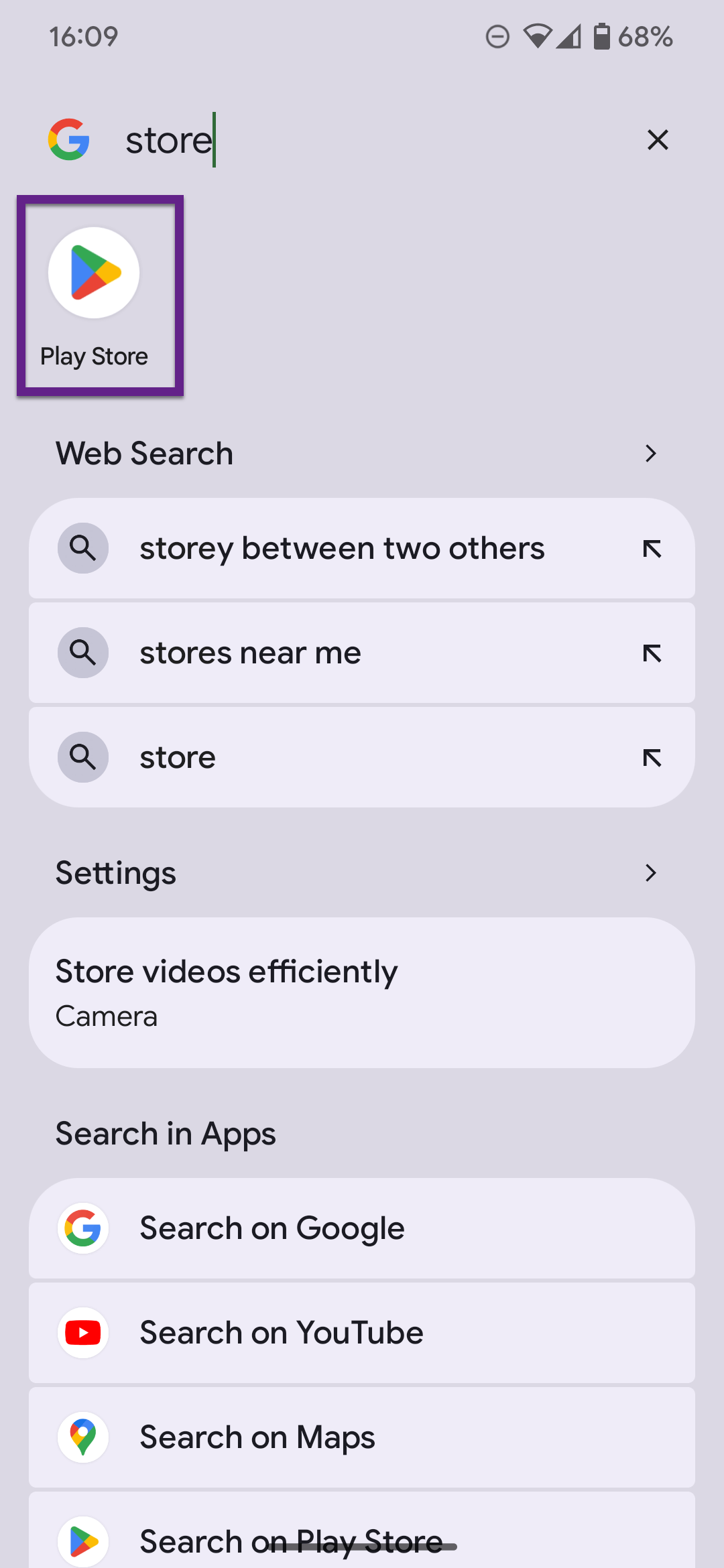
To access the download link on the Google Play store click here or you can search for eDrawings after opening the Google Play store to find the same link.
 |
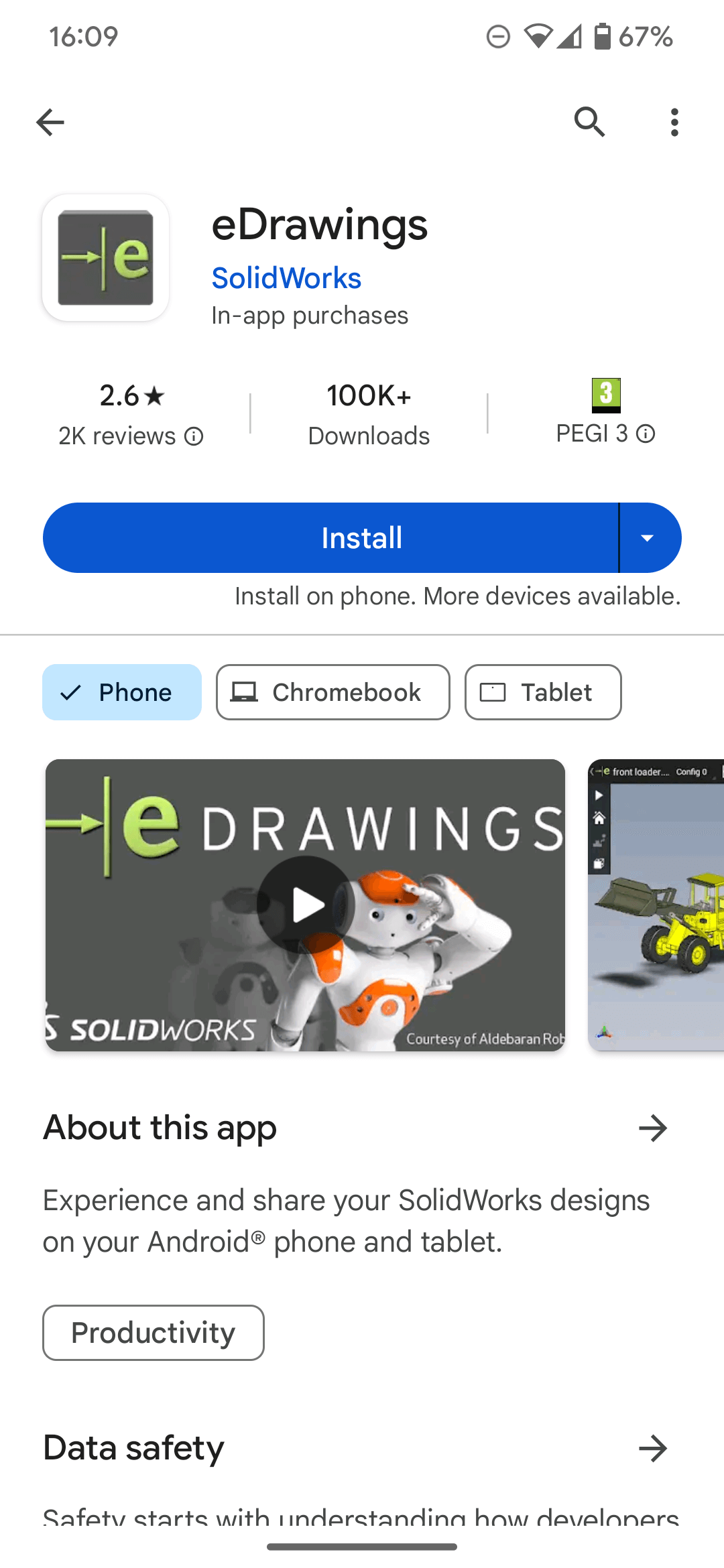 |
Note: There’s only one version of eDrawings to install from the plays store and you can upgrade to Professional once installed.
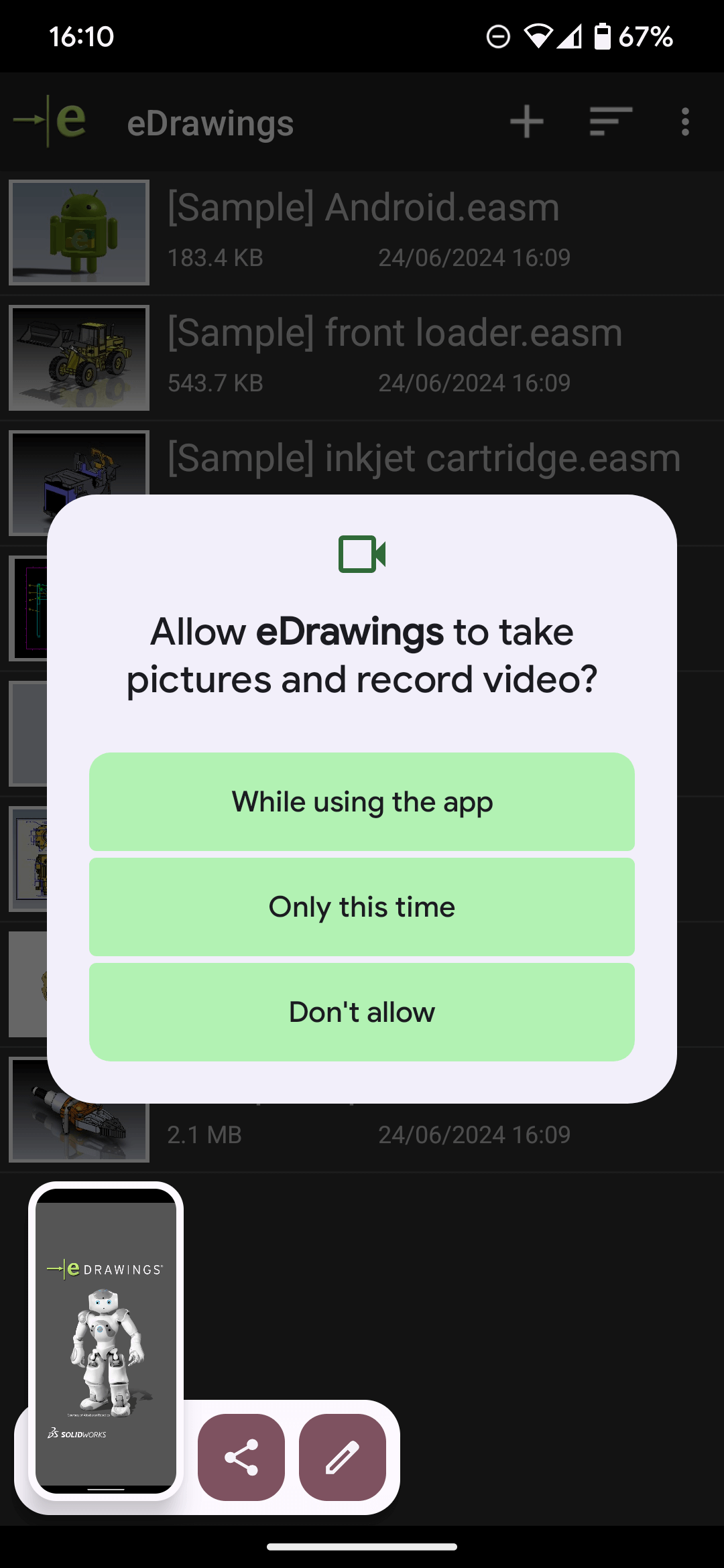
When you open the app for the first time, you’ll need to allow the app access to take Pictures and Record video, this is for the AR and VR functions of the App.
 |
 |
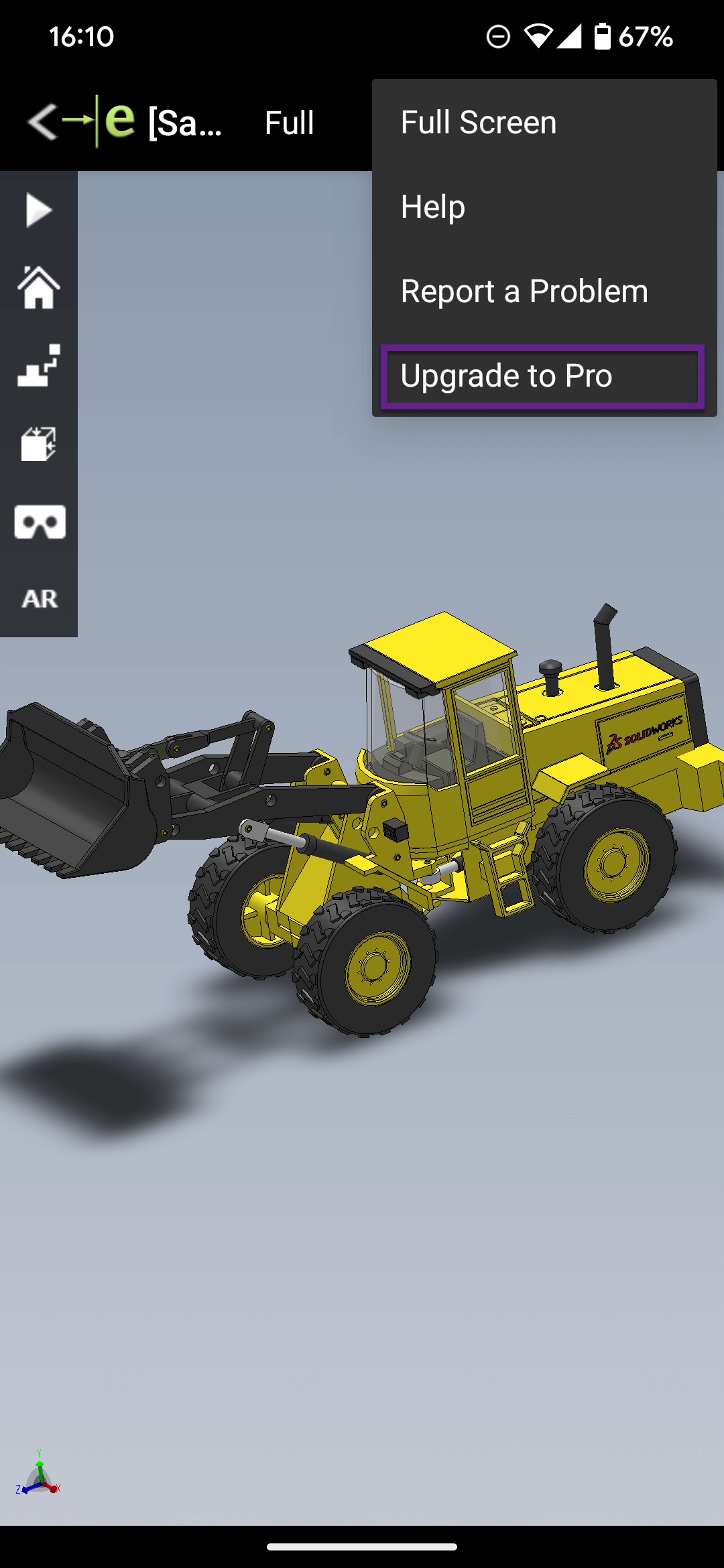
Once you have the app open, you’ll find the option to upgrade to Pro in the corner three button menu.
 |
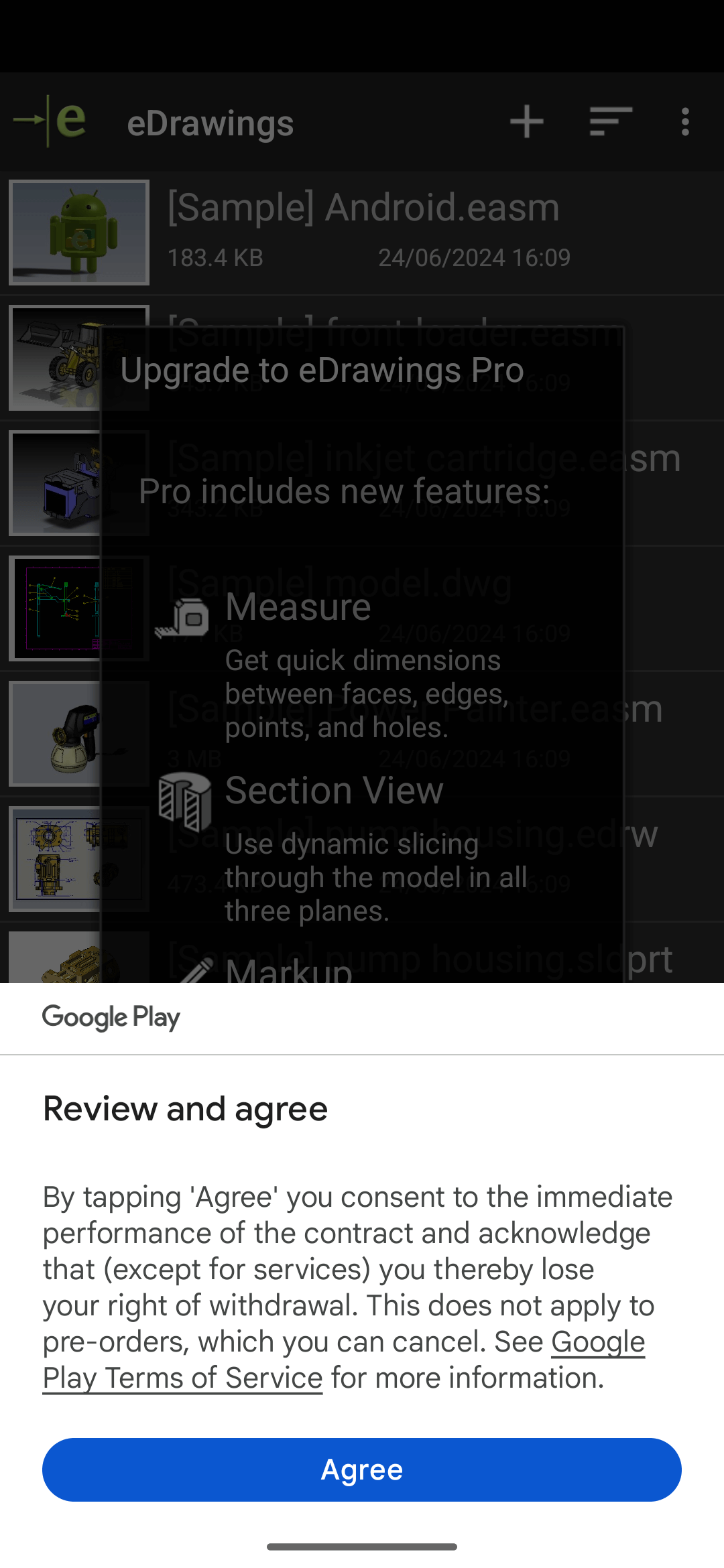 |
You’ll need to agree to the terms in the next menu and proceed with the purchase, £4.90 (at the time of writing).
Installing eDrawings on iOS for iPhone
On iOS for iPhone and iPad there are two versions of eDrawings to install from the App Store, click here to access the download links.
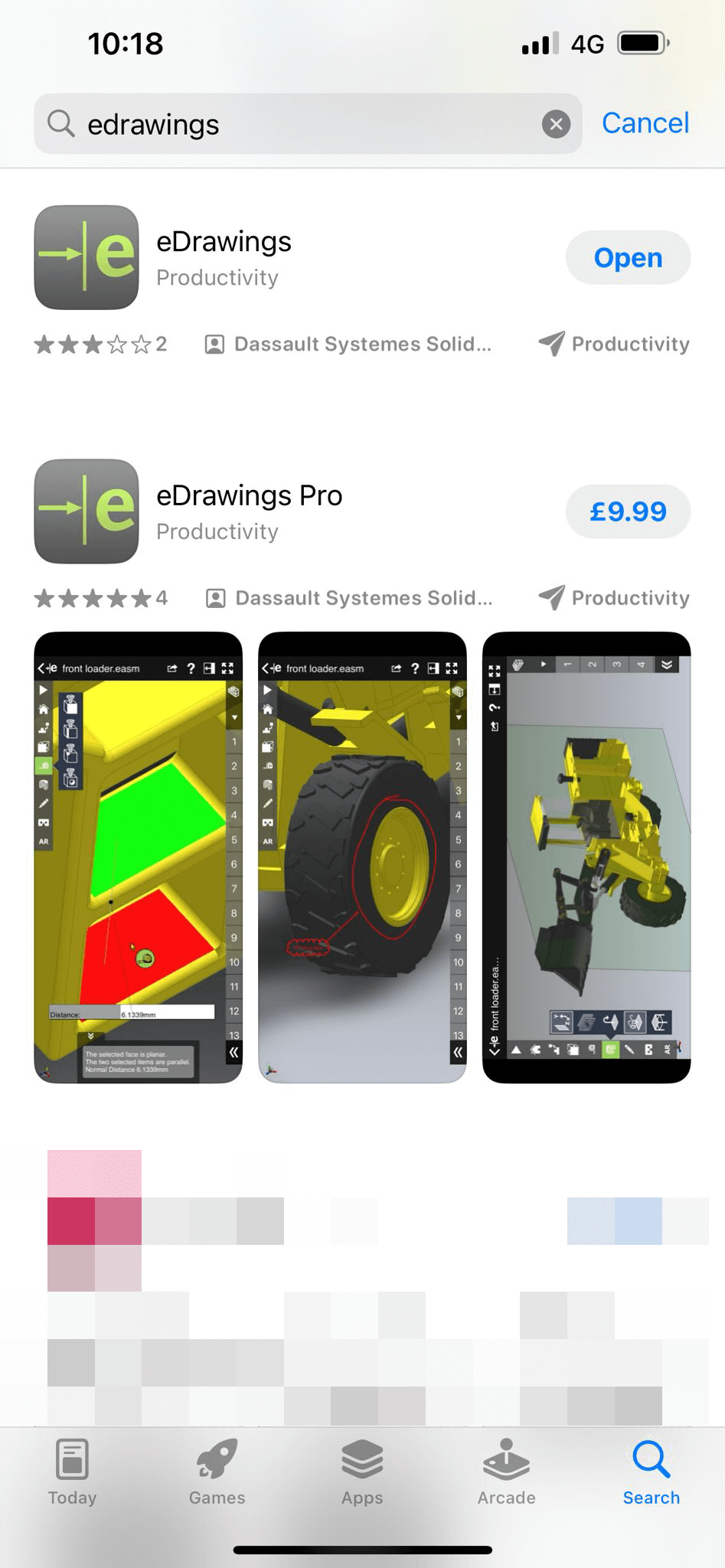 |
You can select and download the version you need directly from the App Store. eDrawings Viewer mobile is free and eDrawings Pro mobile is £9.99 (at the time of writing).
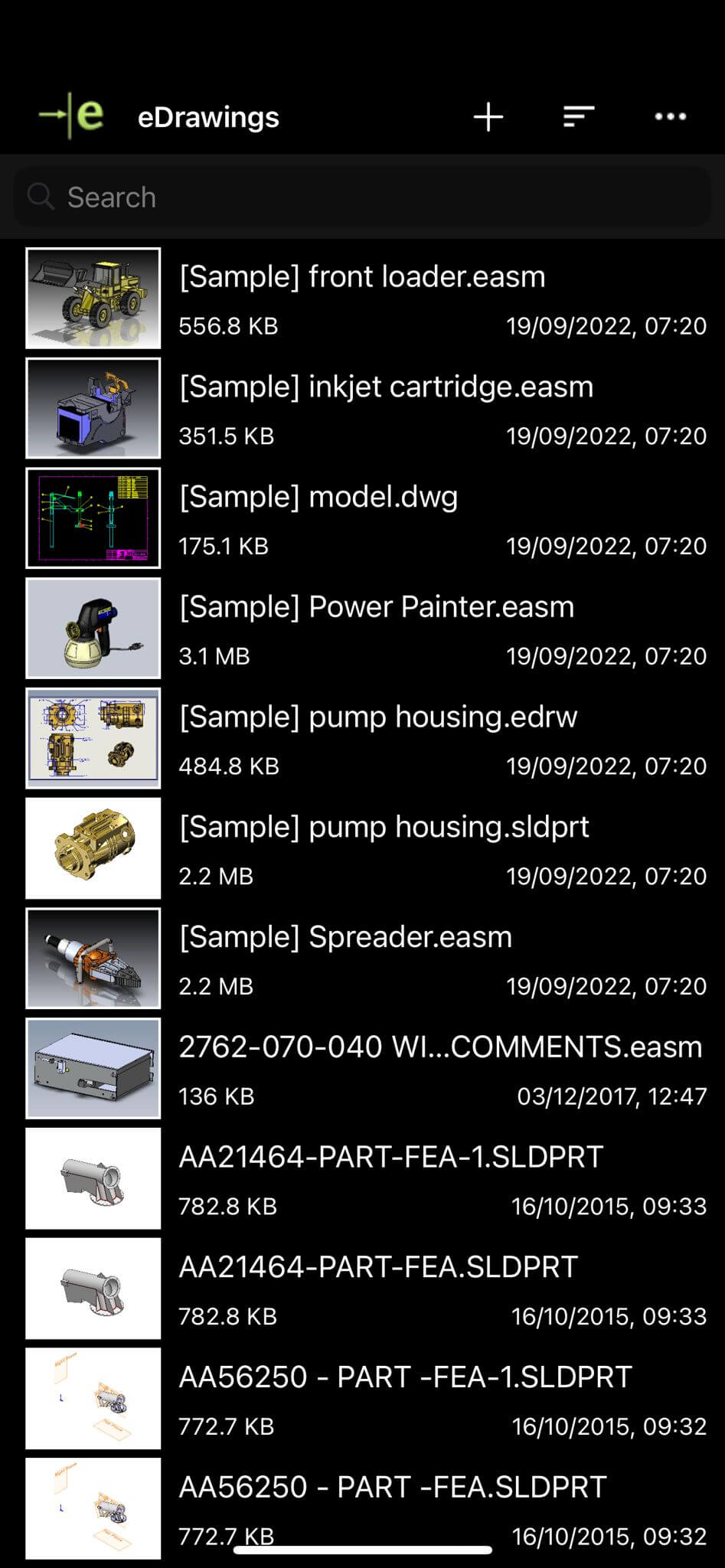
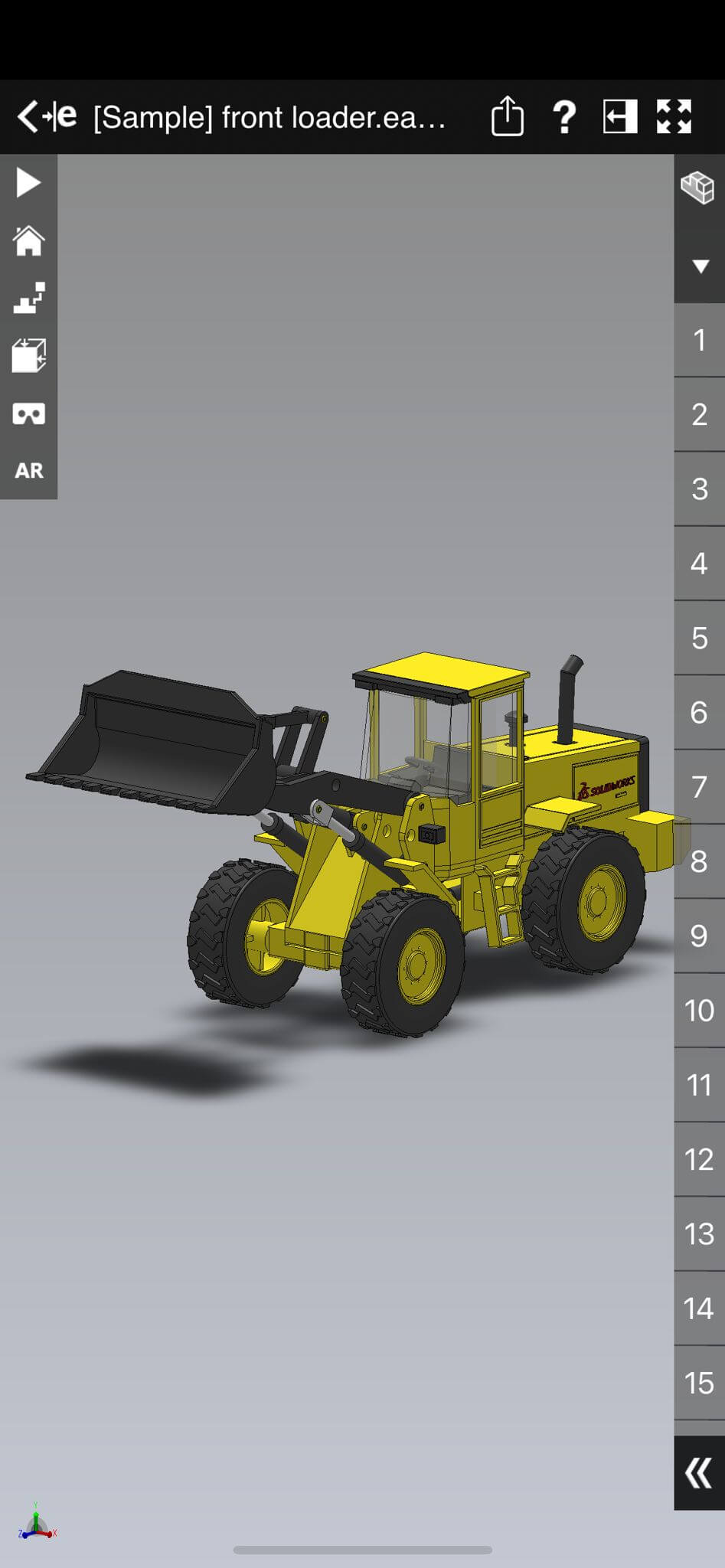
Upon opening the app, you’ll be presented with some samples which you can open and interrogate. These are great for testing out the functionality.
 |
 |
We hope you’ve found our tutorial on how to view SOLIDWORKS Files on your mobile phone useful. For more SOLIDWORKS tutorials, head over to our news and resources pages.
|
|
About the author: This tutorial was written by Elite SOLIDWORKS Applications Engineer and Training Manager, Adam Rose. Adam has been with the Visiativ Technical Support Team since 2010. |
|||
|
|
View Adam Rose’s LinkedIn Profile here.
|
|||