
Why you should upgrade SOLIDWORKS with DriveWorks Solo
29 May 2025
In this blog, we’ll explore the best feature improvements between DriveWorksXpress, which is included within your SOLIDWORKS install and DriveWorks Solo. DriveWorksXpress is an entry-level automation tool, but after creating a few projects, you may start to notice its limitations. If you’re interested in finding out how to setup a DriveWorksXpress project, have a read of our guide here. Let’s dive into the reasons to upgrade SOLIDWORKS with DriveWorks Solo in order to unlock greater flexibility, automation and efficiency. It’s a great way to supercharge your SOLIDWORKS license!
1. Assembly Structure Automation
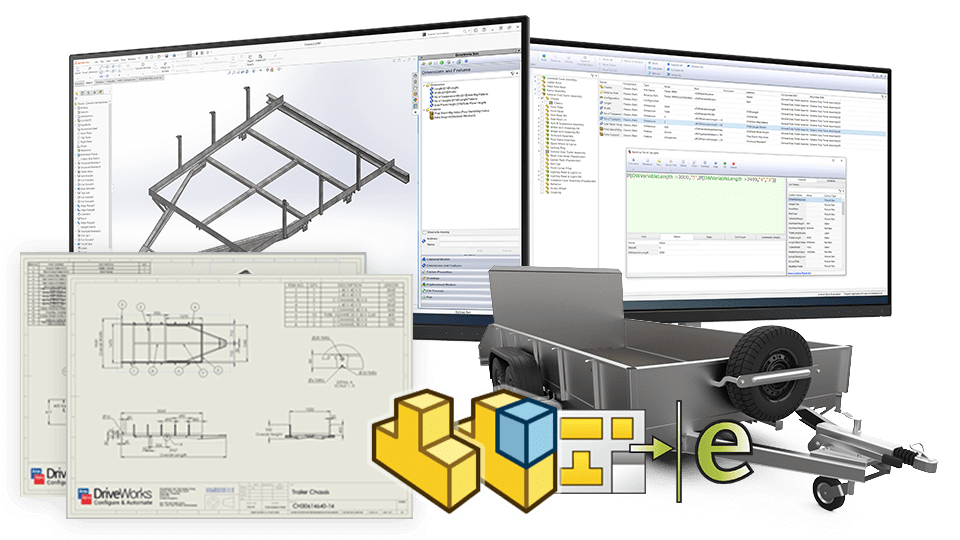
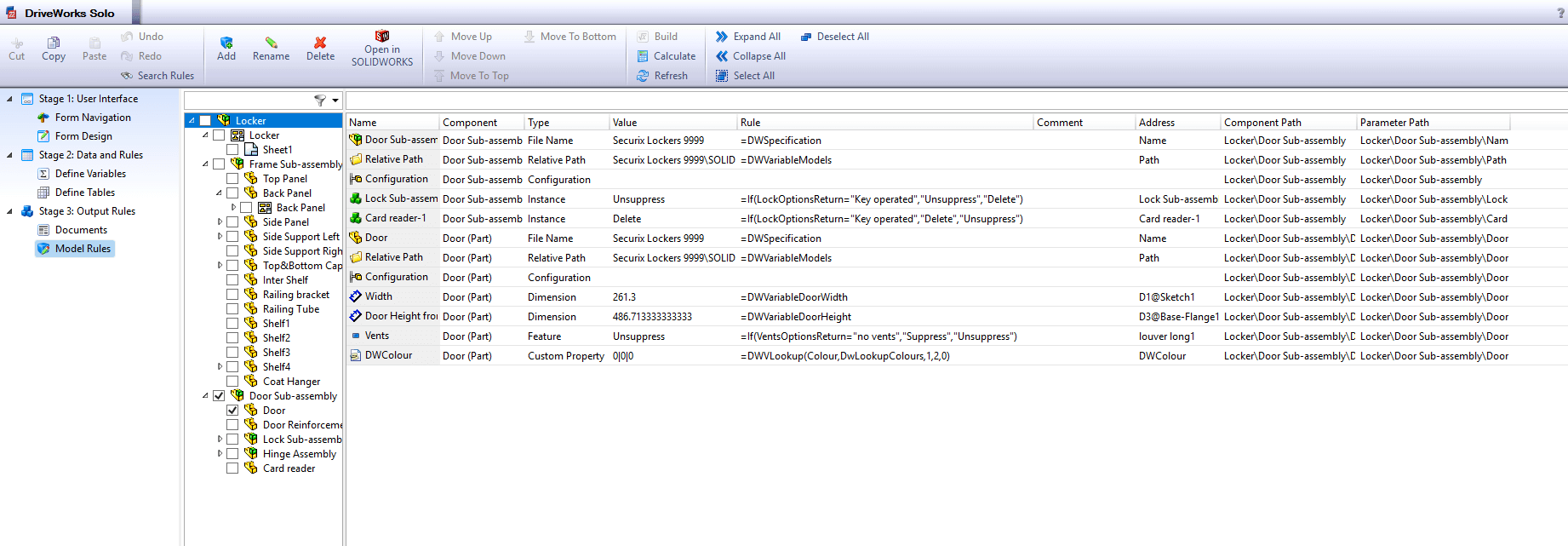
In DriveWorksXpress, you’re limited to suppressing or deleting components and features. This means that even if rules are applied to those components, you could be wasting processing time by calculating them before removing the parts.
In DriveWorks Solo, you still have the ability to suppress and delete components. However, Solo gives you greater control over assembly structures, allowing you to replace components dynamically. Additionally, you can change configurations of sub-assemblies and parts at any level within your model, providing deeper automation capabilities.
2. Drawing Automation
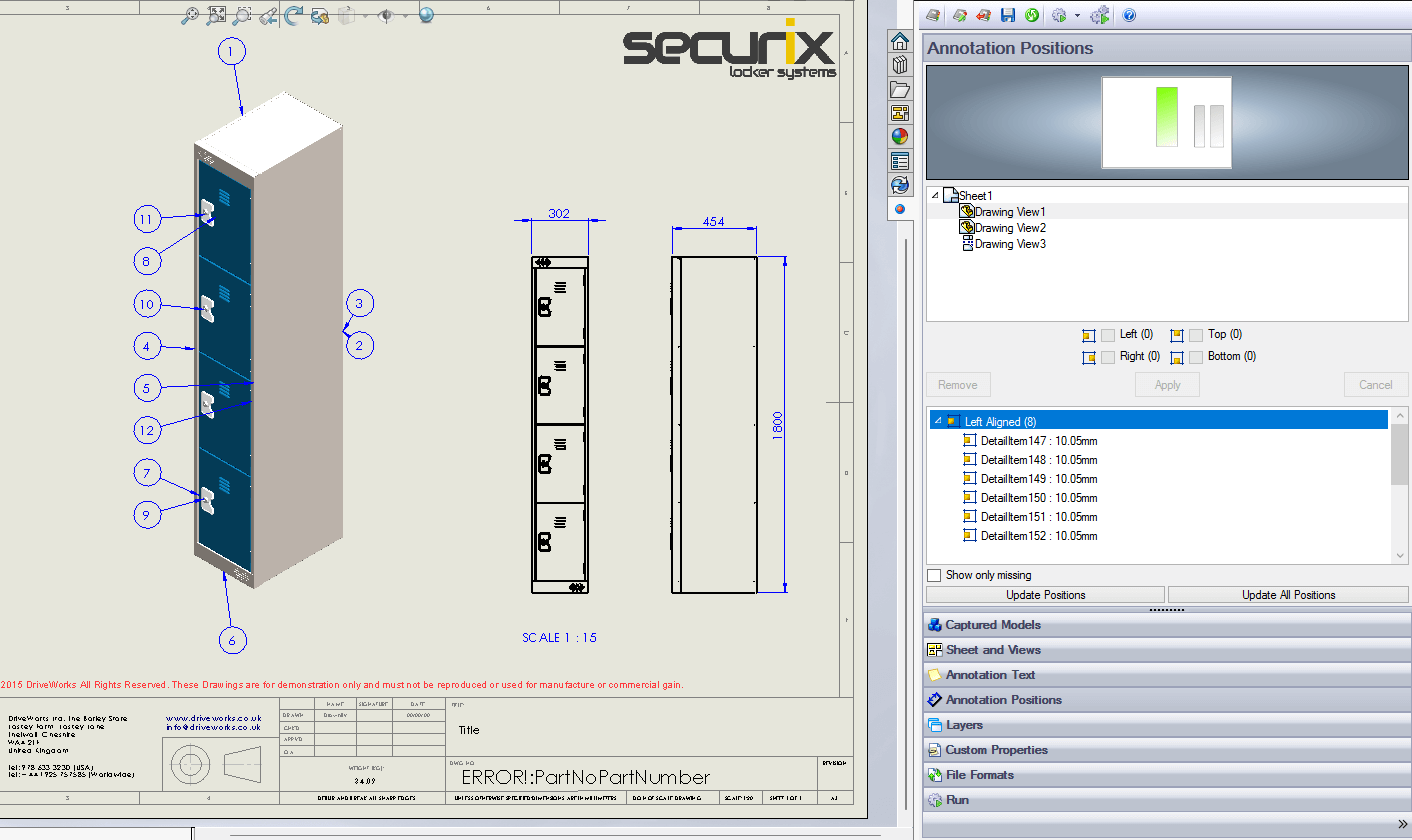
While DriveWorksXpress can control drawing creation, it is limited to single-sheet. Although standard views, detail views and section views can be created and saved within the drawing file, positioning and scaling limitations often cause overlapping views – leading to a cluttered drawing.
With DriveWorks Solo, you gain control over multiple drawing sheets, meaning you can consolidate your project into a single large drawing file instead of multiple single-sheet drawings. Additionally, Solo enables you to update drawing views, reposition annotations and insert new annotations, all controlled by rules and form input values.
3. Rule Complexity Improvements
DriveWorksXpress offers a basic rule builder, allowing you to use simple mathematical functions like addition and subtraction. You can also apply single IF statements to drive designs based on form values.
DriveWorks Solo enhances rule complexity by introducing:
- Advanced mathematical functions – including trigonometric operations like SIN and COSINE.
- Advanced function statements – enabling multi-condition rules, like IFConditional to do a filtered if statements, or MyName/MyNumber to retrieve the name or number applied to objects across DriveWorks like a variable, model, form control or document.
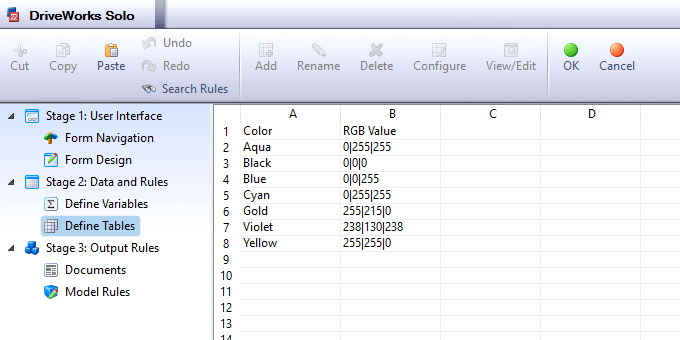 |
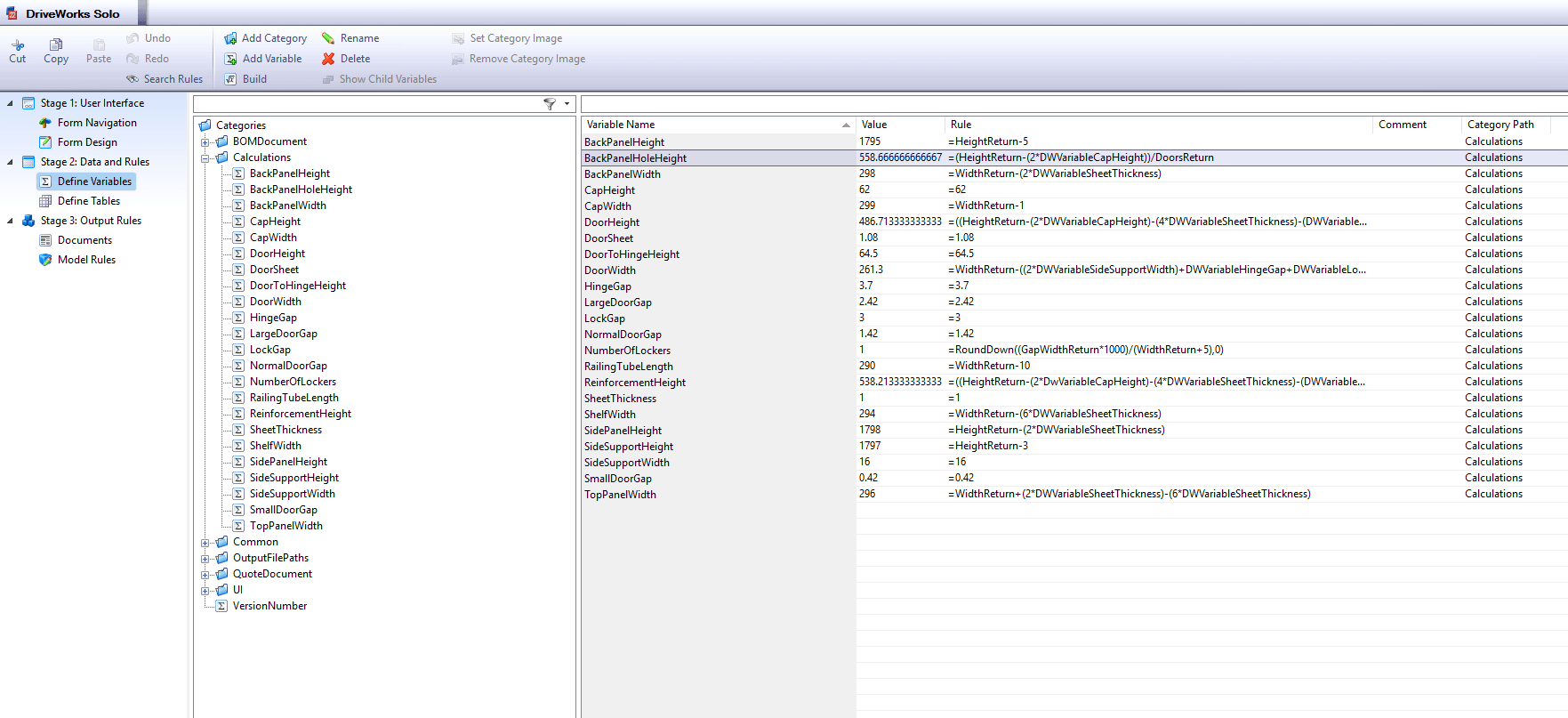
- Tables and Variables for better data organisation and performance optimisation:
- Tables – eliminate the need to copy lists into multiple form fields, users can reference a single list across various form inputs and do table lookups.
- Variables – can store equations or static text, reducing computing time and optimising rule efficiency across your project.
4. File Output Improvements
DriveWorksXpress allows you to generate copies of modified components and drawings with prefixes or suffixes, making it possible to reuse them in future projects.
DriveWorks Solo extends these capabilities by introducing:
- Custom file naming – enabling structured organisation.
- Automated output paths – ensuring consistent storage locations and the ability to reuse parts from standard locations for faster generation times.
- STEP file and PDF generation – allowing seamless sharing of models and drawings.
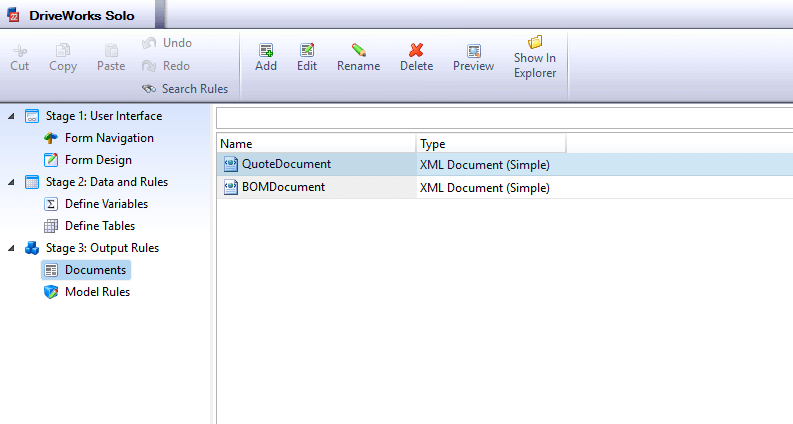
- Automated document creation – including quotes, BOMs, and cover letters, all of which can be customised using XML templates, form inputs, variables and tables.
5. Form Improvements
Both DriveWorksXpress and Solo include form creation, but Solo provides significant enhancements, including:
- Conditional visibility – Certain form fields can be hidden dynamically based on user selections.
- Multi-page logic – If a user selects “Empty Locker” in a form dropdown, the subsequent page asking for shelf quantity automatically disappears, improving usability.
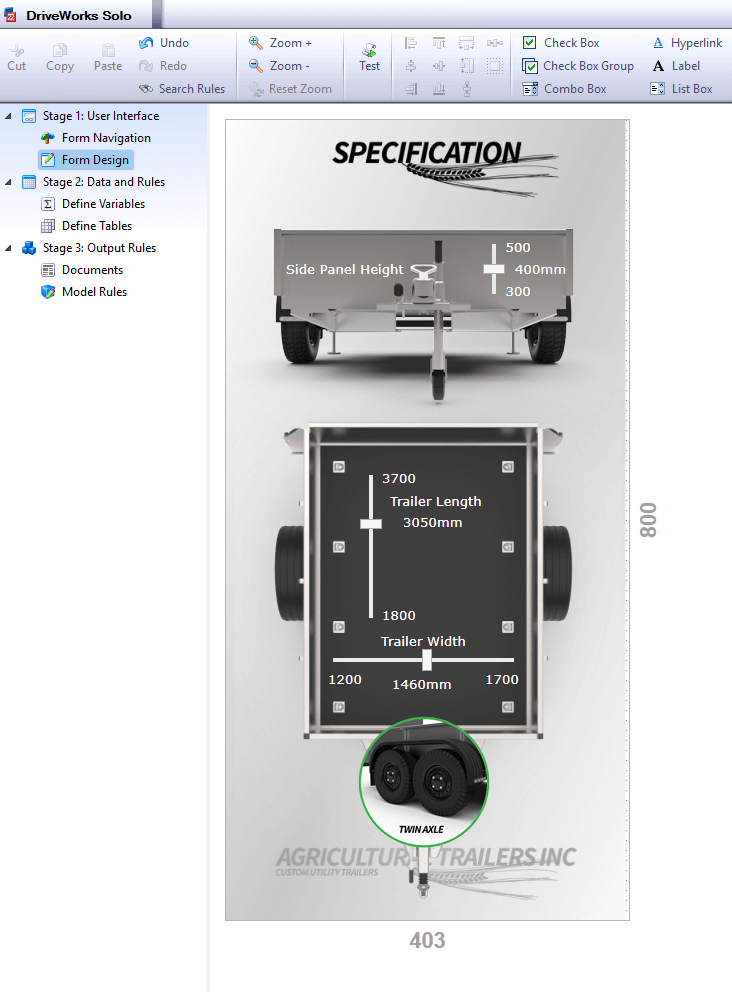
- Custom form elements – Solo enables images and dynamic sliders for a better user experience.
Summary
DriveWorks Solo introduces powerful automation improvements, making it a compelling upgrade from Express. Upgrading to DriveWorks Solo offers a host of powerful improvements that can transform the way you work with SOLIDWORKS. From enhanced control over assemblies and drawings to more advanced rules, smarter file outputs and intuitive form functionality, DriveWorks Solo empowers users to automate with greater precision and flexibility. If you’re finding DriveWorksXpress limiting or want to boost your design automation capabilities, Solo is a smart and scalable next step. It’s the perfect tool to take your projects – and productivity – to the next level.
If you’re interested in trying DriveWorks Solo, you can get a free trial here. Need help maximising your trial? Check out this guide.
This blog covers the five key improvements, but there are many more! Check out our full feature breakdown between DriveWorksXpress, Solo, and Pro.
If you require further information, or would like a demonstration of DriveWorks, please get in touch here, or call 01223 200690.
Watch: Get to know DriveWorks Solo
DriveWorks’ Monthly Webinars:
- 2nd Tuesday of the month: Introduction to DriveWorks
- 3rd Tuesday of the month: Using DriveWorks as a 3D Sales Configurator
- 4th Tuesday of the month: Creating a CPQ Solution Using DriveWorks

|
About the author: This tutorial was written by Elite SOLIDWORKS Applications Engineer, James Giddings. James has been with the Visiativ Technical Support Team since 2007. |
|||