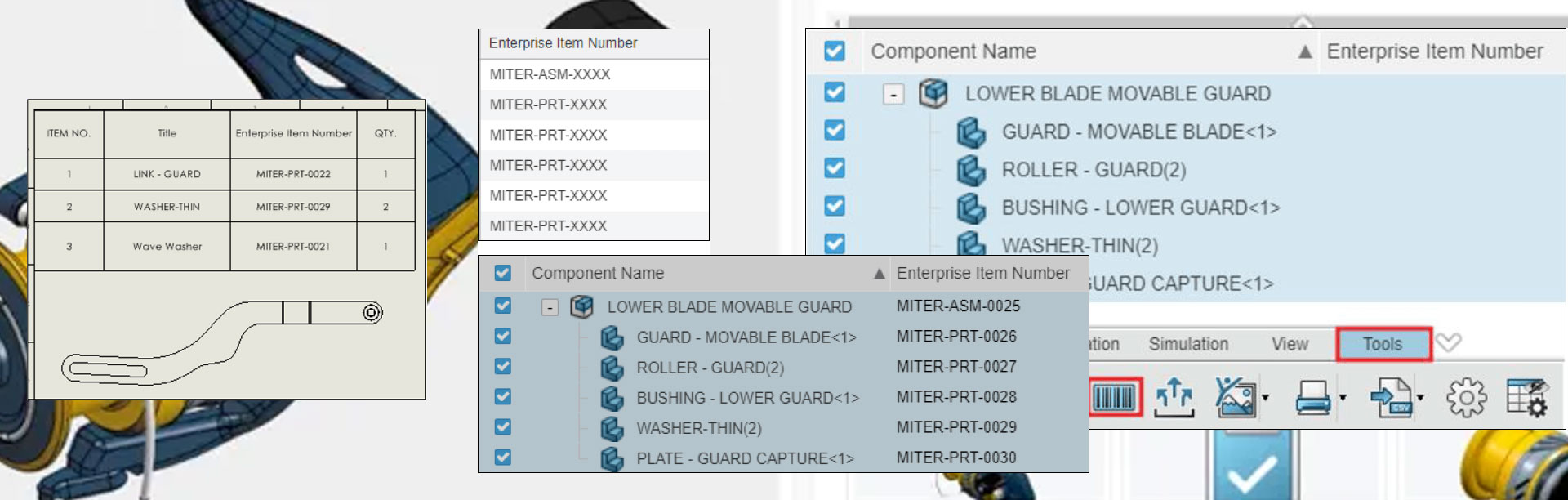

Maximising your DriveWorks Solo free trial
17 February 2025
In today’s fast-paced market, customers demand faster, cheaper, and higher-quality products. To meet these expectations, many businesses are turning to design automation. DriveWorks Solo offers a powerful solution to automate repetitive tasks in SOLIDWORKS. Allowing engineers more time to focus on innovation and efficiency.
Why Choose DriveWorks Solo?
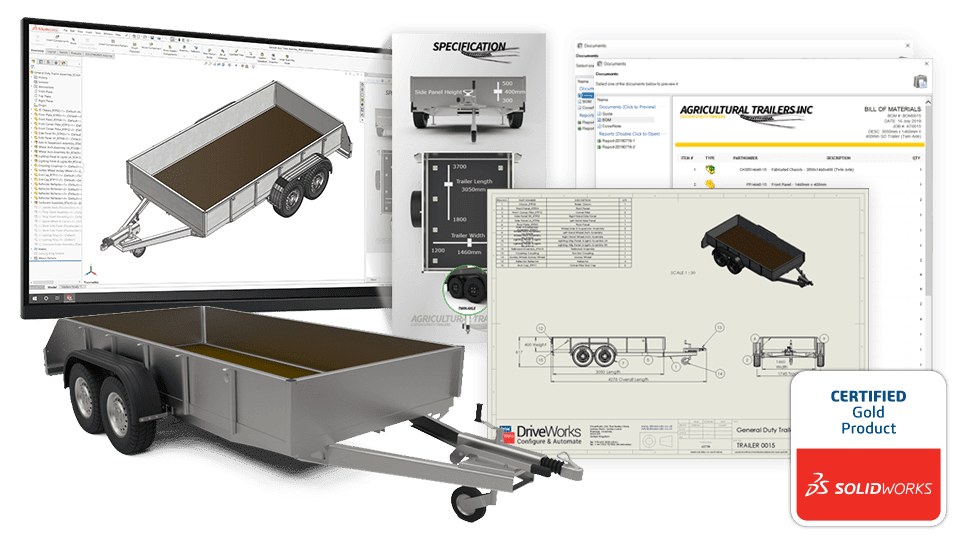
DriveWorks Solo simplifies the creation and configuration of custom products within SOLIDWORKS. By leveraging rules-based design automation, it eliminates errors and reduces the need for costly design changes. This tool is user-friendly, easy to set up, and helps deliver custom products quickly and accurately without complex macros or coding. The application offers excellent scalability. You can upgrade to DriveWorks Professional for more functionality while retaining all your hard work.
Get a 30 day free trial of DriveWorks Solo – no credit card required!
Getting Started with Your Free Trial
To help you make the most of your 30-day free trial, DriveWorks & Visiativ provides a range of resources:
Technical Support:
Visiativ Solutions UK is committed to your success and uptake of DriveWorks. Also, during your trial we will give you all the benefits of a paying customer. You will have access to our acclaimed technical support team.

Training Courses:
Perhaps one of the best ways to get started with DriveWorks is to attend one of the certified DriveWorks solo training courses, run by Visiativ UK. Over the course of 1-2 days, you can learn the full process of capturing data, creating forms, and automating the model dimensions. Also, gain insights into additional areas, such as tables, file replacements, form navigation, and drawings. All with the guidance of an expert trainer. Please contact us for more information and up to date pricing.

Online Training Portal:
Access step-by-step tutorials through the DriveWorks Learning Portal. Learn at your own pace and convenience with access to hours of high-quality material. The learning portal is an excellent way to learn the software. It offers online videos and written guides.
Community Support:
Join the MyDriveWorks Community to connect with other users, resellers, and partners. Explore various learning resources and share experiences. There’s a user forum for DriveWorks Solo. Here, you can ask questions to the DriveWorks user base.
How-To Videos:
DriveWorks offers a variety of introductory How-to videos. Get tips for setting up DriveWorks. This includes CAD automation. Next, explore form design and automating SOLIDWORKS drawings.
Sample Projects:
Download and explore sample projects to get ideas for your own implementations. You can use them as a great resource to see how different functionalities are set up and to understand use cases
Online Help File:
The DriveWorks Help files are an excellent resource, you can access the comprehensive help file available 24/7 to find information, best practices, and solutions to common issues.
Webinars and Events:
Participate in webinars and learning events to deepen your understanding and skills.
Start Your Free Trial Today
Experience the benefits of design automation with DriveWorks Solo. Download your free trial today via the link below, and see how it can transform your design process.
Register for DriveWorks’ Monthly Webinars:
- 2nd Tuesday of the month: Introduction to DriveWorks
- 3rd Tuesday of the month: Using DriveWorks as a 3D Sales Configurator
- 4th Tuesday of the month: Creating a CPQ Solution Using DriveWorks
|
|
About the author: This tutorial was written by Elite SOLIDWORKS Applications Engineer and Training Manager, Adam Rose. Adam has been with the Visiativ Technical Support Team since 2010. |
|||
|
|
View Adam Rose’s LinkedIn Profile here.
|
|||