
How to: Master Large Assemblies in SOLIDWORKS
01 December 2025
When working on complex designs in SOLIDWORKS, you’ve probably hit that frustrating point where your assembly starts to slow down. Load times increase, navigation becomes sluggish, and productivity takes a hit. These performance challenges are common when dealing with large assemblies, but they don’t have to be inevitable.
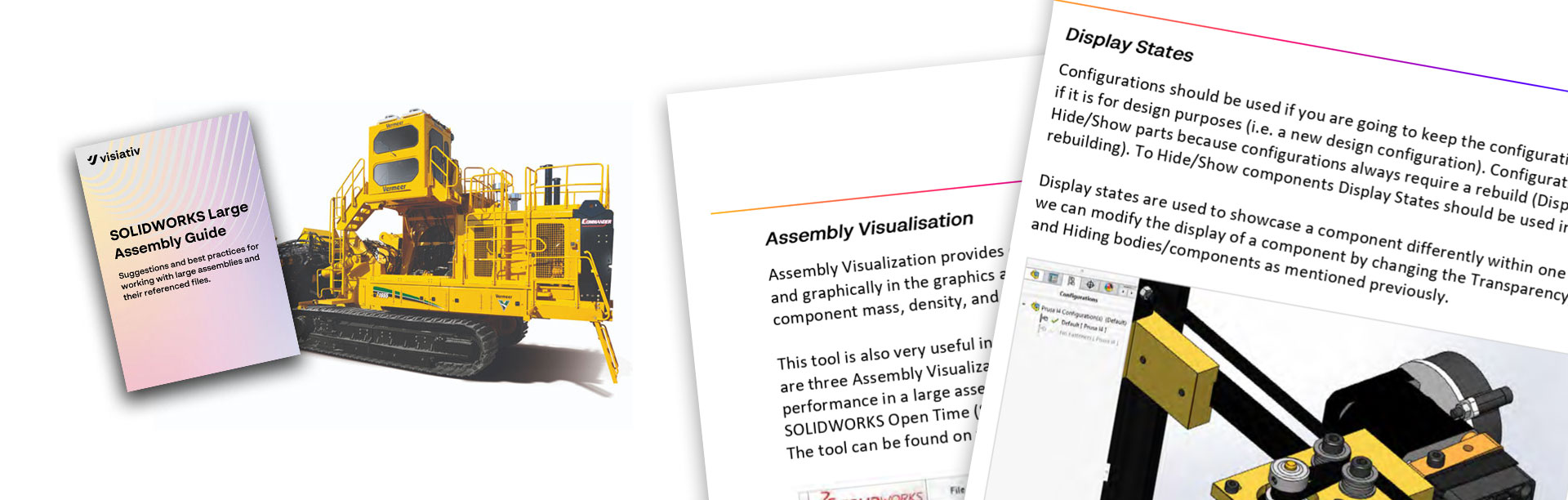
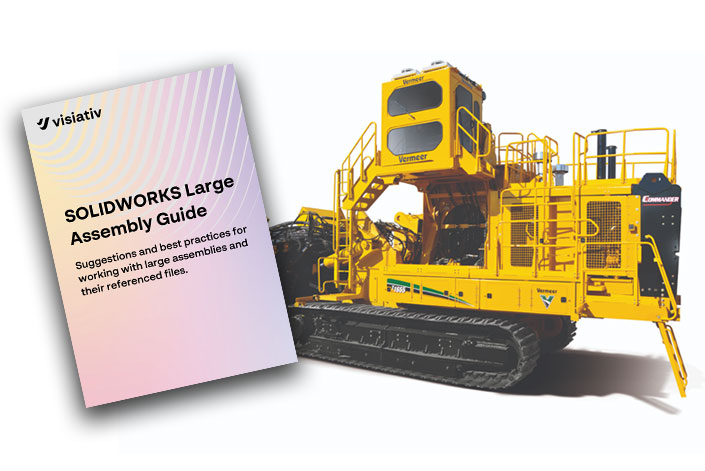
That’s why we’ve created the Visiativ SOLIDWORKS Large Assembly Guide! A comprehensive technical resource designed to help you get the most out of SOLIDWORKS when working with large complex models and detailed drawings.
Why Large Assembly Performance Matters
Large assemblies can put even the most powerful of workstations to the test. Performance can degrade for a variety of reasons, from hardware limitations and data storage practices to how models are structured and referenced. Slow rebuild times, long save durations, and unresponsive drawings can quickly interrupt your workflow.
Our guide, written by our Technical Support Engineers, takes a practical, engineering-focused look at these challenges and outlines proven strategies to overcome them. You’ll learn how to fine-tune your settings, manage referenced files more efficiently, and adopt modelling techniques that significantly improve system performance.
What You’ll Learn
Inside the guide, you’ll find detailed insights on:
-
Optimising SOLIDWORKS system options for large assemblies
-
Improving hardware and network performance for CAD environments
-
Managing referenced files and data effectively (including PDM considerations)
-
Reducing file size and component complexity
-
Choosing the right assembly design methodology (Top-Down vs Bottom-Up)
-
Enhancing drawing performance through configurations and display settings
Each recommendation is based on real-world experience (and customer support calls) and will help engineers and designers who work with large-scale assemblies every day.
Who Should Read This Guide
This guide was written for SOLIDWORKS users, CAD engineers and design teams who regularly work with large or complex assemblies.
Whether you’re designing machinery, products, or industrial systems, you’ll find actionable advice that helps you work faster, smarter, and with fewer performance issues.
Download The Visiativ Guide to Large Assemblies
Learn how small changes in setup, modelling technique, and data management can deliver big gains in speed and stability and keep your large assemblies running smoothly.
Download the Visiativ SOLIDWORKS Large Assembly Guide now!
 |
About the author: This guide was written by 3DEXPERIENCE Product Manager, Lucy Bryan. Lucy is an Elite SOLIDWORKS Applications Engineer and has been with the Visiativ Technical Support Team since 2019. |
|||
|
|
||||